


Dictanote
The note-taking app with built-in voice input allows you to switch between typing and dictation at any time. The official version supports dictation in over fifty languages, comes with voice commands and shortcuts, and also has an extension from the same team for any web-based input method.
Updated: 2026-10-26
What is Dictanote?
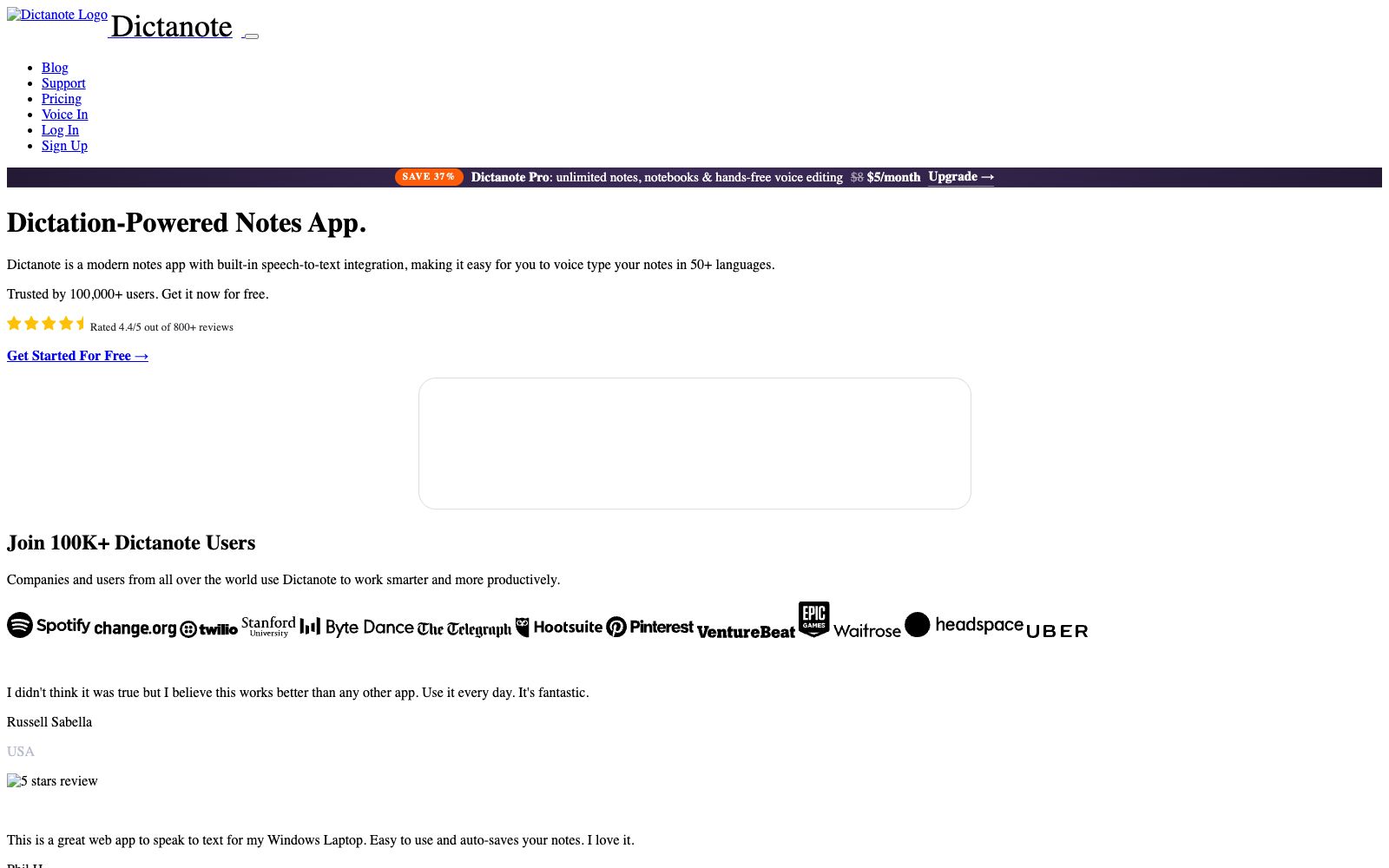
Dictanote is a note-taking application with speech recognition built directly into its editor. Its official website describes it as "a modern notes app with built-in speech-to-text integration," allowing users to switch seamlessly between typing on a keyboard and speaking aloud. The official states that it supports dictation in over 50 languages, with the user base shown on the page exceeding 100,000 and a rating of 4.4 out of 5 (based on more than 800 reviews). The same development team has also created the browser extension called Voice In.
Who is it for?
- Writers and journalists who type slowly or have wrist and elbow discomfort and need to dictate to complete long drafts.
- Professionals who need to transcribe the content of interviews and on-site meetings into text on the spot.
- Users who take notes in a non-native language and wish to reduce the entry barrier with the help of speech recognition.
- People who type across the browser and want voice input for every input box.
Key features
6Voice Typing
Dictate directly into your notes without having to transcribe elsewhere first and then paste back.
Multi-Lingual Support
The official claims support for more than 50 languages; user reviews displayed on the official website include positive feedback on its performance in recognizing accents.
Voice Commands
Use voice commands to handle punctuation and formatting, reducing the time spent on revising the layout later.
Keyboard Shortcuts
Quickly switch between input modes using shortcut keys.
AudioScribe
The official website labels the audio-related feature as "New" and lists "Can audio files be converted to text?" as a frequently asked question. For specific details, please refer to the website's Q&A section.
Pricing Tiers
The official website shows that Dictanote Pro is priced at $5 per month after discount (original price $8), including unlimited notes, unlimited notebooks, and manual-free speech editing.
How to use Dictanote
- 1First dictate a short passage in a quiet environment to test the recognition accuracy of the target language and your accent, then decide whether to pay for the subscription.
- 2Recognition of proper nouns and personal names is usually weak; you can read through the glossary at the beginning first or replace them uniformly afterward.
- 3The official website provides a dedicated description of system requirements; please confirm your browser model and microphone permission settings before installation.
- 4For sensitive recordings such as medical cases and interviews, confirm the privacy policy and authorization boundaries before uploading.
- 5The price shown on the official website is a promotional price for a limited time only. The renewal amount and terms shall be subject to the checkout page.
Traffic & popularity
Data month Sep 2026
Dictanote receives about 62.5K visits per month and ranks #716,614 worldwide.
Monthly visits
12 monthsTraffic sources
- Direct70.2%
- Referrals15.4%
- Search8.9%
- Social2.7%
- AI assistants1.5%
- Other1.3%
Top countries
- United States37.3%
- India9.6%
- Japan7.6%
- Brazil6.5%
- Bangladesh4.9%
Estimated from third-party traffic data.
Similar tools
 TalknotesTalknotes is an AI voice note-taking app that can convert voice recordings into structured text, generate to-do lists, transcripts, blogs, etc. It supports more than 50 languages and is available on Web, iOS and Android platforms.
 CleftA voice-first note-taking app built exclusively for Apple devices, it performs on-device offline transcription and organizes dictations into summaries, to-do lists and transcripts, and can be sent to Notion, Obsidian, etc., with one click.
 JamieA privacy-first AI meeting recording tool that generates multilingual structured notes, transcripts and to-do lists without the need for meeting bots, complies with GDPR and can sync with Notion and other platforms.
 Willow VoiceWillow is a cross-application AI voice dictation tool. Press the shortcut key and speak, and the formatted text will directly fall into the cursor position. It supports more than 100 languages and offline use. It is suitable for people who write emails, reply to messages and write prompts for AI.
 iFlytek YujiiFlytek Voice Note, produced by iFlytek, is a cloud-based note-taking app that converts speech to text. It supports real-time speech dictation, meeting recording transcription, photo recognition, text and image layout, note text-to-speech, and multi-device synchronization.
 SpeechPulseA local voice input tool based on Whisper enables voice typing in any application. It supports offline recognition and transcription of 99 languages, and can also transcribe audio files and generate subtitles. The official states that data does not leave the local device.