


Capacities
A knowledge management application that organizes notes by objects rather than folders places notes, tasks, calendars, and AI features in the same workspace. The official version states that the free version covers major desktop and mobile platforms.
Updated: 2026-10-26
What is Capacities?
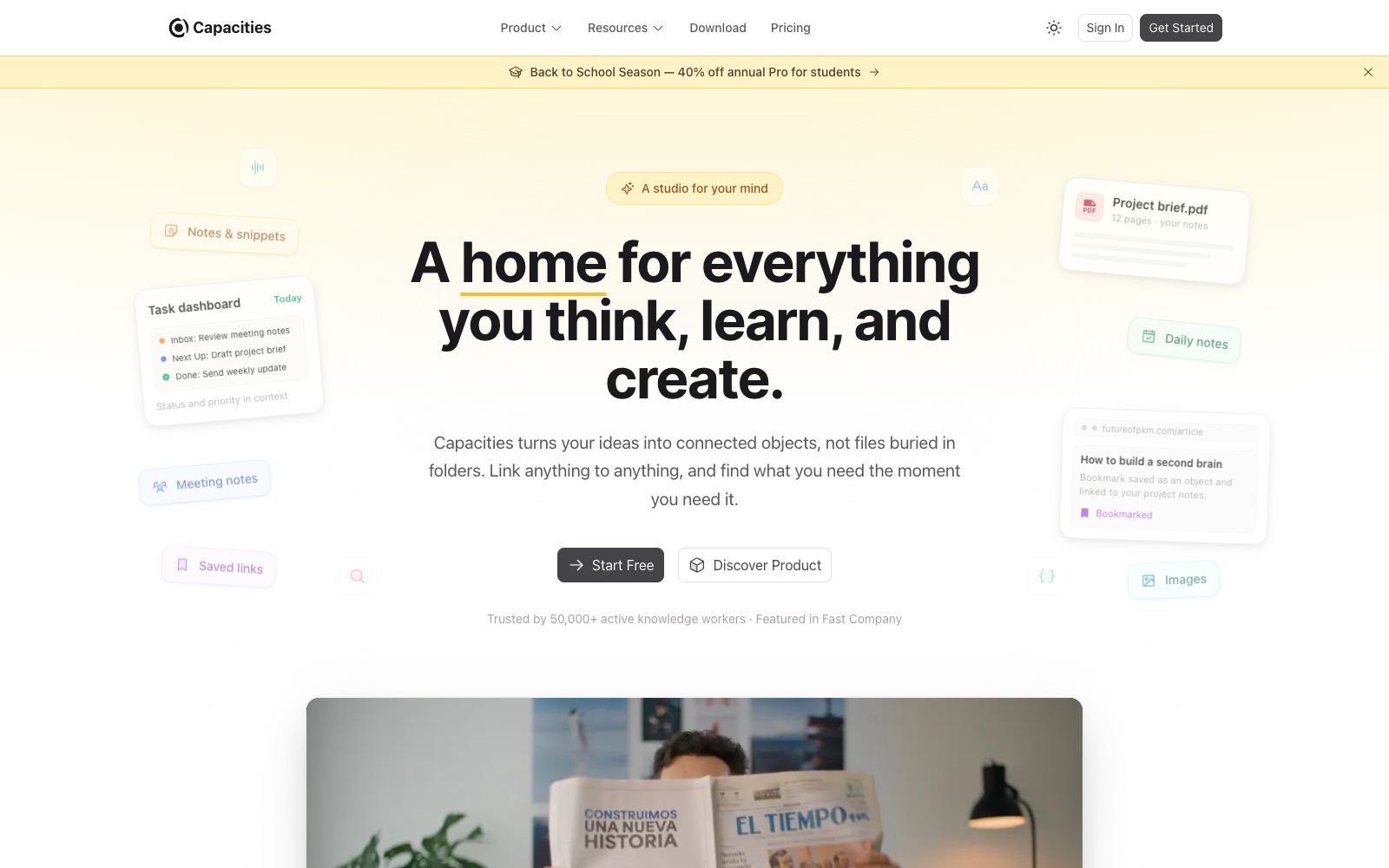
Capacities is a note-taking and knowledge management application offered by capacities.io, which is described on its official website as "A studio for your mind". Instead of organizing content using files and folders, it deliberately treats each piece of content as an "object"—such as a person, a project, a book, or a meeting—and weaves a network through the connections between these objects. The official application scenarios listed for it include task management, AI knowledge bases, research, and writing.
Who is it for?
- Knowledge workers who take tons of notes but can never find them and are fed up with organizing content via folders.
- Independent developers and consultants who need to connect tasks, notes, and project materials.
- Students and researchers engaged in long-term research and thesis writing who need to manage a large volume of literature.
- Writers who want to provide personal corpus for AI conversations.
Key features
7Objects & Connections
The official contrasts "files and folders" with "objects and connections," advocating for organization by things rather than by directories.
Docs-style writing
It offers capabilities for daily note-taking, shorthand notes and journaling, and official examples include meeting minutes, daily notes, saved links and images.
Tasks & Calendar
The official states that tasks are kept associated with notes, and it also provides query and calendar capabilities.
AI Knowledge Base
The official describes it as a memory prepared for AI conversations, which provides context for the chats.
Multi-platform
The official states that it is available for free on Mac, Windows, Linux, iOS and Android.
Templates & Gallery
The official website provides ready-made templates and showcases an organizational approach of "treating the entire workspace as a single map".
Research & Writing Scenarios
The official separately lists use cases such as research, writing, and semester notes.
How to use Capacities
- 1First, define the object types before you start. Don't create dozens of types right away; three to five common types are enough to get started.
- 2When migrating old notes, migrate a batch first, confirm that the objects and link relationships are correct, and then perform a full import.
- 3When using the task feature, remember to link tasks to objects; this is also what sets it apart from regular to-do tools.
- 4If you want to provide memory for AI, first clean up the notes you intend to feed to it; the same principle of "garbage in, garbage out" applies.
- 5The official offers promotions and version updates from time to time, and the pricing and Pro benefits are subject to the official pricing page.
- 6For those who rely on bidirectional link databases, it is necessary to regularly organize isolated entries; otherwise, the system will become disorganized over time.
Traffic & popularity
Data month Sep 2026
Capacities receives about 614.7K visits per month and ranks #72,394 worldwide.
Monthly visits
12 monthsTraffic sources
- Direct69.8%
- Search16.9%
- Social5.3%
- Referrals3.5%
- AI assistants2.3%
- Other2.3%
Top countries
- United States26.7%
- United Kingdom9.5%
- Brazil8.0%
- Germany6.0%
- India5.9%
Estimated from third-party traffic data.
Similar tools
 HeptabaseHeptabase is an intelligent visual knowledge base for students, researchers and lifelong learners. It supports whiteboard cards, bidirectional links and PDF annotations, and has launched AI Tutor to provide structured and personalized learning.
 SurfThe AI smart notebook produced by Deta integrates web pages, videos and PDFs into the same stream of thinking. It can automatically generate personal notes and code-free interactive charts. Data is stored locally, and the core code is open source.
 XinzhiA knowledge recording tool focusing on the "digital garden" concept, which the official says helps you connect fragmented knowledge to build a knowledge network. It supports card notes, voice shorthand, multi-level tags and interconnection between notes.
 KeepFlashA tool that stores web pages, PDFs, videos and notes in the same AI knowledge base. Its official website states that it supports keyword and semantic retrieval, automatically generates topic pages, and allows Codex, Claude Code or Cursor to retrieve stored materials through MCP.
 NoteGPTAll-in-one AI workbench that can summarize videos and PDFs, transcribe audio and video and separate speakers, generate documents, slides, spreadsheets and podcasts, and the official claims that the number of registered users exceeds 80 million.
 Lilys AIThe content extraction assistant operated by LilysAI, Inc. is positioned on its official website as an AI-native knowledge organization tool. It can generate summaries and explanations for videos, books, PDFs, articles and audios, and provides the capabilities of collection, subscription, export and sharing.