


Dia
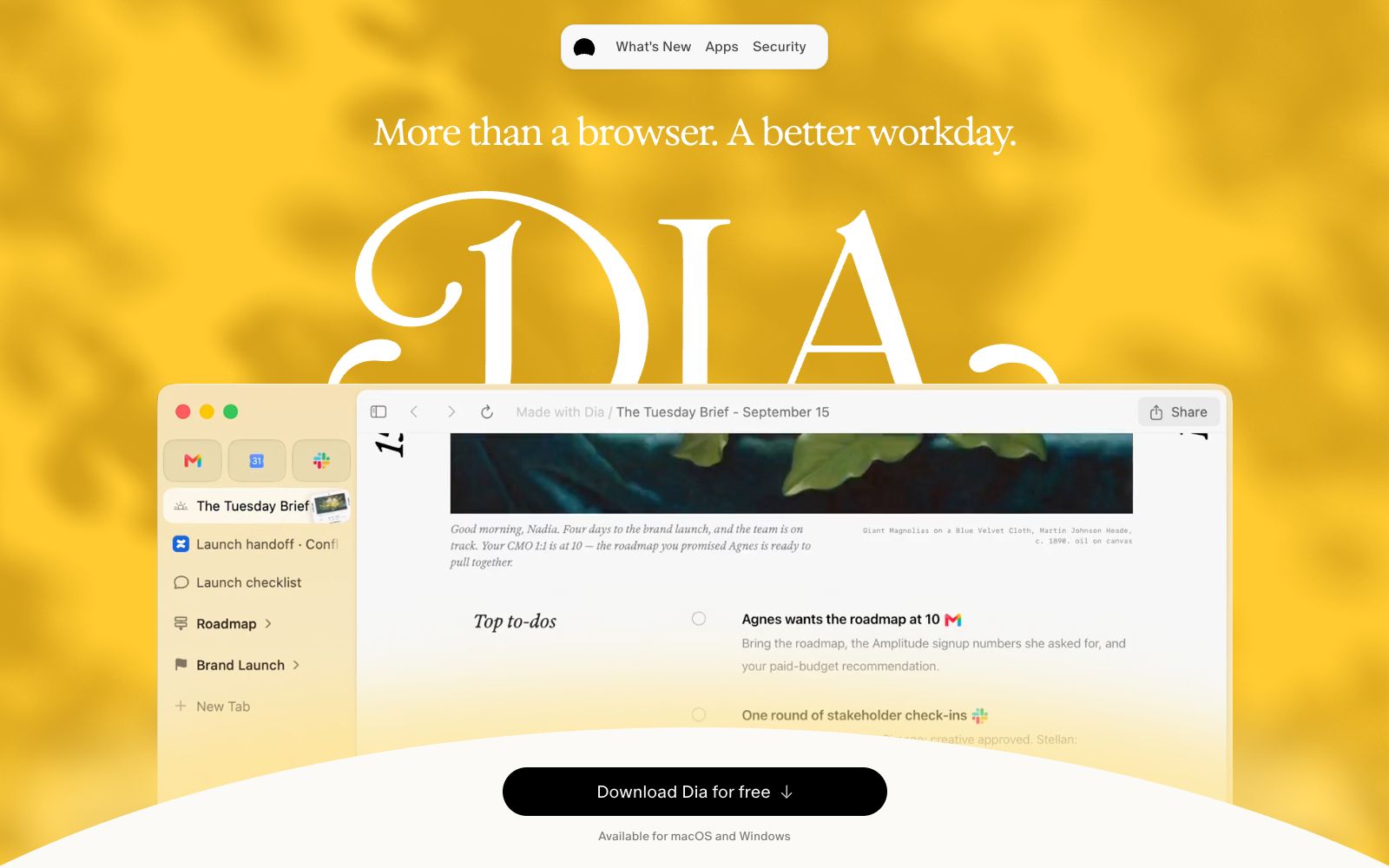
Developed by The Browser Company, Dia is an AI browser that can read the context of calendars, emails, messages and tabs. It can generate morning briefings, cross-tool composite reports and slides, with privacy controls handed over to users.
Updated: 2026-10-30
What is Dia?
Most people spend the first hour of their morning looking for things: checking the calendar to confirm how many meetings they have today, finding the attachment in the email from last night, and digging out the document from twenty tabs. What Dia wants to change is not browsing speed, but the "scattered context" - it organizes browser tabs, sessions and AI into an interconnected whole. The footer of the official website states that it is designed and developed by The Browser Company of New York, the same team that created Arc.
Who is it for?
- People whose work information is scattered across multiple tools and who rely on searches to find records every day
- People who have a main job, a side hustle, and personal accounts and need to separate contexts
- People who attend meetings frequently and want pre-meeting materials to be ready automatically
- Teams that are willing to hand over their workflows to tool integration
Key features
6Understand content across tabs
This is its dividing line from regular browsers. The official website states that Dia reads between the tabs; it can find answers across GSuite, Teams, various tabs and connected tools, rather than just looking at your current page.
Morning Brief
The Morning Brief feature lays out your calendar, inbox, and key links, so you know what you're facing for the day before you head out.
Cross-tool Synthesis
Gathers information scattered across tools like Slack, Notion, and Teams and compiles it directly into a shareable report.
Profiles
Create separate profiles for work, freelancing, and personal life. Tabs, login statuses, and AI are isolated from each other, and you can switch contexts with a swipe.
Split Screen & Pre-Meeting Prep
It automatically opens the corresponding meeting page, agenda, notes and relevant documents for each call, with a lightweight countdown; the split-screen layout is remembered, and your preferred arrangement is restored with one click.
DECKS & Tab Organization
You can directly ask it to generate slides, which will automatically come with titles, layouts and narrative sequences; relevant tabs can also be grouped by naming, so what you see is "Design Review", "Q2 Planning" instead of a long list of unnamed pages.
How to use Dia
- The difference between it and a regular browser lies in the integration of context, not faster rendering.
- If you only use a single tool and have a simple purpose for browsing the internet, the benefits will be negligible.
- only those who rely heavily on Slack, Notion, and GitHub will experience a transformative change.
- Start with one or two tools you actually use every day.
- The official website mentions that workspaces like GitHub and Notion can be organized into tabs, but too many connections will make the responses noisy.
- The privacy switches are quite conservative by default on the page: tracker blocking enabled, ad blocking enabled, sharing content data disabled, personalized new conversations disabled, and memory enabled.
- The official website states that data is not sold and not used for advertising profiling, and Sync is end-to-end encrypted.
- However, you can adjust them yourself.
- it's worth going through each item before connecting to company tools.
- After generating reports and slides, manual verification of facts and figures is still required.
- The AI is responsible for piecing together scattered information, but it does not guarantee the accuracy of every single point.
- Currently, the official website indicates that it supports macOS and Windows and can be downloaded for free.
- If you are used to other systems or rely on the browser plug-in ecosystem, you need to first confirm the scope of migration.
- Dia for Work also provides SSO and employee management tools, which are designed for team scenarios.
- It is advisable to plan together with administrator permissions before connecting.
- Asking a question once to get answers across contexts is the core use case promoted on the official website.
- developing the habit of asking a complete question in one go saves more time than repeatedly asking fragmented questions.
Traffic & popularity
Data month Sep 2026
Dia receives about 156.3K visits per month and ranks #399,081 worldwide.
Monthly visits
12 monthsTraffic sources
- Direct63.5%
- Search23.8%
- Social6.2%
- Referrals3.7%
- Mail1.7%
- Other1.1%
Top countries
- United States27.9%
- India10.7%
- France4.7%
- Brazil4.6%
- Germany4.0%
Estimated from third-party traffic data.
Similar tools
 StrawberryA desktop browser with a built-in AI assistant that can read the web pages and tabs you are logged into and perform operations on your behalf. It is used to automatically generate presentations, meeting minutes, and streamline daily workflows. Currently, the official website marks it as a Beta version.
 360AI BrowserThe AI upgraded version of 360 Security Browser, according to the official website, adds AI Super Search, AI Assistant and AI Word Selection, while retaining Login Manager, Screenshot Text Extraction, PDF Conversion and direct opening of over 20 formats of files, suitable for daily browsing and light office work.
 AsideAn AI browser centered on agents, according to its official website, can complete complex tasks between logged-in websites and accounts, has cross-session memory and agent-oriented password management, and is marked on the official website as supported by Y Combinator.
 Arc MaxArc Max is a built-in AI feature suite for the Arc browser, offering hover previews, direct ChatGPT queries via the command bar, and automatic organization of tab titles and download filenames. The official states that these capabilities can be enabled in seconds.
 QuarkQuark official website, positioned as an "AI flagship application" on the official site, the browser version focuses on system-level AI assistants, reading mode, web page erasure and translation, and also integrates cloud storage, a document scanner, PPT and PDF processing, as well as AI Agent calls.
 TabbitThe AI-native browser launched by Beijing Kuxun Interactive Technology states on its official website that it can one-click reference web pages, screenshots and files as context, the Agent can automatically perform repetitive tasks and intelligently group tabs, and supports switching multiple domestic large models.