


WorkAny
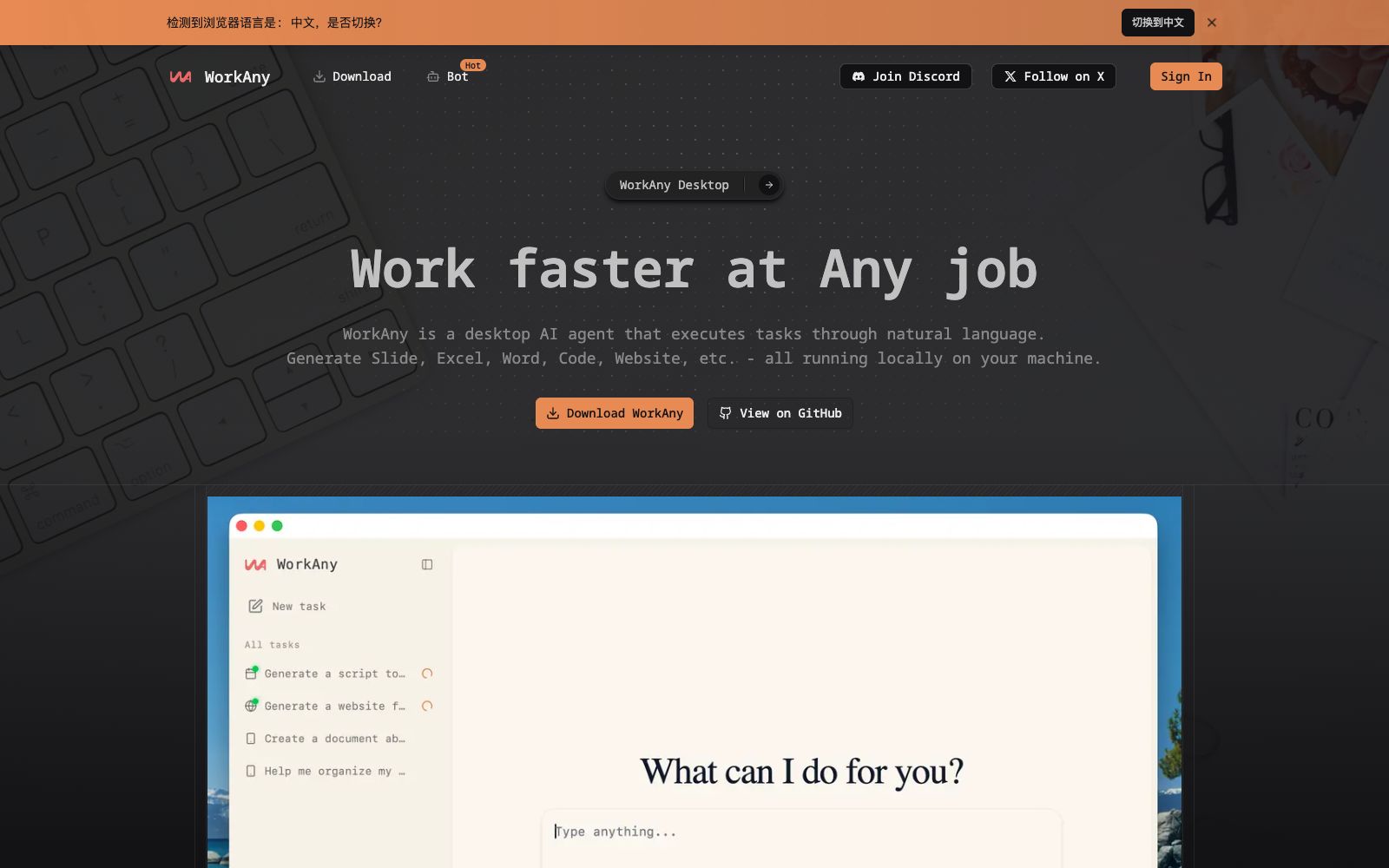
A locally running desktop AI Agent, according to its official website, can organize files, generate websites, documents, spreadsheets and presentations with natural language. It supports real-time preview, sandbox execution and MCP expansion.
Updated: 2026-10-26
What is WorkAny?
WorkAny's official website positions itself as a "Desktop Agent for Any Task": you give instructions in natural language, and it performs tasks on your local machine and produces files. The official website emphasizes "all running locally on your machine" and states that it is powered by Claude Code and the Claude Agent SDK at its core. Unlike assistants that only output text in a chat box, the difference is that its outputs are directly usable—web pages, documents, spreadsheets, and slideshows, with your data remaining on your own computer.
Who is it for?
- Professionals who need to quickly produce presentation materials, financial models, and PPTs
- Independent developers and marketing teams who want to generate landing pages or small React sites with a single sentence
- Operations and administrative professionals who are overwhelmed by piles of files and need to batch organize and archive them by type and content
- Small teams that are sensitive to data being sent externally and want the agent to run only on their own computers
Key features
7Natural Language Tasks
The official description states "Describe what you want in plain English", and it can understand context and execute complex multi-step workflows.
Generate websites
Describe your website idea, and it will generate a complete React application with Tailwind CSS, complete with real-time preview.
Generate Documents and Spreadsheets
Turn your ideas into professional documents and reports and export them in common formats; from data analysis to financial models, generate Excel files with formulas and standardized formatting.
Generate Presentations
The official website states that it takes charge of the structure, content, and visual design to turn your ideas into slides.
File Organization
Understands file types, content and context, and organizes cluttered folders into a clear logical structure.
Real-time Preview & Sandbox Execution
The output is previewed as it is generated, allowing for instant editing and iteration; all code runs in an isolated sandbox powered by Codex CLI.
Expansion Capabilities
Connect external tools and services via MCP, create and share custom agent skills, and support OpenRouter, Anthropic, OpenAI, and custom model providers.
How to use WorkAny
- The onboarding process on the official website is three steps: first configure the model, then connect channels, and finally deploy.
- the official website also mentions that it has a built-in AI model that will automatically match the most suitable one for the task.
- When using your own API keys, the official service supports OpenRouter, Anthropic, OpenAI, and custom providers.
- please note that billing will be directly charged to the corresponding accounts.
- Code generation is sandbox-protected, but "file organization" will make real changes to the files on your disk.
- Run it for the first time in a test directory to verify the logic.
- The official website offers downloads for macOS and Windows, and you can also get the source code from GitHub.
- the source code method has a higher entry barrier, so non-developers are preferred to use the installation package.
- The copyright and availability scope of the generated content shall be subject to the official licenses and terms.
- verify this before commercial release.
- The official website rules may be adjusted, so reconfirm before long-term use.
Traffic & popularity
Data month Sep 2026
WorkAny receives about 1.3K visits per month and ranks #11,927,457 worldwide.
Monthly visits
12 monthsTraffic sources
- Direct39.2%
- Search32.0%
- Referrals10.4%
- Social6.2%
- Display ads3.9%
- Other8.3%
Top countries
- United States100.0%
Estimated from third-party traffic data.
Similar tools
 DuMateThe AI assistant launched by Baidu Intelligent Cloud has the slogan "Get real work done with your AI sidekick". It can perform complex tasks across applications and files. The official categorizes its scenarios into three types: organizing folders into knowledge bases, automatically analyzing and visualizing data, and automating repetitive workflows. It also supports local operation.
 OpenClawOpen-source AI assistant, which according to its official website runs on your own machine, can be invoked on channels such as WhatsApp, Telegram, Slack, and iMessage. It helps you organize your inbox, send emails, and manage your schedule, and is licensed under MIT.
 HappycapyHappycapy is an Agent-native computer. The official states that it integrates multiple cutting-edge models, skill libraries, emails and automation into the same secure sandbox. With one subscription, you can build websites, conduct research, and generate images and videos.
 LobsterAILobsterAI (Youdao Lobster) is a desktop open-source AI Agent developed by NetEase Youdao. It supports file organization, data analysis, application development, scheduled tasks and mobile remote collaboration, with local data retention and auditable operations.
 EasyClawA zero-configuration desktop AI agent based on OpenClaw, supporting Mac and Windows, integrating mainstream large models, capable of driving local file and browser operations in WeChat and Feishu.
 MuleRunA permanently online AI Agent platform, the official said that the Agent runs on a dedicated computer that is on 24 hours a day without shutdown. It can deliver PPTs, research reports, videos and Word documents end-to-end, and send them overnight to get results the next morning.