

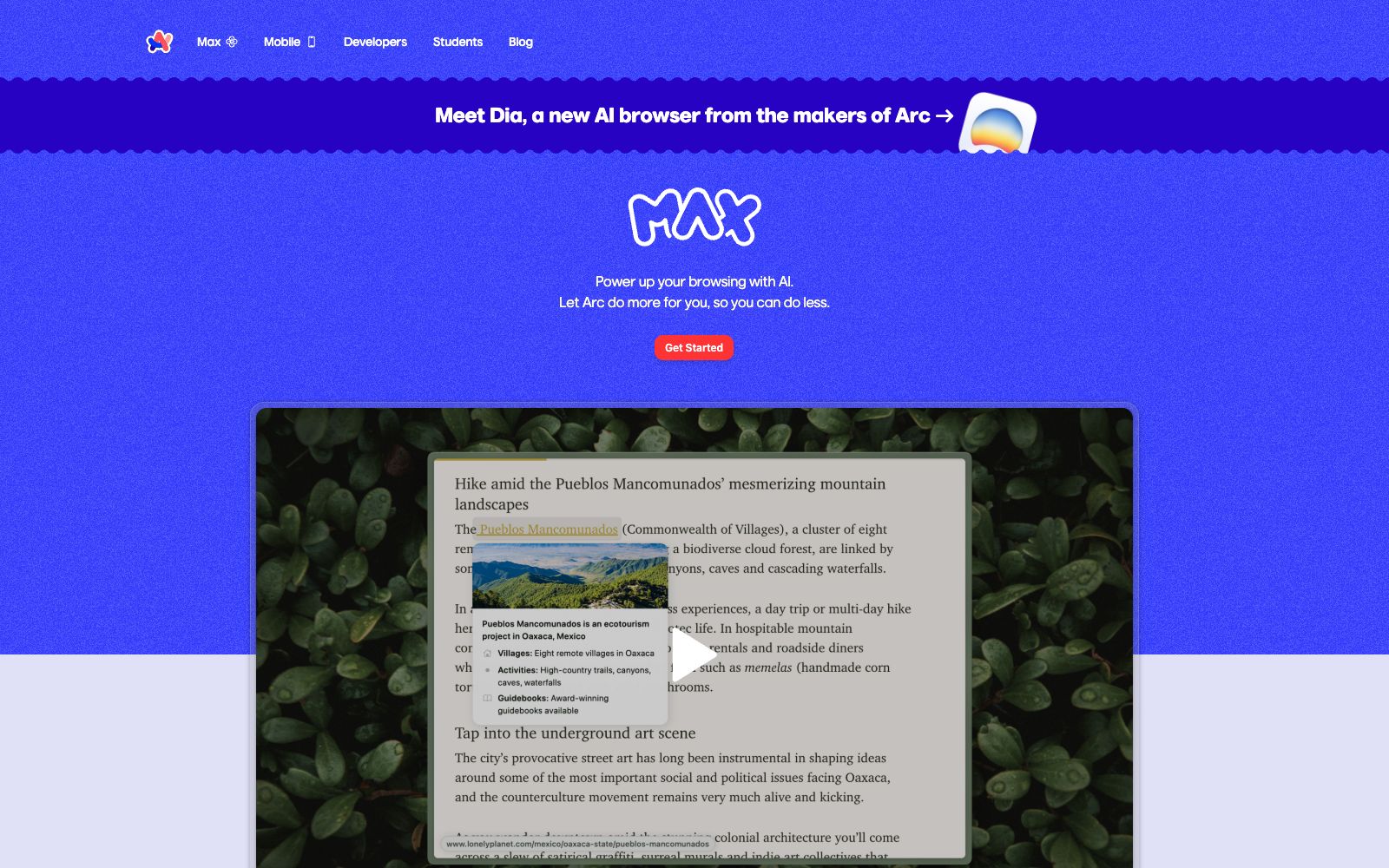

Arc Max
Arc Max is a built-in AI feature suite for the Arc browser, offering hover previews, direct ChatGPT queries via the command bar, and automatic organization of tab titles and download filenames. The official states that these capabilities can be enabled in seconds.
Updated: 2026-10-30
What is Arc Max?
Arc Max is a set of AI-enhanced features built into the Arc browser, officially positioned as "browsing the web with AI and letting Arc do more for you while you do less." It bundles multiple AI capabilities into the browser, which users can call up via the command bar. Its main focus is saving time on browsing and organizing, rather than being a standalone chatbot. The official website also guides users to learn about its next-generation AI browser Dia, reflecting Arc's continued direction in browser intelligence.
Who is it for?
- Heavy multi-tab users who are already using the Arc Browser and want to further improve their browsing efficiency.
- Researchers and readers who often need to quickly preview links without interrupting the context of the current page.
- Regular users who have a messy collection of downloaded files and want to automatically organize and rename them for easy retrieval.
- People who have subscribed to or logged into ChatGPT and want to integrate Q&A directly into their browsing workflow.
- Power users who prefer command bar-driven workflows and keyboard-centric operations.
Key features
65-Second Preview
Hover over any link while holding the Shift key to generate a web preview without clicking to open it.
Ask ChatGPT in Command Bar
Type "ChatGPT" in the command bar and switch to it, get answers with fewer clicks, and you need to be logged in to your ChatGPT account.
Organize Tab Titles
Automatically renames pinned tabs to shorter, more concise titles and cleans up the sidebar.
Organize Downloaded Files
Intelligently renames multiple downloaded files for easy retrieval later.
One-click activation
The official version states that you can enter Arc Max in the command bar to select and enable the desired functions, with completion within a few seconds.
Selectable individually
Each feature has an independent switch, allowing users to enable only the preview feature or only the tab organization feature.
How to use Arc Max
- For first-time use, enter Arc Max in the command bar and enable each feature one by one.
- Experience the preview and tab organization first before deciding whether to enable them long-term.
- To use the ChatGPT feature, you need to be logged into your ChatGPT account in the current Arc configuration.
- otherwise, no answers will be returned.
- Arc Max is tightly integrated with the Arc browser and cannot be used with other browsers.
- evaluate this before switching.
- The official feature set and availability may be adjusted with version updates.
- verify the currently supported capabilities before formal reliance.
- Previews and organization will change the display of tabs and file names.
- confirm consistent naming conventions in team shared environments.
- When you first start using it, it is recommended to go through your core workflow with the free credits first.
- Once you confirm that the output quality meets your expectations, you can then evaluate whether it is worth upgrading to a paid plan.
Traffic & popularity
Data month Sep 2026
Arc Max receives about 1.6M visits per month and ranks #34,558 worldwide.
Monthly visits
12 monthsTraffic sources
- Search47.3%
- Direct36.3%
- Social6.1%
- Referrals5.7%
- Mail3.1%
- Other1.4%
Top countries
- United States30.1%
- United Kingdom4.9%
- India4.8%
- France4.6%
- China3.8%
Estimated from third-party traffic data.
Similar tools
 Opera NeonOpera Neon is an intelligent agent browser launched by Opera. It can understand intentions, assist and handle tasks. It completes work such as research and document generation through different Agents, with an official subscription price of 19.90 US dollars per month.
 PolarPolar is an AI browser that can automate short-term to several-hour tasks such as research, recruitment, sales, and operations using natural language. It supports scheduled workflows and handoffs across any tabs, and the official claims it can run autonomously for long periods of time.
 BrowserOSBrowserOS neo is an open-source local browser for AI Agents. Agents can drive web tasks with your login status, support parallel operation and session replay, and the official states that it is free and data does not leave the local machine.
 SigmaA privacy-focused AI browser, its official website states that it has built-in offline models running locally, keeping sensitive data on the device, and also offers capabilities such as web chat, in-depth research, image generation, and built-in ad blocking.
 DiaDeveloped by The Browser Company, Dia is an AI browser that can read the context of calendars, emails, messages and tabs. It can generate morning briefings, cross-tool composite reports and slides, with privacy controls handed over to users.
 StrawberryA desktop browser with a built-in AI assistant that can read the web pages and tabs you are logged into and perform operations on your behalf. It is used to automatically generate presentations, meeting minutes, and streamline daily workflows. Currently, the official website marks it as a Beta version.