


Xianyi
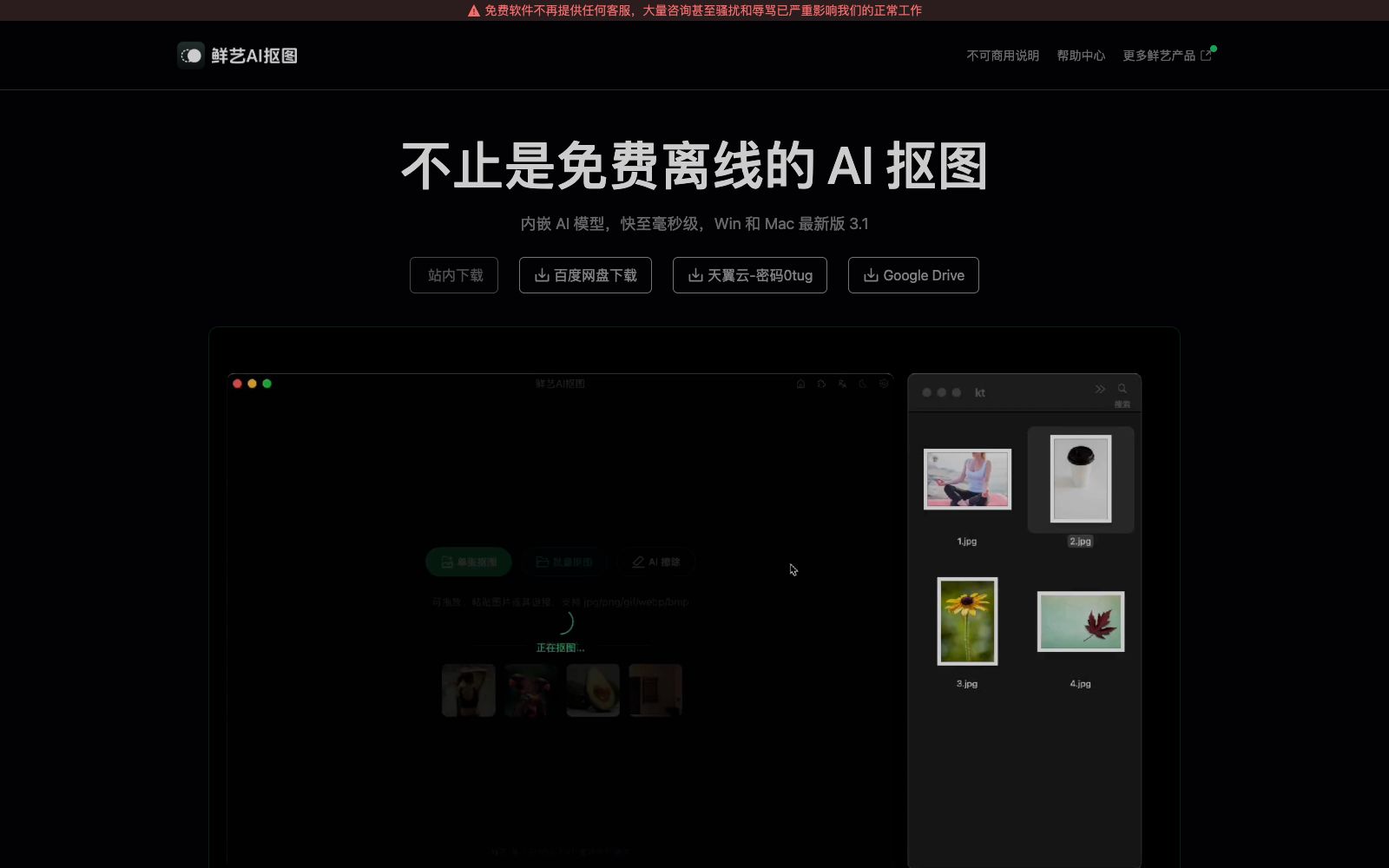
Xianyi AI Background Remover is a free offline desktop AI background removal tool. It runs locally based on the RMBG-1.4 model, supports batch background removal, multiple import methods, automatic cropping, copying and secondary editing, and can be used without logging in or connecting to the internet.
Updated: 2026-10-26
What is Xianyi?
Xianyi AI Image Cutout is a desktop AI image cutout tool produced by Lanzhou New District Xianyi Network Technology Co., Ltd., which focuses on being free of charge and offline. Developed with Tauri 2 and RMBG-1.4 model, it is provided for free. The built-in AI model runs locally, with processing speed up to millisecond level. Users can use it without logging in or being connected to the Internet, and the entire image processing is completed locally. It is suitable for scenarios with requirements for privacy and stability, and also avoids the uncertainty brought by the constant changes of cloud services.
Who is it for?
- E-commerce merchants and designers: Professionals who need to process a large number of product images, perform batch background removal, and quickly obtain transparent material files.
- Privacy-focused users: Individuals and teams who want images to stay on their local devices and complete background removal without an internet connection.
- Efficiency-focused workers: People who are used to keyboard shortcuts, automatic copying and one-click startup via file associations, and pursue a ultra-fast workflow.
- Developers and integrators: Can call through Scheme, HTTP, and WebSocket to embed matting into their own toolchains.
- Plug-in ecosystem users: Use the plug-in to one-click remove the background in design tools such as Figma, JsDesign, MasterGo, Pixso, XD, and Sketch.
Key features
5Local Model Operation
Embedded with the RMBG-1.4 AI model, it runs completely locally without relying on the cloud. The only network request is used solely for detecting new versions.
Multiple import methods
Supports selecting images, dragging images in, pasting images, pasting image links, and directly dragging images from web pages.
Batch Background Removing
Select a folder for batch processing, and even a large number of images can be completed at once, making it suitable for e-commerce and material organization.
Auto cropping and copying
The cutout result automatically crops excess transparent pixels and copies to the clipboard, both of which can be disabled in settings.
Secondary Editing and Export
The result supports erasure and background color modification. You can generate .psd files and call Photoshop for editing. It also supports millisecond-level AI erasure and template reuse.
How to use Xianyi
- 1Prioritize local installation: Download the latest version 3.1 for Windows and Mac from the official website or cloud drive, and familiarize yourself with various import options for the first use.
- 2Use batch processing and auto-copy: After selecting a folder for batch processing, the results are automatically sent to the clipboard, and pasting directly into design software is more efficient.
- 3Make good use of file associations and Scheme: Right-click in File Explorer to open images with Xianyi, or use the xyaikt link to pass parameters and automatically start background removal.
- 4Integrate with design software: Enable automatic generation of .psd files and launch Photoshop, or install plugins such as Figma and MasterGo to perform one-click background removal within the design environment.
- 5Note: Not for commercial use: The software is provided for free but is explicitly not for commercial use. Before using it on a team scale, confirm the boundaries of the authorization.
Traffic & popularity
Data month Sep 2026
Xianyi receives about 4.1K visits per month.
Monthly visits
12 monthsTraffic sources
- Direct45.1%
- Search30.7%
- Referrals13.5%
- Social4.5%
- Display ads1.6%
- Other4.5%
Top countries
- China100.0%
Estimated from third-party traffic data.
Similar tools
 Cutout.proAI image editing and video generation platform, providing background removal, portrait matting, object removal, image quality enhancement, colorization and image-to-video, aggregating models such as Nano Banana Pro and Seedream, and offering independent APIs.
 Kou Kou TuKoukou Tu is a toolset focused on permanently free online AI background removal. It is claimed by its official to support batch background removal, handle complex backgrounds and delicate hair strands. It also provides other tools such as pattern extraction, white background images, batch SKU processing, watermark removal, trace-free text modification, image vectorization and infringement detection.
 Erase.bgErase.bg is an online background removal tool under Pixelbin. The official claims that it can remove the backgrounds of people, animals and objects in a few seconds and output high-definition transparent images. It supports pictures and videos, and also provides batch processing and API solutions.
 OpenClawOpen-source AI assistant, which according to its official website runs on your own machine, can be invoked on channels such as WhatsApp, Telegram, Slack, and iMessage. It helps you organize your inbox, send emails, and manage your schedule, and is licensed under MIT.
 WisFileAn AI file renaming and organizing tool that runs completely locally. It automatically renames files by extracting titles, authors, and years from their content, and sorts them into folders by theme. The official states that it is free and does not upload any data.
 StartAIAn AI image processing plug-in based on Photoshop, integrating AI capabilities such as background removal, retouching, text-to-image generation and model outfit changing. It is embedded in the designers' workflow and meets the needs of e-commerce and batch image generation.