


Clipdrop
AI image editing toolset, which can complete background removal, object removal, image enlargement, image expansion, background replacement and text erasure in seconds. It supports size adaptation for various platforms and provides an API for developers to quickly integrate into products.
Updated: 2026-10-26
What is Clipdrop?
Clipdrop's official slogan is "Create stunning visuals in seconds". It packages common image editing capabilities into a set of ready-to-use tools: background removal, scene cleaning, upscaling, image expansion, background replacement, text erasure, etc., all achievable without professional photo editing software. The official also provides an API that allows developers to integrate image AI capabilities into their products within minutes, catering to both personal use and commercial integration, making it an AI image product with a dual form of "toolset + developer platform". All tools are designed around "speed", with routine editing of a single image almost instantaneous, making it ideal for fast-paced content creation.
Who is it for?
- E-commerce and new media operations teams that create product images and process materials and need to quickly adapt image sizes across different platforms, as well as developers who want to integrate AI image capabilities into their products, can all find handy features from this. For teams that need to unify the specifications of materials from different platforms, universal size adjustment and image expansion can save a lot of typesetting time.
Key features
8Remove background
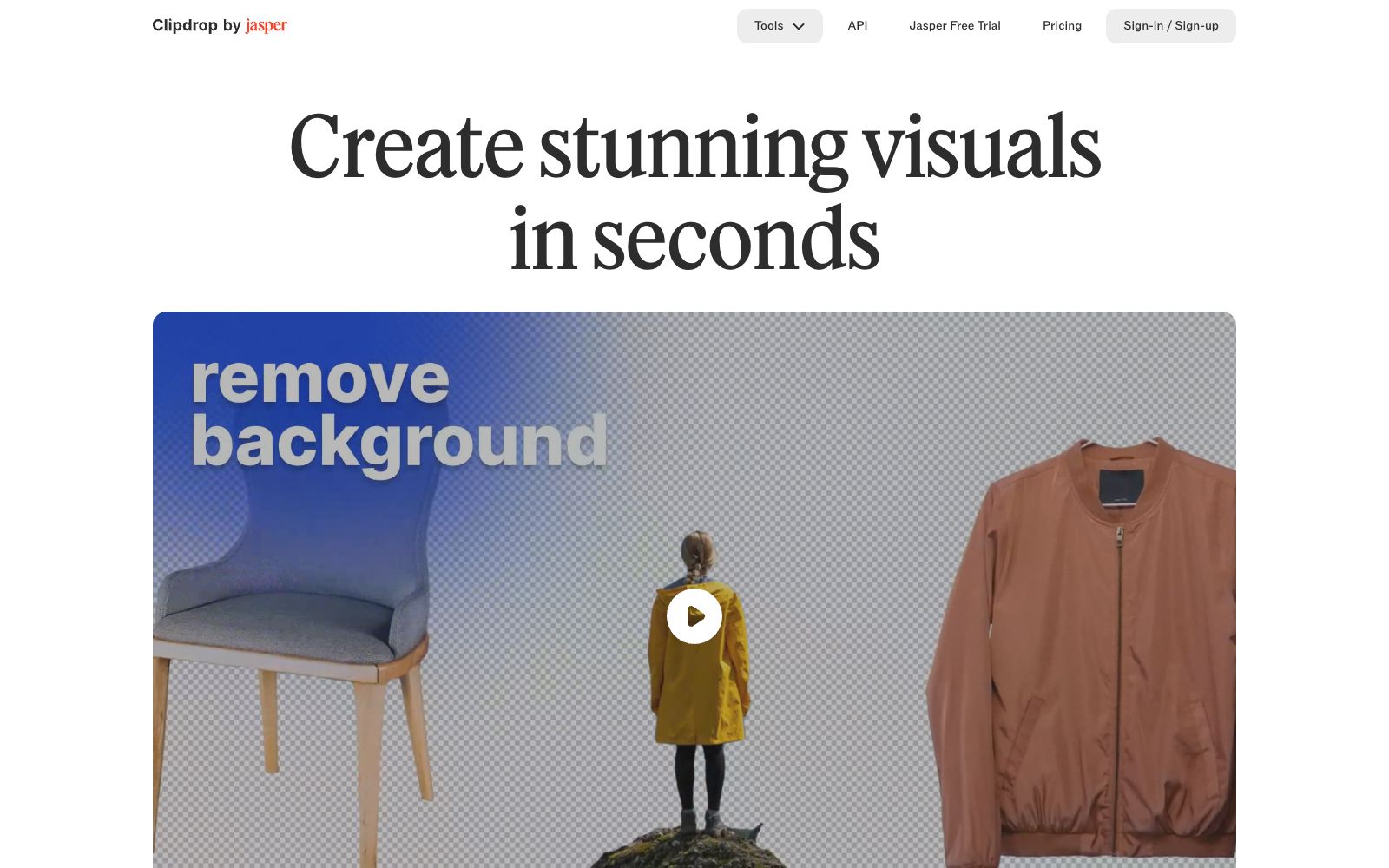
Precisely extract the main subject from an image, which the official describes as having "unbelievably high precision". It is a high-frequency feature for e-commerce and material processing, suitable for quickly creating base images for product photos and portrait photos.
Cleanup
Automatically remove objects, people, text and blemishes from the image, quickly clean up clutter in the frame, eliminate the need for manual touch-up, and is ideal for getting rid of passers-by or debris in photos.
Image Upscaler
Upscales low-resolution images while removing noise and restoring details, suitable for restoring old photos and improving the quality of materials.
Uncrop
Expand photos to any aspect ratio to meet the composition requirements of different publishing channels, and freely convert between landscape and portrait orientations.
Replace background
Generate a new background using AI to achieve the effect of "placing the subject in any scene", which the official calls "Teleport anything, anywhere".
Universal Resizer
One-click adjust image sizes to fit all social media platforms, suitable for content teams distributing content across multiple platforms.
Text to Image
Generate high-definition realistic images from text input to supplement creative materials, which can be used in conjunction with editing tools. The official states that it is related to the Stable Diffusion ecosystem.
Developer API
Package the above image capabilities into APIs for quick integration into your own products and workflows. The official claims that "integration can be completed within minutes".
How to use Clipdrop
- For daily material processing, combining the three steps of "matting + cleaning + enlarging" can basically cover 80% of the needs.
- Integrate APIs for batch tasks and set up a task queue.
- For generation functions, first test the effects on a small batch before deciding whether to put them into official materials.
- When distributing across multiple platforms, prioritize using universal size adjustments to generate images in batches, which can save a lot of time on manual adaptation.
- When processing portrait photos, note that the generation results may alter facial details, so it is recommended to manually check important portraits.
Things to know
Traffic & popularity
Data month Sep 2026
Clipdrop receives about 149.5K visits per month and ranks #318,293 worldwide.
Monthly visits
12 monthsTraffic sources
- Direct47.9%
- Search37.2%
- Social5.9%
- Referrals3.7%
- AI assistants3.7%
- Other1.6%
Top countries
- India9.8%
- United States9.7%
- Japan5.7%
- Spain5.5%
- Mexico4.4%
Estimated from third-party traffic data.
Similar tools
 Cutout.proAI image editing and video generation platform, providing background removal, portrait matting, object removal, image quality enhancement, colorization and image-to-video, aggregating models such as Nano Banana Pro and Seedream, and offering independent APIs.
 Baidu Intelligent Cloud Image RecognitionBaidu Intelligent Cloud's image recognition API service supports recognition of 100,000 types of objects and scenarios, and offers specialized capabilities such as animal, plant, flower, dish, Logo, and vehicle damage assessment.
 PixelcutAn online AI visual tool for creators, brands and merchants, with 70 million users according to its official website. It offers background removal for images and videos, up to 16x magnification, image expansion, generative retouching and shadows, and supports batch editing, consistency of brand materials and API.
 BgSubA domestic online AI matting and background replacement tool, the official claims that images are not uploaded and processing is completed locally. It supports background removal, background replacement, AI color adjustment, free adjustment and artistic filters.
 Kou Kou TuKoukou Tu is a toolset focused on permanently free online AI background removal. It is claimed by its official to support batch background removal, handle complex backgrounds and delicate hair strands. It also provides other tools such as pattern extraction, white background images, batch SKU processing, watermark removal, trace-free text modification, image vectorization and infringement detection.
 GeoSpyAn image geolocation platform for law enforcement agencies and enterprises that can infer the shooting location solely from the picture pixels without relying on photo metadata. The official claims its accuracy can reach the meter level, and it has now been upgraded to Raven.