


Hama
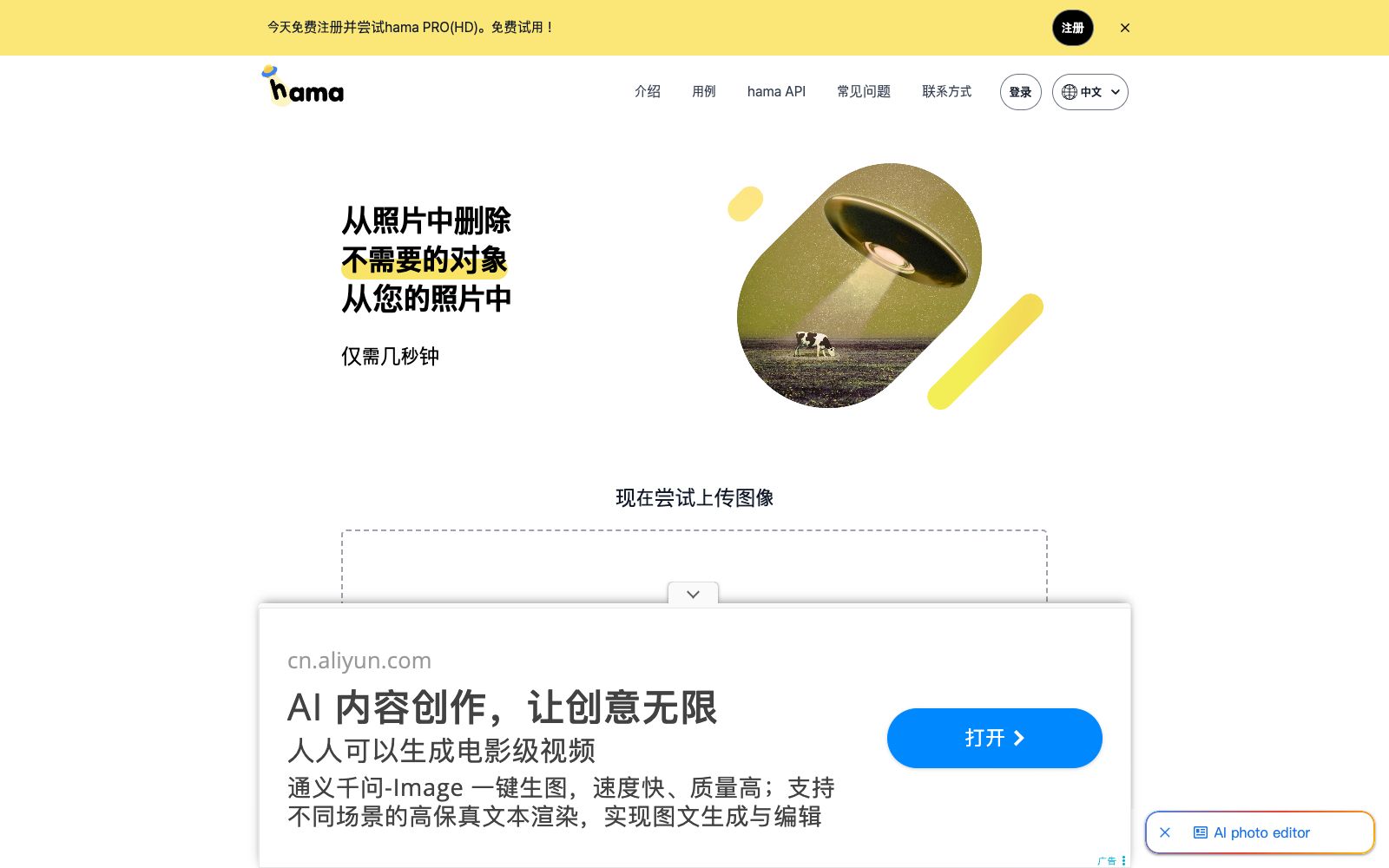
Hama is an AI image eraser. Just brush over the areas you want to remove, and it will free of charge get rid of people, objects, text, logos and watermarks from photos in seconds. It offers the Hama PRO HD version and an API, suitable for e-commerce and photo retouching.
Updated: 2026-10-26
What is Hama?
Hama is an AI-powered web-based image eraser. According to its official website, you only need to use a brush to paint the area you want to delete and click to erase, and it can free remove unwanted people, objects, text, etc., from photos in about 5 seconds. Different from full-featured image editing software, it only focuses on the action of "erasing" with extremely simple operations. It also offers a PRO HD version and an API accessible to developers.
Who is it for?
- E-commerce sellers: Remove background clutter, blemishes and redundant text from product images.
- Users who create posters and do design: Remove logos, watermarks and passersby from materials.
- Developers who need to integrate erasure capabilities into their own systems can use the Hama API.
- Regular users who want to quickly remove passersby and clutter from selfies.
- Asset library managers who need to batch clean watermarked assets.
Key features
6AI Object Erasure
Use the brush to paint an area to remove people, objects, text, logos, and watermarks.
Free and Fast Processing
The official website states that basic erasure can be completed for free in about 5 seconds.
Hama PRO (HD)
Offers a high-definition version, and the official website guides users to register for a trial.
Hama API
Developers can send the original image and mask image, and the API will return the final result.
Multi-scenario Use Cases
The official website lists photo apps, templates, business, e-commerce, website builders, maps, media, etc.
Repeat Erasure Optimization
The official website suggests repeating the erasure for better results, and applying an extra pass to hard-to-process areas.
How to use Hama
- 1Try basic erasure for free first: Use the free version for small images and simple clutter; opt for the PRO HD version for large, complex images.
- 2Erase repeatedly for cleaner results: The official website suggests repeating the erasure to achieve a better effect, and applying an extra pass to hard-to-process areas.
- 3For API integration, refer to the documentation: Developers need to prepare two images, the original and the mask, before making the API call.
- 4Commercial Use Authorization Note: Verify official terms and conditions before using others' materials and trademarks, as the rules may be subject to change.
- 5When processing product images, preserve the edge precision of the main subject and zoom in to check for afterimages after erasure.
- 6For batch watermark removal, the API can be used, but it is necessary to first confirm the call frequency and commercial authorization.
- 7When erasing a large-area background, you can apply the brush in sections multiple times, which results in a cleaner and more controllable outcome than erasing the entire area in one go.
- 8It is recommended to keep a backup of the original image after processing for comparison and secondary adjustments.
- 9After removing watermarks from e-commerce main images, check if there are any residual marks on the edges; if necessary, overlay the background and redraw.
- 10If unnatural textures appear on the image after erasure, you can use small brush strokes to apply light touches multiple times to reduce the traces of one-time processing.
Traffic & popularity
Data month Sep 2026
Hama receives about 24.4K visits per month and ranks #1,325,824 worldwide.
Monthly visits
12 monthsTraffic sources
- Direct59.2%
- Search27.7%
- Referrals8.3%
- Social2.9%
- AI assistants1.8%
Top countries
- Russia12.8%
- United States9.8%
- South Korea8.3%
- India6.4%
- Brazil5.0%
Estimated from third-party traffic data.
Similar tools
 QuququA domestic online AI watermark removal tool. The official site claims one-click smearing can batch remove text, logo and redundant-object watermarks from images, and also supports automatic matting and blurry photo enhancement.
 jpgRMjpgRM is an online AI Magic Eraser. Use the brush to circle out passersby, clutter or unwanted backgrounds, and let AI restore surrounding details and reconstruct the image. It is suitable for cleaning product images, removing distractions from travel photos, and quick touch-ups on mobile devices.
 DeWatermarkDeWatermark is developed by XTeam, a Singapore-based team. It uses image inpainting and GAN technology to remove watermarks, logos, text and timestamps from images. It offers a variety of automatic models and manual brushes, and also has access to video and PDF functions.
 GStory AIA one-stop material tool station for short video creators, focusing on text-to-image and image-to-video generation. It also includes processing tools such as video translation, automatic subtitle generation, background removal, watermark removal, and quality enhancement. The official website states that it is free and unlimited.
 Photiu.aiPhotiu.ai is an online image processing tool website. Its official description is that it can one-click remove photo backgrounds, enhance image quality, and erase unwanted objects. It supports up to 4K output and batch uploads, and also includes generation and enhancement tools.
 PicTech AIPicTech AI Miaoyan Xiaozhi is an image processing tool for cross-border sellers, offering image translation, background removal, intelligent erasure and batch processing. According to its official website, it is created by the former technical teams of Baidu and NetEase and equipped with a self-developed visual engine.