


ClariLayer
A context memory layer for AI development tools, according to the official website, can store key decisions from past conversations as reusable memories, carry them across sessions such as Cursor, Codex, Claude Code, and also support viewing, modifying or forgetting a specific memory by scope.
Updated: 2026-10-27
What is ClariLayer?
ClariLayer's official website positions itself as "Memory for Your AI Work", addressing the problem of context loss when AI sessions are disconnected: In the same project, the technical roadmap, product decisions, or implementation agreements made in the previous conversation often have to be re-explained when the next session starts. According to the official website, it will select valuable decisions from past conversations, store them as memories with sources and scopes of application, and automatically reference them before the AI works next time.
Who is it for?
- Developers who long-term maintain the same project in Cursor, Claude Code, or Codex
- Engineering teams whose context is often lost across sessions and who have to re-explain project agreements every time
- Technical leaders who want to沉淀 architectural decisions, glossaries or product conventions into shared memory
- Operations and analysis teams that need AI to remember data analysis口径 and indicator definitions
Key features
6Extract Decisions from History
The official website states that you can import selected conversations from the supported local history, or enable continuous capture to distill key decisions into structured memory.
Multi-client Access
The official website states that it supports Claude Code, Cursor, Codex, claude.ai and other platforms, with connections established via OAuth or local keys.
Editable Memory
The official website states that each memory displays its source and scope of application. Decisions can be modified or removed within a specific project scope, and historical versions remain traceable.
Auto-inject Context
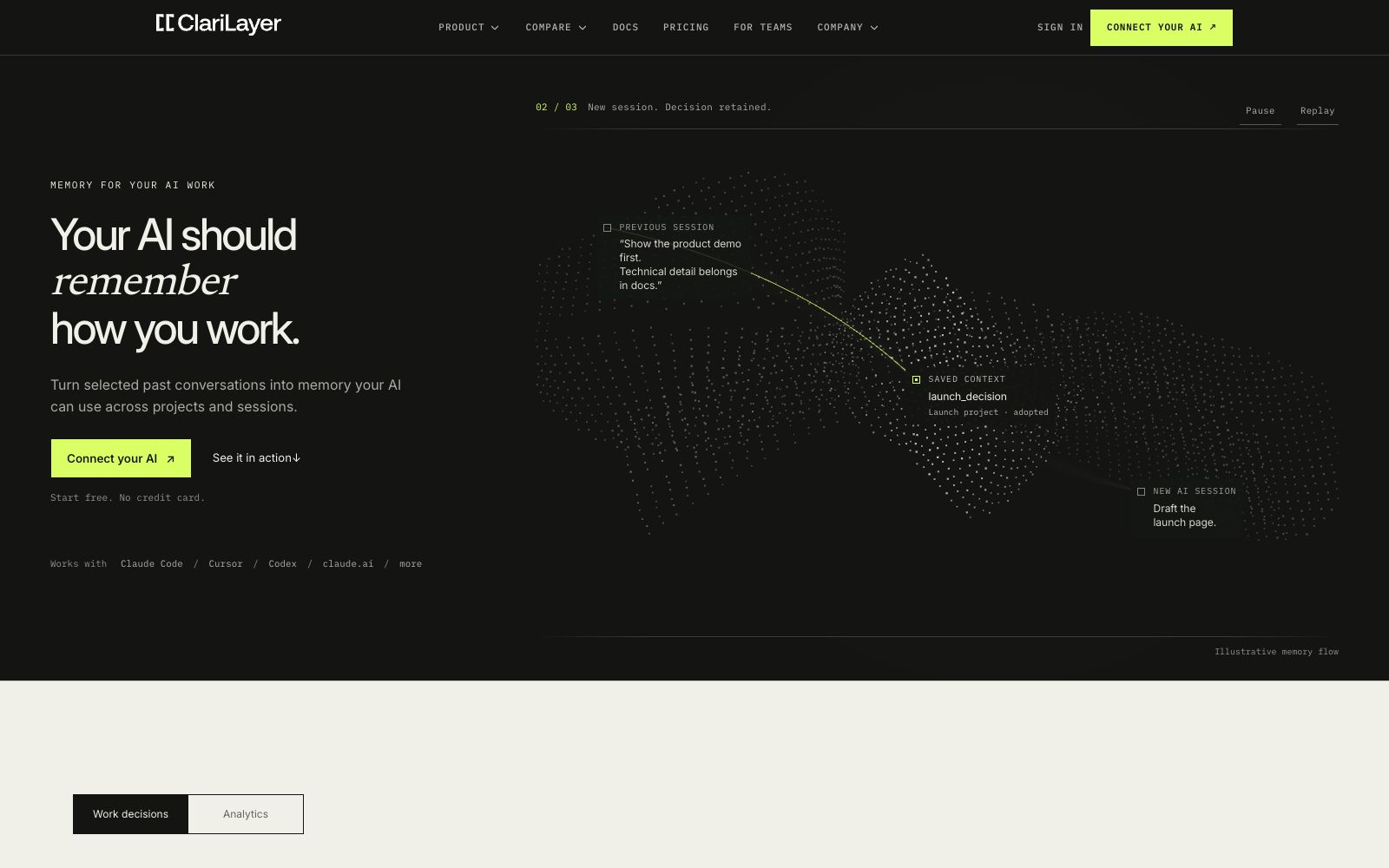
The official website illustrates with an example: when a new session starts, the previously agreed-upon "present the product demo first and put technical details in the documentation" will be directly applied to the new task.
Auditable
The official website states that saved memories come with version references, allowing teams to trace when an agreement took effect.
Team Pilot
The official website offers a shared review and ownership mechanism for the team version, stating that it is suitable for scenarios where individual continuity is upgraded to team infrastructure.
How to use ClariLayer
- 1First, connect to an AI client (the official website recommends starting with Claude Code or Cursor), and confirm the connection method in the settings.
- 2When importing history, first select only one project or a specific time period to verify that the extracted decisions are accurate, and then gradually expand the scope.
- 3Each memory has a source and scope of application. Review it first before saving to avoid irrelevant content from being included.
- 4When a decision changes, use "Edit" instead of creating a new one; the official website states that this keeps the version chain continuous and facilitates traceability.
- 5Before using it as a team, check out the Governed Context Edge pilot on the official website and confirm that the shared review process and permissions meet the requirements.
Traffic & popularity
Data month Sep 2026
ClariLayer receives about 15 visits per month.
Monthly visits
6 monthsTraffic sources
- Direct32.2%
- Search29.2%
- Referrals15.0%
- Social7.0%
- Mail5.8%
- Other10.9%
Top countries
- United States100.0%
Estimated from third-party traffic data.
Similar tools
 MemoryRouterA persistent AI memory layer across ChatGPT, Claude, Codex and other tools, officially said to migrate ChatGPT memories, connect various AI tools via MCP, and make backgrounds and project contexts follow users at all times.
 PiecesPieces is an AI memory layer for modern work, capturing your research, chats, emails and meetings in the background to form searchable memory, and bringing real context into various AI tools through MCP.
 MemUA layer of personal memory shared by multiple AI agents: Codex, Claude Code, Cursor, etc. share the same readable Markdown memory file, supporting source tracing, memory retrieval, and automatic skill extraction.
 Mem0A memory layer for AI agents and applications that preserves cross-session context in a cycle of addition, retrieval, and compression. It can be integrated into agent frameworks for long-term memory, and the official version offers graph memory, auditing, and enterprise private deployment options.
 StreamientStreamient is an open-source team-shared AI memory layer that organizes notes, URLs, email archives, and Git decisions into self-hostable memory, accessible for reading and writing by mainstream AI clients via MCP and API.
 MemocoreMemocore is a cloud-based memory layer for AI agents and teams: it saves facts, decisions and project materials as memos for cross-session reading by different AI applications. Its official website states that it supports MCP, project permissions and APIs.