


Goldfish
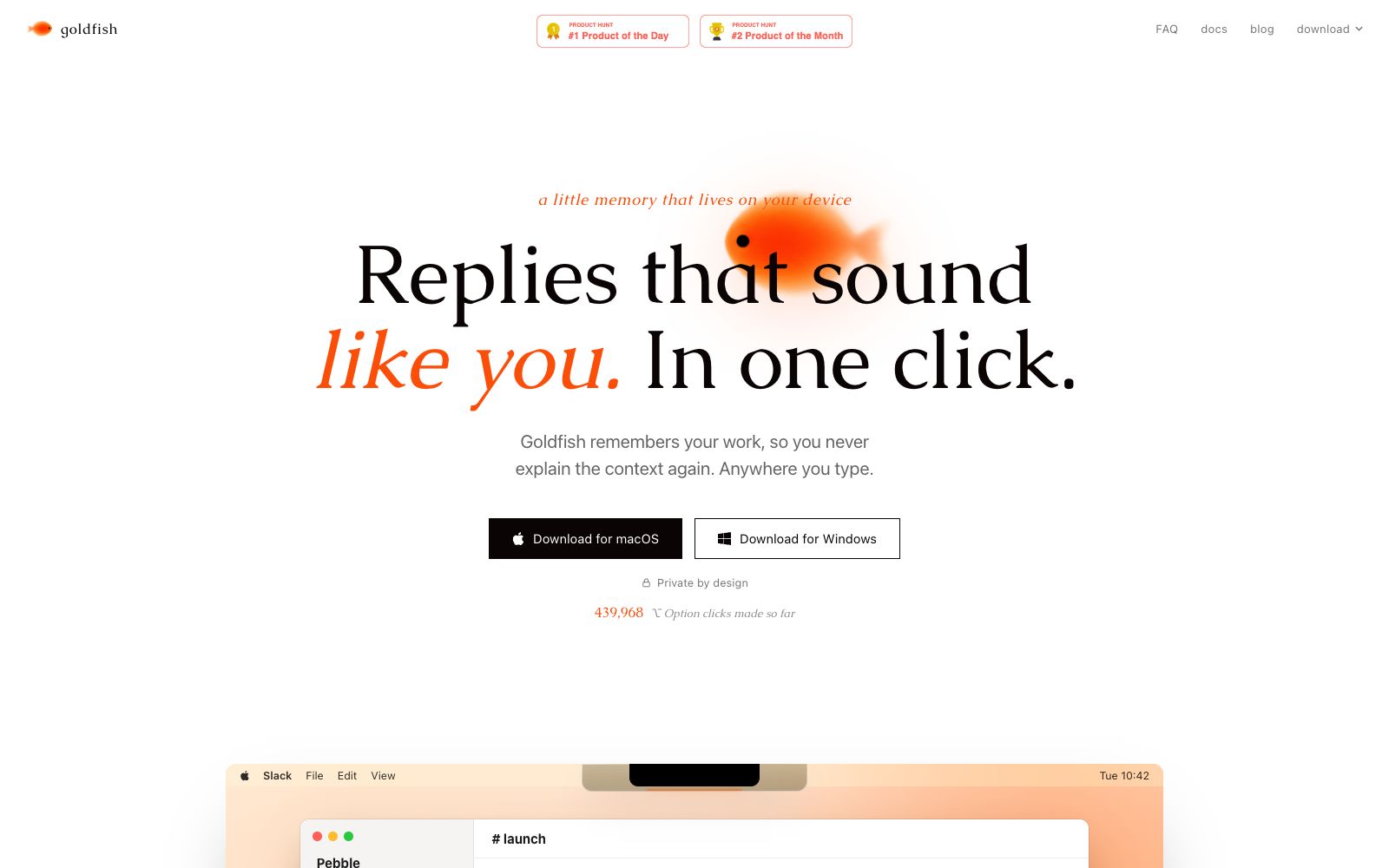
An AI memory assistant that stays on your computer. Press a shortcut key to reply to messages, draft content, and summarize information in any input box in your own tone. The official states that memories are stored locally, requests are not saved, and they are not used for training.
Updated: 2026-10-26
What is Goldfish?
According to its official website, Goldfish is "a little AI memory that lives on your device". It remembers what you've done, so you don't have to repeat explanations of the context. It's very lightweight to use: press the right Option key on a Mac or the right Shift key on Windows to bring it up anywhere you can type, and directly generate responses, drafts or summaries that match your tone and style.
Who is it for?
- Operations and support staff who switch between IMs, emails, and work orders dozens of times a day.
- Developers who use Cursor and Claude Code to write code and hate pasting context repeatedly.
- Project managers who need to quickly organize scattered context into responses.
- Knowledge workers who are sensitive to data leakage and prefer their memories to be stored on their local devices.
- Content creators who want AI outputs to be more in line with their own tone.
Key features
6Replies in your tone
The official website states that pressing the shortcut key will generate replies that sound like they were written by you.
Chat with your memory
Ask direct questions about what you’ve seen, for example, "Help me catch up on progress" and "Find the missing links".
Context in every AI
The official version states that it can connect with tools such as Claude, Claude Code, Cursor, and Codex, eliminating the need to repeatedly explain the background.
On-device memory
The official website states that your memories are stored on your device, AI requests are not retained at all, and they are not used for training.
Anywhere you type
Not tied to a specific app; you can summon it anywhere you can type.
Free during beta
The official website and FAQ both state that it is free during the beta testing period, and the official pricing will be determined after the testing phase ends.
How to use Goldfish
- The official website states that it is free during the beta period, but this is a phased policy.
- Please confirm the pricing again before official use.
- Don't use it for customer conversations right after installation.
- test it in internal channels first to confirm the tone and factual accuracy.
- It will automatically connect to other AI tools.
- If you don't want certain tools to be connected, please turn them off in the settings first.
- Your memory involves local files and chat content.
- It is best to confirm the data strategy with IT before using it on company devices.
- The official website states that it offers macOS and Windows versions.
- For downloads, please refer to the official website links only.
- do not use third-party channels.
- **Need to rebuild your memory when switching devices**: The official website states that your memory is built based on your usage traces on the device.
- After changing devices or reinstalling the system, you need to use it for a period of time to get back to its original level of personalization.
Traffic & popularity
Data month Sep 2026
Goldfish receives about 40.4K visits per month and ranks #595,723 worldwide.
Monthly visits
7 monthsTraffic sources
- Direct40.8%
- Search33.0%
- Referrals10.6%
- Social6.4%
- Mail2.9%
- Other6.2%
Top countries
- United States60.0%
- Italy26.8%
- Thailand7.3%
- Germany3.2%
- Ireland2.6%
Estimated from third-party traffic data.
Similar tools
 MemoryRouterA persistent AI memory layer across ChatGPT, Claude, Codex and other tools, officially said to migrate ChatGPT memories, connect various AI tools via MCP, and make backgrounds and project contexts follow users at all times.
 CamoCopyCamoCopy is an AI assistant and search engine with privacy as its core selling point. The official states that it encrypts chats, documents and images, provides image proxy, and also offers workspace, self-destructing files and enterprise edition solutions.
 BluedotAn AI meeting recording tool that does not deploy robots to join meetings can record and transcribe content on mainstream meeting platforms and in offline scenarios to generate summaries. It supports over 100 languages, and the official states that the data will not be used for model training.