


Videfy
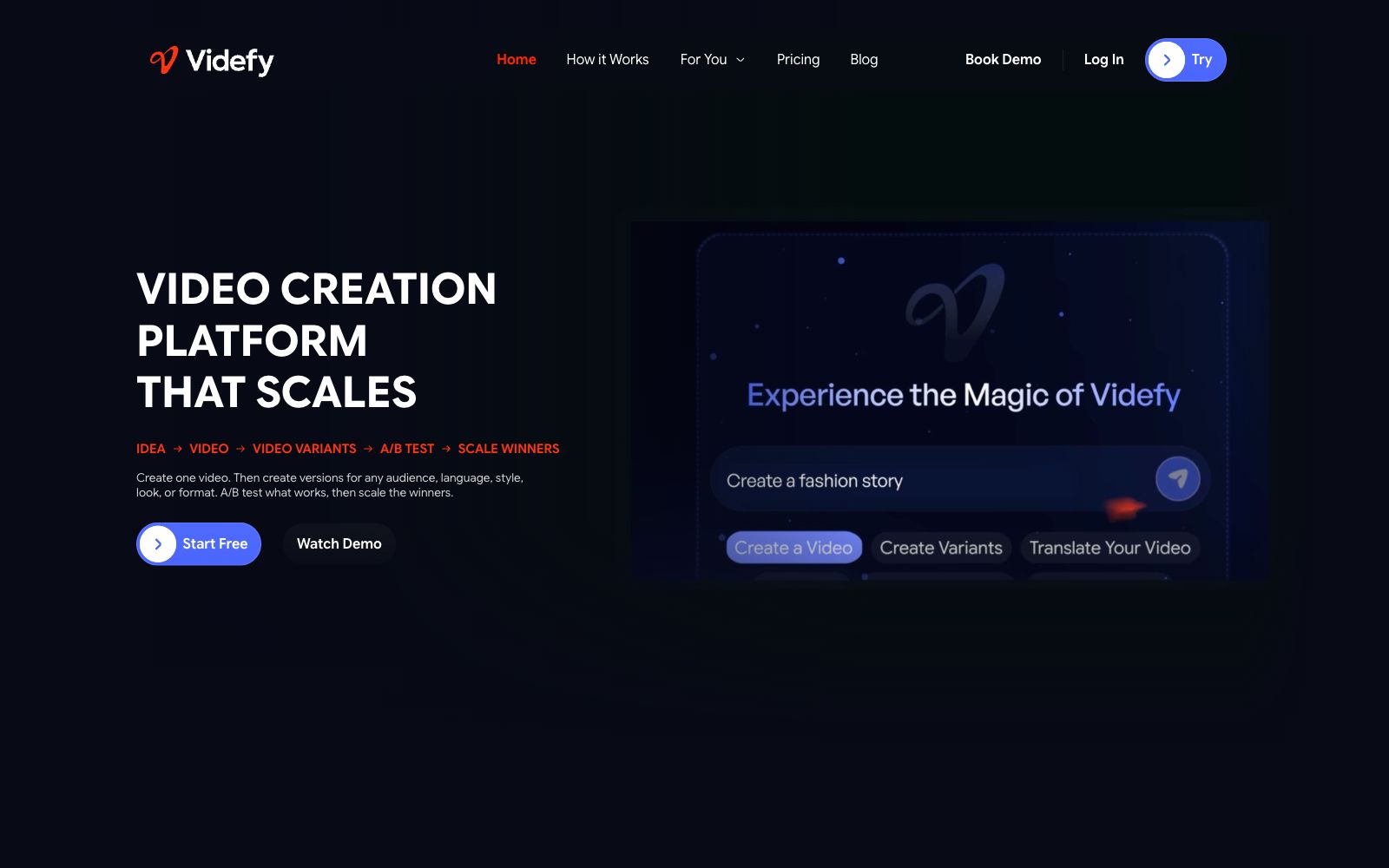
Videfy is a video creation platform for browsers: According to its official website, you can use an AI creative director to generate videos from ideas or materials, as well as perform manual editing. It also enables the generation of images, dubbing, subtitles, digital humans, multilingual versions and variants, followed by testing and scaling up the well-performing versions.
Updated: 2026-10-27
What is Videfy?
According to the official website of Videfy, it places the entire video creation process into a browser workspace: you can start with ideas, scripts, images, or existing videos, create with Lyra, the AI creative director, edit manually, or use a combination of both methods. The core workflow described on the official website is to first create a video, then generate versions for different audiences, languages, styles, appearances and formats, and scale up the high-performing versions after testing.
Who is it for?
- Creators who need to consistently produce social content, advertisements, product videos, explainer videos, or training videos.
- Content teams that want to house ideation, assets, generation, editing, and export in a single workflow.
- Marketing teams that need to batch-create language and format versions for different markets, audiences and platforms.
- Professional editors who need both AI-powered efficiency and manual timeline control.
- Agencies that serve multiple clients and need to iterate quickly on the same platform.
Key features
6AI Creative Director
The official website states that you can tell Lyra what you want to create and make gradual adjustments using commands or visual editing; even without editing experience, you can progress scene by scene.
All-in-One Production
The official website states that scriptwriting, asset generation, image editing, dubbing, subtitle creation, audio processing, and video editing are all available in a single workspace, eliminating the need to transfer files between multiple tools.
AI Generation Module
The official website lists image generation, video generation, dubbing, digital humans, subtitles, and storyboards, and supports uploading your own media.
Versioning & Translation
The official website states that it can generate vertical or horizontal versions for different platforms, as well as multilingual voiceovers and subtitles. It can also create language versions based on existing videos without having to start from scratch.
Manual Control
The official website states that when more precise control is needed, the timeline can be used to adjust rhythm, visuals, audio, and other elements.
Collaboration
The official website states that team projects allow sharing of the workspace, with members participating with view, comment, or edit permissions, and feedback being retained within the project.
Things to know
Usage Tips
- First, replicate the target style using an existing video, confirm the generation quality and manual editing capabilities, then migrate the complete production workflow.
- Before producing variants, first determine the audience, platform, aspect ratio and language to avoid rework on the same batch of videos due to inconsistent parameters.
- The free version is suitable for validating the process; the official website states that free exports come with a watermark. Paid plans offer watermark-free exports and higher resolutions.
- The official pricing page lists three tiers: Starter, Creator, and Pro, with monthly fees of $19, $59, and $129 respectively, corresponding to 350, 1500, and 3750 credits per month; choose the tier based on an estimate of your generation volume first.
- The official website states that the current interface is in English and available on desktop browsers, but not yet supported on mobile devices; confirm the usage environment during team training.
Traffic & popularity
Data month Sep 2026
Videfy receives about 1.3K visits per month and ranks #11,897,660 worldwide.
Monthly visits
12 monthsTraffic sources
- Direct39.8%
- Search32.6%
- Referrals10.2%
- Social6.4%
- Display ads3.6%
- Other7.4%
Top countries
- United States69.5%
- Morocco22.7%
- Indonesia7.9%
Estimated from third-party traffic data.
In these collections
Similar tools
 ReelaAn AI video studio for individual creators and small teams, the official said that you can complete dubbing, background music and automatic editing by uploading scripts, photos or materials, supporting digital human avatars and material remixing, and claiming that finished videos can be produced within 10 to 20 minutes.
 Vadoo AIVadoo AI is a creation platform that aggregates multiple video and image generation models in one workspace. It supports text-to-video, image-to-video and stylization conversion, and can also cut long videos into short ones, making it suitable for batch production of social media content.
 NemoVideoA chat-driven AI video editing assistant. Just tell it what you want or upload materials and you can get a finished video. It has built-in trend topic selection, automatic subtitle and dubbing features. The official says you don't need any editing skills at all.
 VislaVisla is an enterprise-oriented AI video workflow platform that can automatically generate finished videos from scripts, PPTs or existing materials. It also provides screen recording, digital human dubbing and team collaboration review, making it suitable for marketing, training and sales teams to produce videos in batches.
 AutoEditAn AI editing plugin built into Premiere Pro that automatically trims silences, catchphrases and repetitive shots and generates subtitles, suitable for weekly-updating UP owners and podcast teams to compress rough cut time.
 OiiyaoOiiyao Qian Ying Wan Yin is an all-in-one AI video creation and localization platform. According to the official statement, it offers video translation, dubbing and lip-sync for over 70 languages. It also supports text-to-video generation, video editing and retouching based on start and end frames and all-round reference, as well as intelligent object removal and video face swapping.