


VanceAI
VanceAI provides a web-based and Windows desktop AI image and video processing toolset. The official version lists models such as upscaling, sharpening, denoising, background removal, and old photo restoration, and supports batch and local offline processing.
Updated: 2026-10-26
What is VanceAI?
VanceAI packages its image and video enhancement models into a toolset, which can be used directly on the web version or downloaded as a Windows client for local operation. Different from tools that only perform single-image upscaling, it has a large number of models and offers local desktop processing. According to the official website, local processing consumes no points, requires no queuing, has no limit on image size, and files do not leave the local machine. The web version's product line covers upscaling, sharpening, denoising, background removal, restoration, colorization, and cartoonization for images, as well as video upscaling, SDR-to-HDR conversion, video colorization, and frame interpolation. The official website states that uploaded files are transmitted encrypted and deleted within 24 hours.
Who is it for?
- E-commerce sellers and operation agencies that need to batch optimize product images, remove backgrounds, and enhance clarity
- Photography and post-production: process low-light noise, out-of-focus and compression artifacts
- Regular users who want to restore old family photos and colorize black-and-white images
- Anime and illustration creators who need to upscale large images without obvious noise
- Teams with stable batch processing needs who are unwilling to upload images to the cloud
Key features
6AI Image Upscaler
The official website states that the model intelligently complements pixels and edge details. It offers 2x, 4x, and 8x magnification levels, consuming 1, 2, and 3 credits respectively, and is suitable for print output, e-commerce images, and large-format displays.
AI Sharpening & Denoising
Sharpening provides one-click restoration for motion-blurred, out-of-focus and soft-lensed photos, while denoising is used to remove noise and compression artifacts from high-sensitivity and low-light shots. The pricing page shows that both consume 1 credit each.
AI Restoration & Colorization
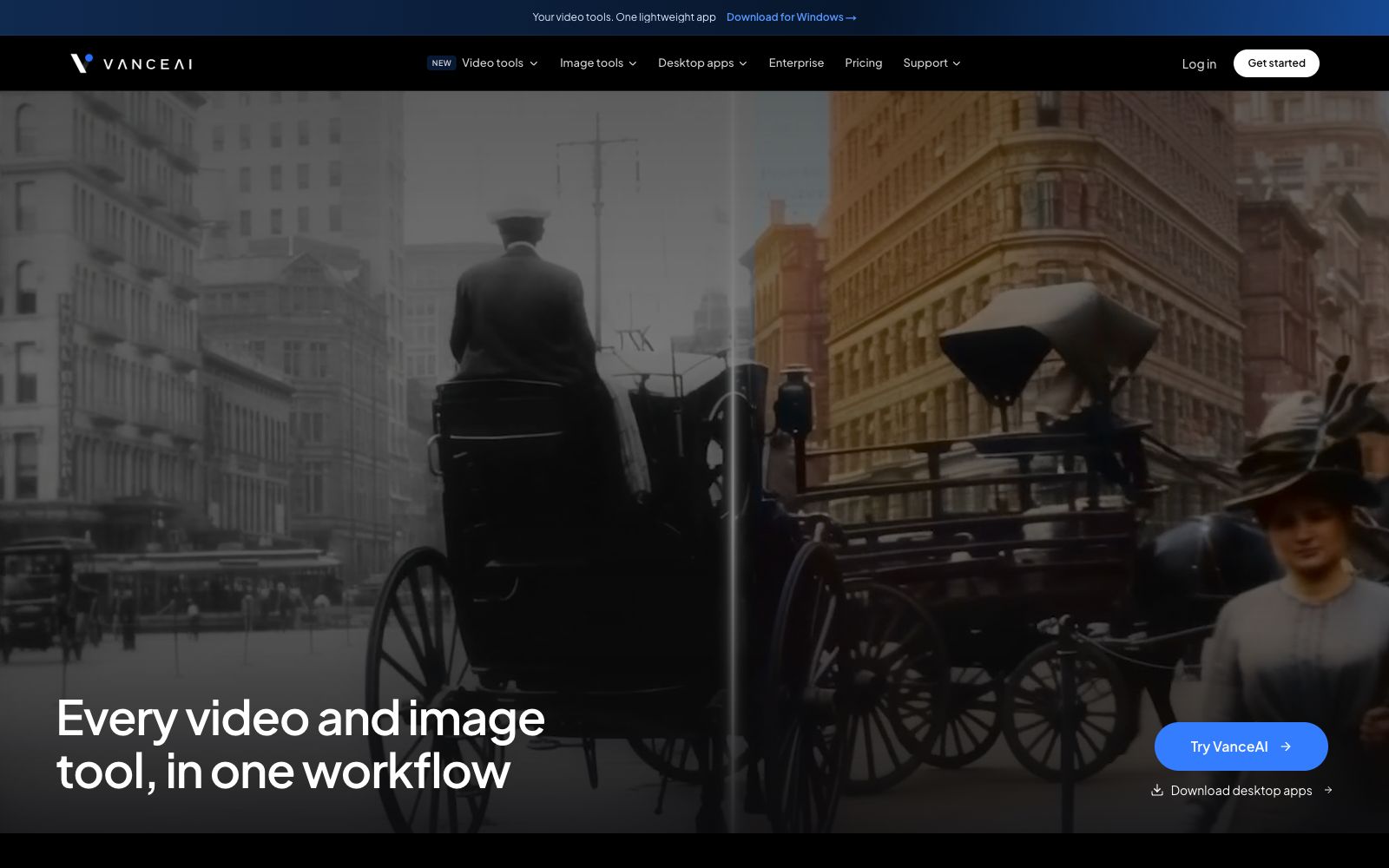
The official website states that the restoration model can handle scratches, fading and damaged details to restore old photos; the colorization model adds color to black-and-white photos. According to the pricing page, both tools consume 4 or 8 credits respectively based on resolution.
Background Removal & Creative Tools
It provides background removal, cartoonization, photo-to-sketch conversion, ID photo creation, and custom style customization, among other features. Background removal costs 1 credit, and cartoonization costs 2 or 6 credits based on resolution.
Video Enhancement Tools
The official website lists video upscaling, SDR to HDR conversion, video colorization, noise reduction, frame interpolation, and AI subtitle generation, with pricing based on minutes. For example, video upscaling starts at 1 credit per minute, and HDR conversion for 4K resolution costs 4 credits per minute.
Desktop Local Processing (VanceAI for PC)
The Windows client includes all models. The official website states that local processing consumes no credits, has no queuing, and has no size limits. The license is priced at $39.90 per month, $99.90 per year, or a one-time purchase of $129.90 (the original price marked on the page is $199.90).
How to use VanceAI
- Register first to claim free points.
- Run one test each for enlargement, sharpening and noise reduction on one typical image to compare the effects.
- After confirming your commonly used combination, you can make the payment.
- Points are calculated based on tools and magnification.
- restoring and coloring old photos are the most expensive (4 to 8 points each).
- It is recommended to first process with sharpening or noise reduction and confirm if the effect is worth it before performing restoration and enlargement.
- For long-term or large-volume needs, prioritize the desktop version, as local processing does not consume points and is often more cost-effective than purchasing points on a monthly basis.
- The prices shown on the pricing page are the average monthly prices after a 50% discount for annual payment.
- monthly payment is more expensive and the promotional prices are subject to adjustment.
- The final order shall be subject to the checkout page.
- The official states that uploaded files are transmitted with encryption and deleted within 24 hours, but for confidential images, local processing is still recommended, and you should verify the scope of authorization once before commercial use.
Traffic & popularity
Data month Sep 2026
VanceAI receives about 1.4M visits per month and ranks #34,609 worldwide.
Monthly visits
12 monthsTraffic sources
- Search63.2%
- Direct27.1%
- Referrals4.5%
- AI assistants2.6%
- Social1.6%
- Other1.0%
Top countries
- Japan10.1%
- United States10.0%
- India9.2%
- Vietnam4.2%
- Russia4.1%
Estimated from third-party traffic data.
Similar tools
 jpgHDjpgHD offers AI image upscaling, old photo restoration, colorization, scratch removal and other processing services. It supports super-resolution, magic photos and lossless enhancement, with a free limit of 3000px. There are also pay-as-you-go packages and multi-platform apps available.
 ImgLargerImgLarger is an online AI image enlargement and enhancement tool website. Its official website states that it can enlarge images up to 8 times and provide super-resolution. It also offers functions such as image expansion, sharpening, background removal, and old photo restoration. New users get 100 free points every month upon registration.
 Upscale.mediaOnline AI image upscaling and enhancement tool. Officially, it can upscale images by 2x or 4x without losing texture details. New users get the first 3 points upon registration. It also offers features like sharpening, deblurring, dehazing, face restoration, old photo colorization, batch conversion, and API access.
 ImageColorizerOnline old photo restoration tool, offering black-and-white photo coloring, faded photo restoration, blurry photo enhancement, portrait retouching, and scratch and spot removal. You can start with free credits and then upgrade to a paid package, suitable for restoring old family photos.
 Let's EnhanceOnline AI image quality enhancement and upscaling tool that offers three types of processing: correction, upscaling, and restoration. The official states that it can achieve up to 16x magnification, supports 512MP and 300DPI output, and also provides API and e-commerce solutions under Claid.ai.
 IMGUpscalerImgUpscaler is an online image quality enhancement tool. Its official website states that it can boost the image resolution to 16K, repair pixelation and blurry details, supports single and batch processing, and can be used without registration.