

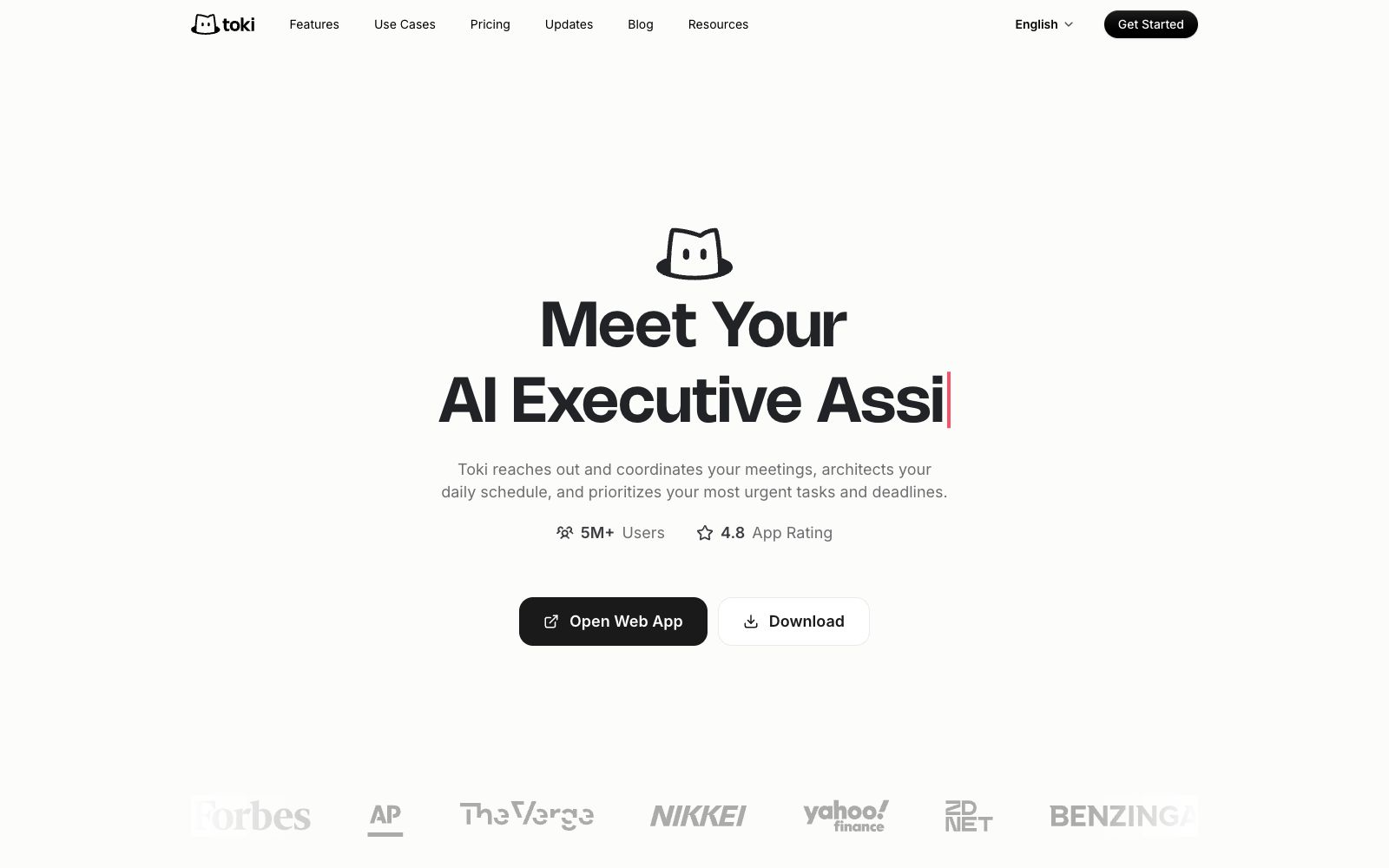

Toki
An AI scheduling assistant that will do things for you: According to its official website, it contacts participants to finalize meeting times, proactively arranges daily schedules and balances deep work with urgent matters. It supports input via text, voice, screenshots and emails, remembers your preferences, and syncs with Google Calendar, iCloud and Outlook.
Updated: 2026-10-26
What is Toki?
Toki's official website positions itself as an "AI Executive Assistant": it is not just about managing calendars, but also contacting participants to finalize meeting times, proactively arranging daily schedules, and prioritizing the most urgent tasks and deadlines. Its distinction from scheduling tools like Calendly lies in proactivity — the official FAQ states that Toki captures SMS, voice messages, images, and emails across various messaging apps, converts them into executable plans, automatically schedules them, intelligently sorts them, and follows up proactively. It also provides CallMe escalation reminders and conflict resolution suggestions.
Who is it for?
- Managers and sales teams with back-to-back meetings who don't want to coordinate schedules back and forth.
- Individual contributors who need to constantly balance deep work with ad-hoc tasks.
- Busy users who are used to taking notes via voice, screenshots, and forwarded emails.
- People who need to keep an eye on prices, deadlines and release dates and want someone to monitor them on their behalf.
- For families and team circles, the official website states that it supports group collaboration to keep everyone aligned.
Key features
6Meeting Coordination
According to the official website, it proactively contacts participants like a human assistant to find a time when everyone is available, and also provides Calendly-like scheduling links.
Proactive Schedule Orchestration
According to the official website, Toki plans ahead and makes trade-offs between deep work and urgent needs to make time allocation more reasonable.
Multimodal Capture
According to the official website's FAQ, texts, images, voice notes, and emails are all automatically captured, and it can also handle incomplete fragmentary requests.
Triggers
Tell Toki what to keep an eye on—prices, deadlines, release dates—and it will stay on top of them when you don't think of it. An example on the official site is a reminder when Apple's stock price drops below 250.
Personal Memory
According to the official website, Toki learns your work style, planning habits and preferences, and becomes more tailored to you the more you use it.
Reminders & Review
The official website lists adaptive reminders (push notifications, iOS alarms and CallMe upgrades), conflict resolution suggestions, and daily and weekly insights; it supports Google Calendar, iCloud, Outlook, Apple Watch and Siri, covering iPhone, iPad, Mac and Android.
How to use Toki
- First, use it on the official iOS or Android app: According to the official website, due to the update of WhatsApp Business Solution Terms, the independent AI product can no longer run on this platform.
- The account and chat records are still safe.
- Please switch to the official app to continue using it.
- First connect Google Calendar, iCloud or Outlook.
- if the calendar is empty, scheduling suggestions will be hard to make.
- Start with a one-sentence request (e.g., block time for deep work), and set up triggers and CallMe upgrades only after confirming it understands your habits.
- Send `settings` to Toki to instantly adjust the toggles for reminders, CallMe, and insights.
- add phone reminders only for things that truly cannot go wrong.
- When connecting to work calendar and email authorizations, grant the minimum necessary permissions.
- for important meetings, retain manual confirmation and do not fully hand over scheduling control.
Traffic & popularity
Data month Sep 2026
Toki receives about 139.2K visits per month and ranks #241,355 worldwide.
Monthly visits
8 monthsTraffic sources
- Direct52.9%
- Search22.8%
- Social11.0%
- Mail6.3%
- Referrals4.3%
- Other2.8%
Top countries
- Brazil51.4%
- United States8.3%
- Mexico8.0%
- South Korea3.9%
- Colombia3.2%
Estimated from third-party traffic data.
In these collections
Similar tools
 FlowSavvyAI scheduling tool that automatically adds to-dos to the calendar: generates schedules based on priority and deadline, automatically rearranges when plans change, and allows one-click recalculation of missed tasks when falling behind. The official website states that it supports custom scheduling time periods, recurring tasks, and synchronization with Google Calendar, iCloud, and Outlook.
 Hello AriaHello Aria is a productivity assistant available in chat software: according to its official website, it supports managing reminders, tasks, notes, voice and images through messages, and syncs them to a unified dashboard, covering common tools such as calendars, cloud disks and emails.