


Ego Lite
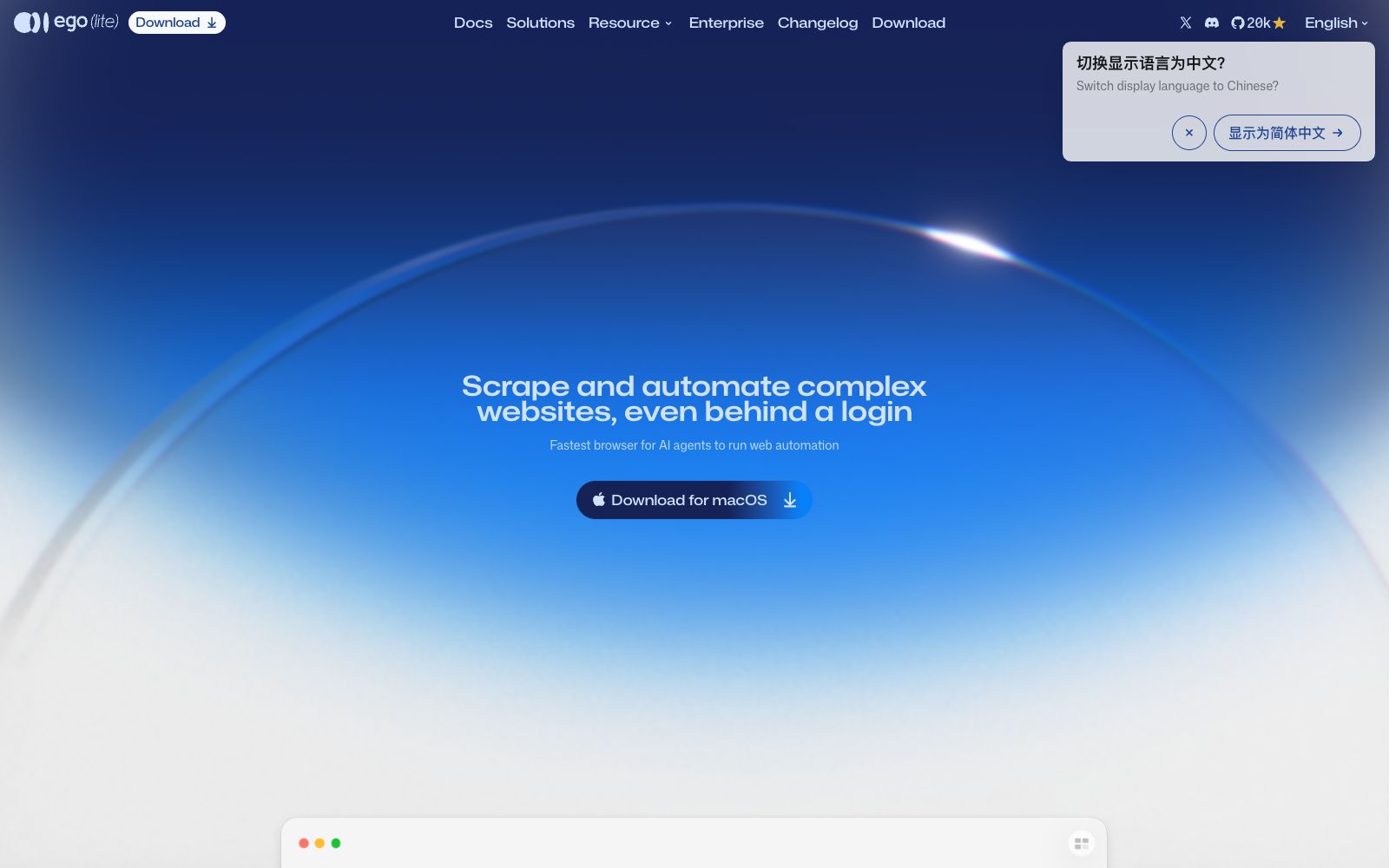
A browser designed specifically for AI Agents. After installing one skill, Claude Code, Codex and others can directly drive it to perform web automation. The official claims it can handle hundreds of concurrent tasks, with login status, independent spaces, and data stored locally.
Updated: 2026-10-26
What is Ego Lite?
ego (lite) is a browser specifically designed for AI Agents: humans use your browser normally, while Agents run web tasks in their own space, with neither side competing for windows. It solves the most annoying problems in automation—login states, pages after CAPTCHA, iframes and shadow DOM, and sudden crashes mid-run. The official team calls it the "fastest Agent browser," based on their publicly available real-world benchmarks.
Who is it for?
- Engineers who write web automation scripts are fed up with login states, dynamic components, and occasional failures.
- Analysis teams that need to batch-collect data from public pages prioritize completing the tasks over achieving a one-time fast run.
- Teams that use Agents for operational automation, such as batch-verifying background data and batch-submitting forms.
- Technical teams building Agent products and needing a reliable browser foundation for their intelligent agents.
- Teams sensitive to data exfiltration who want the collection process to remain on their local machines.
Key features
6Login State Inheritance
The official states that wherever you log in, the Agent will be there too, allowing direct operation of logged-in pages without having to go through the account process again each time.
Independent Task Space & Local Data
The Agent works in its own Space without occupying or hijacking the tabs you are currently using. The official emphasizes that data is stored on your own computer, embedding privacy into the architecture rather than just stating it in promises.
Deep Page Access
The official claims it can reach iframes, shadow DOMs, and embedded components—areas where automation scripts usually fail silently.
Concurrent Volume
According to the official description, it can run more than 100 browser automation tasks simultaneously when integrated with Claude Code or Codex, making it suitable for batch collection and batch operations.
No-configuration Access
Install the `ego-browser` skill once, and Agents like Claude Code, Codex, Cursor, and Kiro on the local machine can drive it directly. The official claims no additional setup is required.
Verifiable Benchmark
Official real-world benchmarks show an average of 398 seconds per task, a 93.5% success rate, and a cost of $1.64 per single task, compared with similar tools such as chrome-devtools-cli and playwright-cli.
How to use Ego Lite
- Start with read-only tasks (crawling, screenshots, verification) and enable write operations only after confirming stability to avoid accidental submissions.
- Do not max out the concurrency right away.
- instead, increase it in increments based on the machine's memory and network bandwidth, and observe the inflection point of the failure rate.
- The time consumption and cost in the official benchmark are based on its self-tested task set.
- you need to re-run it on your own site structure and do not take 93.5% directly as the expected success rate.
- An independent Space means that the login state shares the same data as the native browser, so it is recommended to configure a separate environment for sensitive accounts.
- Scraping and automation must comply with the robots.txt and terms of service of the target websites.
- Ensure compliance when processing personal information.
- official rules may be adjusted, so recheck before official use.
Traffic & popularity
Data month Sep 2026
Ego Lite receives about 84.0K visits per month.
Monthly visits
8 monthsTraffic sources
- Search45.1%
- Direct29.9%
- Social13.1%
- Referrals9.1%
- Mail1.1%
- Other1.7%
Top countries
- China27.5%
- South Korea23.3%
- United States15.2%
- Taiwan, China6.0%
- Singapore5.9%
Estimated from third-party traffic data.
Similar tools
 EigentOpen-source desktop multi-agent workspace that enables AI agents to operate browsers and local applications to complete real tasks. The official version supports custom model selection, approval of key steps, and traceability of execution trajectories.
 PaperclipAn application that manages AI agents as a team, offering organizational structure, goal alignment, budget control, work order and governance capabilities. The official states that it can integrate with your own agents and also provides a local version for installation.
 KroWorkKroWork is a macOS desktop AI Agent. You can create persistent desktop applications through conversations. The official states that it is built with 20+ Skills, supports autonomous web operation and IM remote control.
 EchoBirdDesktop management platform for AI coding tools, which centrally manages multiple accounts and quotas of ChatGPT, Codex CLI, and Claude Code, provides priority routing for multiple models and one-click deployment of local models, and supports three major desktop systems.
 MemUA layer of personal memory shared by multiple AI agents: Codex, Claude Code, Cursor, etc. share the same readable Markdown memory file, supporting source tracing, memory retrieval, and automatic skill extraction.
 DeerFlowOpen-source SuperAgent framework, equipped with sandboxes, memory, tools and sub-agents for intelligent agents, can independently complete research, code writing and content creation. The official claims it can handle tasks that take several minutes to several hours.