


KroWork
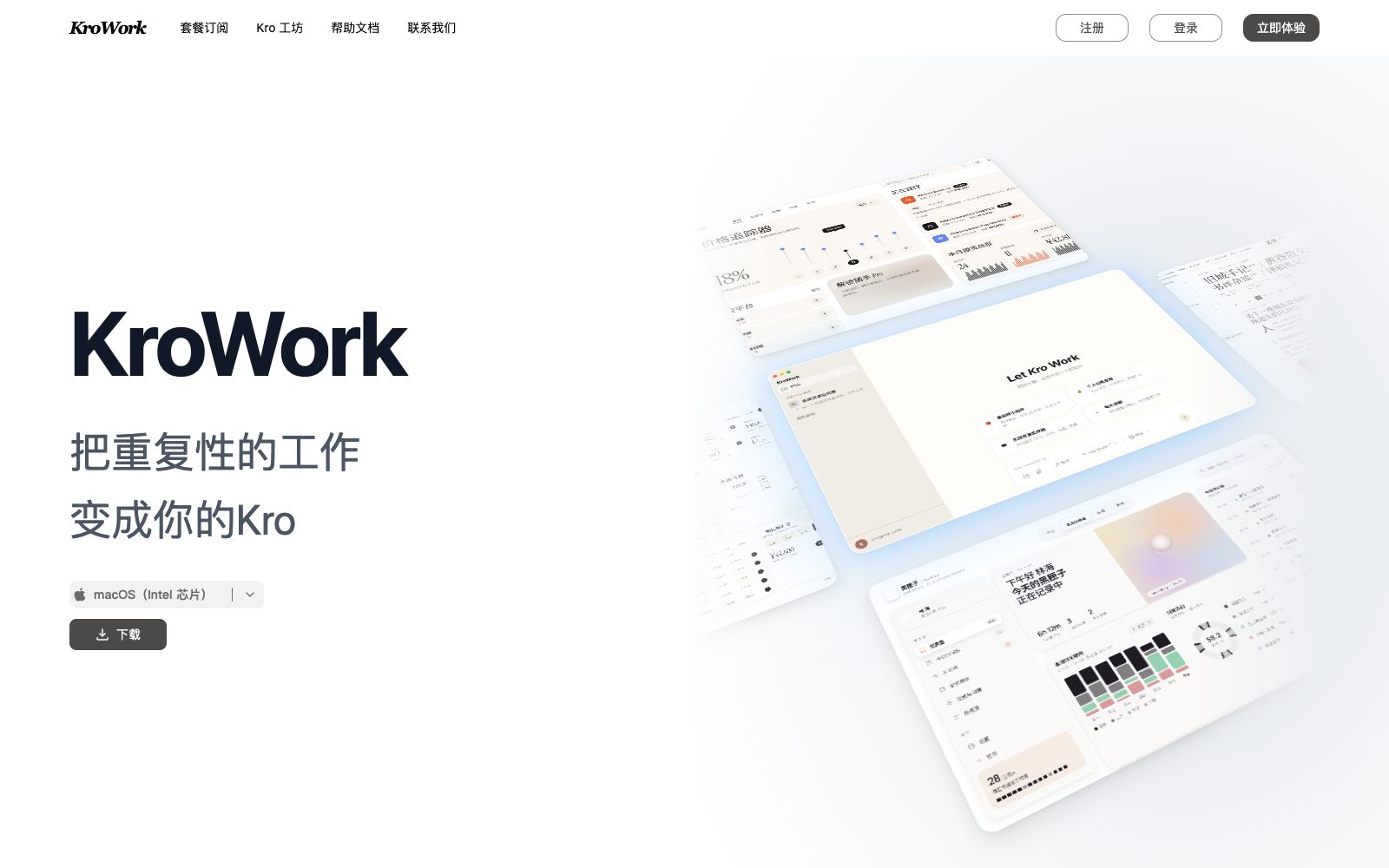
KroWork is a macOS desktop AI Agent. You can create persistent desktop applications through conversations. The official states that it is built with 20+ Skills, supports autonomous web operation and IM remote control.
Updated: 2026-10-26
What is KroWork?
KroWork is a desktop-native AI Agent running on macOS. Its official website summarizes it in one sentence: from chat to software, desktop native — turning conversations directly into software, and keeping the software local. Unlike common web-based AI assistants, an Agent does not just answer questions; instead, it comes with a skill set to manipulate browsers, write programs, and turn one-time prompts into reusable applications that can be opened repeatedly. The official website has also launched Kro Workshop, offering free credits and subscription packages.
Who is it for?
- People who don’t write code but want to build tools: The official website directly proclaims, "Don’t know how to code? You can create desktop applications just by talking."
- Professionals who need to automate repetitive tasks: Hand over daily processes such as data crawling, organization, and push to the local Agent for persistent execution.
- Data and Operations Roles: Use built-in skills to perform dataset cleaning and regular report generation.
- Frequent travelers: Send messages via Feishu, Slack, or Telegram to remotely control your Mac at the office or home to get work done.
Key features
6Agent Skill Matrix
The official states that it comes with 20+ built-in Skills ready to use out of the box. From building desktop interfaces to cleaning datasets and generating reports, after describing a task, the Agent automatically selects the appropriate skills and executes them.
App Persistence
The official website emphasizes "from one-time Prompts to permanently preserved products", turning workflows into apps that stay local and become assets.
Autonomous Web Operation
The Agent can automatically open a browser to perform clicks, form filling and data crawling, and the official states that the whole process requires no intervention, only natural language description is needed.
IM Remote Control
Send a message on Feishu, Slack, or Telegram, and the Agent will execute it immediately; your phone becomes the remote control for your workstation.
AI Embedded Applications
The official states that it enables applications to possess analysis, reasoning and autonomous decision-making capabilities, with the AI Agent embedded in the product rather than relying on external calls.
One-click sharing and deployment
The official states that you can one-click share the generated applications and export them as ZIP files. Recipients can install and deploy them in seconds without configuring an environment, and multi-device synchronization is supported.
How to use KroWork
- First, claim your free credits: The official website has an entry for "Claim Your Free Credits" (the page mentions up to 10,000 credits).
- Use the free credit to complete a small task successfully first, then consider a subscription plan.
- Write task descriptions as processes rather than single sentences: Clarify "how often, where to get data, where to output, and what to do if it fails"—this makes it easier for the Agent to get it right on the first try.
- First, confirm authorization for features involving browsers and IM: Webpage control and remote control can access your accounts and data.
- First verify on non-critical accounts, confirm the scope before connecting to the production environment.
- Browser automation should only run on controllable websites: Pay attention to the terms of service and access frequency of the target platform to avoid triggering risk control or illegal crawling.
- The official website provides a download link for the macOS (Intel chip) version.
- Before installing on other chip models, please confirm the current compatibility statement on the official website.
- the functions and credit rules may be adjusted, so recheck them before official commercial use.
Traffic & popularity
Data month Sep 2026
KroWork receives about 1.4M visits per month and ranks #4,818,099 worldwide.
Monthly visits
9 monthsEstimated from third-party traffic data.
Similar tools
 EigentOpen-source desktop multi-agent workspace that enables AI agents to operate browsers and local applications to complete real tasks. The official version supports custom model selection, approval of key steps, and traceability of execution trajectories.
 PaperclipAn application that manages AI agents as a team, offering organizational structure, goal alignment, budget control, work order and governance capabilities. The official states that it can integrate with your own agents and also provides a local version for installation.
 DeerFlowOpen-source SuperAgent framework, equipped with sandboxes, memory, tools and sub-agents for intelligent agents, can independently complete research, code writing and content creation. The official claims it can handle tasks that take several minutes to several hours.
 EchoBirdDesktop management platform for AI coding tools, which centrally manages multiple accounts and quotas of ChatGPT, Codex CLI, and Claude Code, provides priority routing for multiple models and one-click deployment of local models, and supports three major desktop systems.
 Ego LiteA browser designed specifically for AI Agents. After installing one skill, Claude Code, Codex and others can directly drive it to perform web automation. The official claims it can handle hundreds of concurrent tasks, with login status, independent spaces, and data stored locally.
 GitMCPReplace the domain name in any GitHub repository URL with gitmcp.io, and you will get a remote MCP service that allows AI assistants to directly read the documents and code in the repository.