


SmartDraw
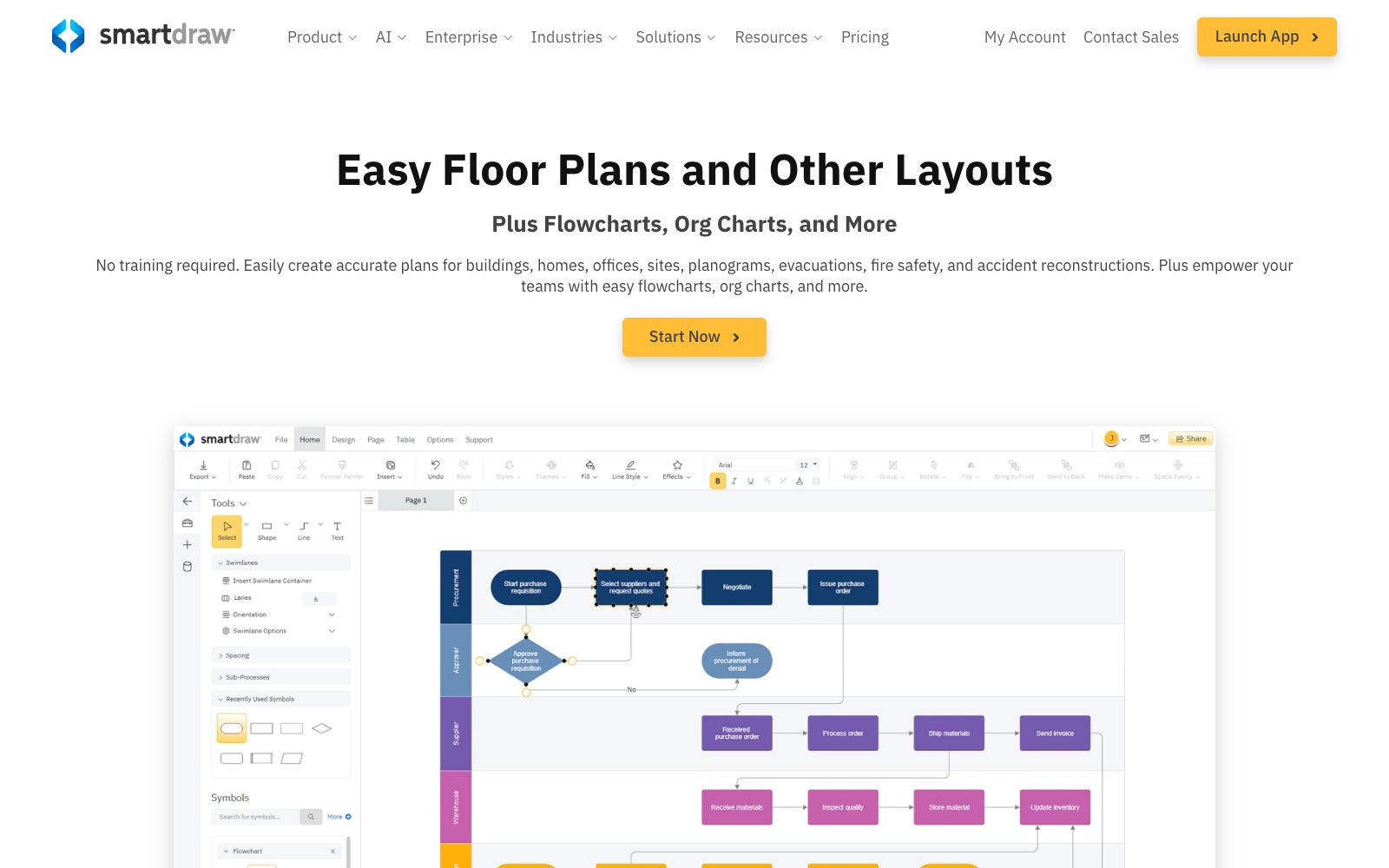
SmartDraw is a software that offers the creation of various diagrams such as floor plans, flowcharts, and organizational charts. It has built-in AI tools, supports import and zoom, collaboration, and integration with Microsoft, Google, etc., and is targeted at individual and enterprise users.
Updated: 2026-10-26
What is SmartDraw?
SmartDraw positions itself as "a floor plan and diagramming tool simpler than CAD". Its official website states that you can draw precise drawings of buildings, offices, sites, evacuations, fire safety, etc., as well as flowcharts, organizational charts, etc., without training. It also provides built-in AI, extending its drawing capabilities to automatic generation and intelligent assistance.
Who is it for?
- Architecture and Construction Teams: Replace manual CAD with floor plans and site layout drawings to lower the entry barrier.
- Corporate Process and HR: Draw flowcharts and organizational charts, and document standard operations and presentation materials.
- IT and Operations: Use technical charts and network topologies to create architecture and infrastructure documentation to facilitate handover.
- Educational and medical institutions and other organizations: The official website lists multi-industry solutions for education, healthcare, government, retail and other sectors.
Key features
8Floor Plan Drawing
Import and scale base maps, use custom shape libraries to create residential and commercial space layouts, suitable for non-professional users.
Diverse Chart Types
Covers flowcharts, organizational charts, timelines, mind maps, etc. The official website claims to meet all charting needs.
AI Tools
Built-in SmartDraw AI supports AI floor plan labeling, MCP Server, and various data visualizers.
Data-Driven Charts
Automatically generate charts from data and perform consistency checks on graphics to reduce errors caused by manual drawing.
Collaboration and Integration
Integrates with platforms such as Microsoft and Google, supporting team sharing and collaborative editing of the same drawing files.
Enterprise Licensing
Provides enterprise edition authorization, IT management guidelines, and data security controls to facilitate large-scale deployment and unified management.
AI Floor Plans & Playbooks
Provides AI floor plan labeling and AI Playbooks, covering specialized scenarios such as floor layouts.
Technical Security & Enterprise Licensing
Includes a technical overview, data security statements, and enterprise-level licensing solutions.
How to use SmartDraw
- 1Floor plans involve dimensional accuracy; review them with rulers and annotations before final output, and do not use them directly for construction approval.
- 2The enterprise version has significant functional differences from the personal version; test with actual drawings before making a purchase.
- 3First, try drawing a flowchart or floor plan using the web version to confirm if the templates and shape libraries cover your scenarios.
- 4Before enterprise deployment, review the "Enterprise License" and data security statement to clarify data ownership and retention policies.
- 5AI-generated floor plans require manual verification of dimensions and annotations; professional drawings shall prevail before formal construction or approval.
- 6Users migrating from Visio or Lucidchart can refer to the official comparison guide to reduce switching costs.
- 7Official features and pricing may be subject to change; verify the AI and integration capabilities included in the version before formal purchase.
Traffic & popularity
Data month Sep 2026
SmartDraw receives about 631.2K visits per month and ranks #75,915 worldwide.
Monthly visits
12 monthsTraffic sources
- Search70.8%
- Direct21.4%
- Referrals2.4%
- Social2.1%
- Mail1.4%
- Other1.8%
Top countries
- United States38.7%
- India10.4%
- Canada4.5%
- Philippines4.3%
- Australia4.2%
Estimated from third-party traffic data.
Similar tools
 ProcessOnAn online drawing tool and knowledge sharing community that supports AI one-click generation of mind maps and flowcharts, can draw various diagrams such as Gantt charts, ER diagrams, UML, and network topology diagrams, and also supports real-time multi-person collaboration and template cloning.
 BA CopilotAn AI flowchart platform for consultants and process teams that can generate BPMN flowcharts from text, images or documents, supports whiteboard sketch conversion, automatic documentation and process consulting, and the official website homepage shows that commercial operations have been suspended.
 Wondershare EdrawThe drawing software under Wondershare Technology, an A-share listed company, covers more than 210 types of drawings including flowcharts, mind maps, infographics, organizational charts, and network topology diagrams. The official stated that it is compatible with domestic mainstream chips and operating systems and provides a large number of templates.
 FigJamAn online collaborative whiteboard under Figma, officially positioned to let teams draw, brainstorm and organize ideas together, covering scenarios such as mind mapping, flow chart drawing, meetings and workshops, agile workflows and strategic planning.
 GetFloorplanGetFloorplan is an AI floor plan to 3D tool. Upload DWG/JPG/PDF drawings to generate 2D and 3D renderings, 360-degree walkthroughs and editable models within 24 hours.
 Whimsical AIAI features in Whimsical canvas generate flowcharts, mind maps and wireframes in one sentence, with Whimsical Agent and MCP integration for team collaboration.