


ProcessOn
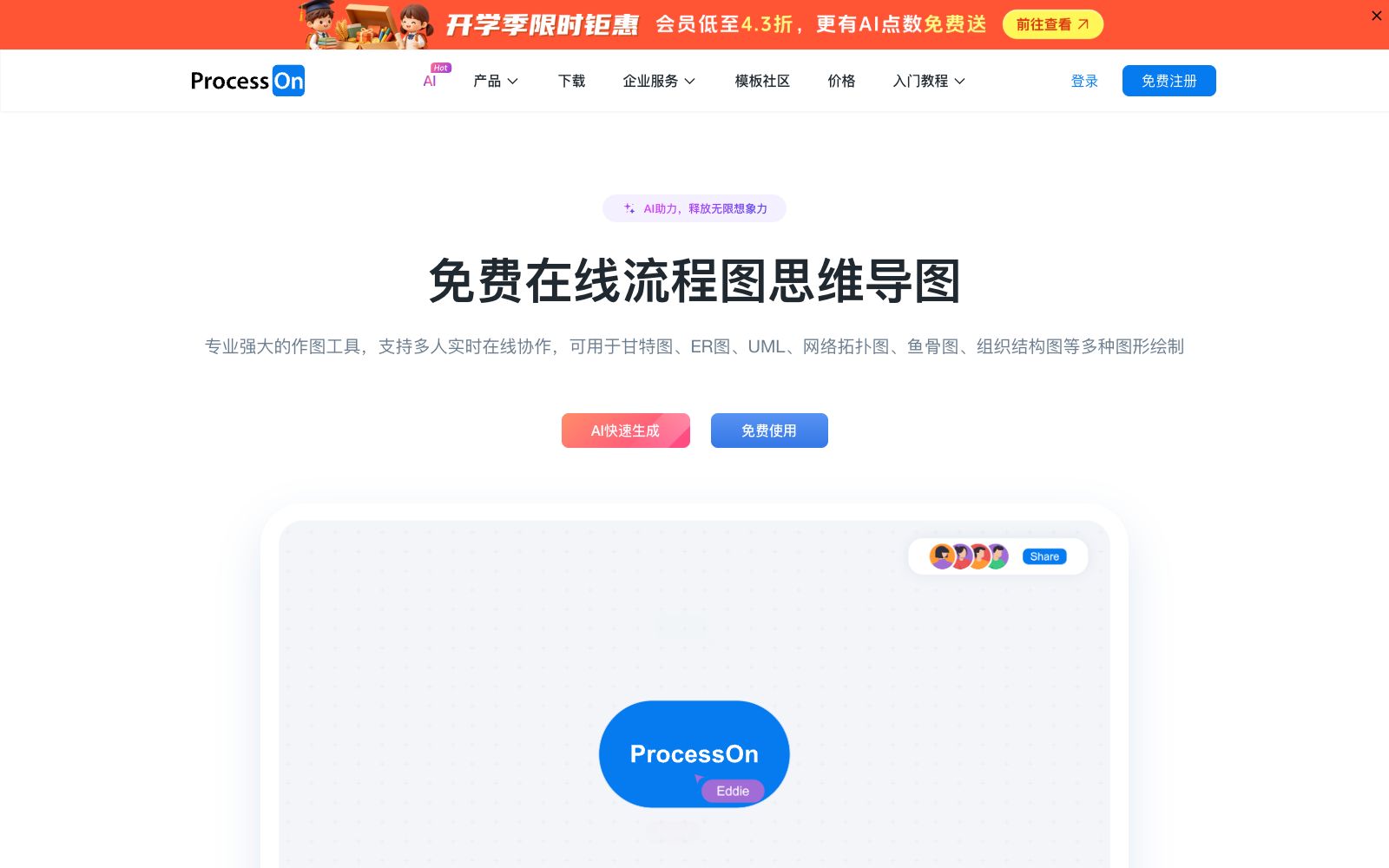
An online drawing tool and knowledge sharing community that supports AI one-click generation of mind maps and flowcharts, can draw various diagrams such as Gantt charts, ER diagrams, UML, and network topology diagrams, and also supports real-time multi-person collaboration and template cloning.
Updated: 2026-10-26
What is ProcessOn?
ProcessOn is an online drawing tool and also a knowledge sharing community. Its official website categorizes graphics into three types: flowcharts for graphical expression, mind maps for structured expression, and notes for efficient expression. It features a complete range of graphics with AI generation entry, and after finishing the drawings, users can also publish them to the community with one click to be saved as templates.
Who is it for?
- Students and teachers who use mind maps to organize course notes and thesis frameworks
- Product and R&D personnel who create flowcharts, sequence diagrams, database ER diagrams, and system architecture diagrams
- For project management and operations, create Gantt charts, task breakdowns, and visualize departmental processes
- Team leaders who want to internalize internal processes into reusable templates
- Students who need to quickly build structures for thesis proposal preparation and chapter sorting
Key features
7AI Quick Generation
The official website provides an AI generation entry, where you can directly generate content by selecting types such as standard mind maps, meeting outlines, to-do lists, pros and cons lists, SWOT analysis, etc.
Multi-type Diagram Drawing
The official website lists mind maps, flowcharts, swimlane diagrams, BPMN2.0, Gantt charts, ER diagrams, UML diagrams, network topology diagrams, fishbone diagrams, organization charts, timelines, and more.
Thinking Notes
Allows inserting and synchronously editing flowcharts and mind map files, ideal for notes with mixed text and images.
Format Compatibility
The official website states that it supports exporting to VISIO, PDF, PNG, and SVG formats, importing VISIO and Mermaid files, and also has an Mermaid online editor that can generate 21 types of graphics.
Multi-person Collaboration
Supports multi-person drawing, multi-device synchronization, real-time storage and historical version rollback, and also provides a team component library.
Template Community
The official website states that there are millions of templates available for one-click cloning, and users can also earn revenue by publishing their own templates.
Import and Plugins
The official website provides a Mermaid online editor that can generate various diagrams such as flowcharts, sequence diagrams, and class diagrams using syntax.
How to use ProcessOn
- 1First search for similar diagrams in the template community before starting, which is much faster than starting from scratch and also helps avoid format pitfalls.
- 2The diagrams generated by AI are just skeletons; manual verification is required for key conclusions, especially those involving businessdefinitions.
- 3The team edition involves seats and fees; choose the number based on actual collaborators, and do not purchase too many at once.
- 4Visio files imported from other tools may occasionally have layout misalignment; preview important files before delivering them.
- 5After being generated by Mermaid, the diagram still requires manual adjustment of details; a fully automatically generated diagram is not suitable for direct external release.
- 6The copyright and authorization scope of community templates shall be subject to the instructions on the template page, and each template shall be confirmed before commercial use.
- 7When collaborating with multiple people, name your files first; historical versions can be rolled back but are hard to find, so name them before you start working.
Traffic & popularity
Data month Sep 2026
ProcessOn receives about 367.2K visits per month and ranks #138,733 worldwide.
Monthly visits
12 monthsTraffic sources
- Direct58.8%
- Search32.4%
- Referrals5.4%
- Social1.5%
- AI assistants1.1%
- Other0.7%
Top countries
- China85.1%
- United States5.8%
- Hong Kong, China4.5%
- Singapore0.5%
- Taiwan, China0.5%
Estimated from third-party traffic data.
Similar tools
 GitMindGitMind Sihu is an all-platform AI mind map and flowchart tool. It supports one-click generation of mind maps from text, documents, videos and images. It provides applications such as mind maps, whiteboards and meeting minutes, supports multi-device synchronization, and covers learning and office scenarios.
 Whimsical AIAI features in Whimsical canvas generate flowcharts, mind maps and wireframes in one sentence, with Whimsical Agent and MCP integration for team collaboration.
 Wondershare EdrawThe drawing software under Wondershare Technology, an A-share listed company, covers more than 210 types of drawings including flowcharts, mind maps, infographics, organizational charts, and network topology diagrams. The official stated that it is compatible with domestic mainstream chips and operating systems and provides a large number of templates.
 ChangtuChangtu is an AI-native charting tool developed by Mocko. You can upload documents or chat with AI to generate mind maps, flowcharts, kanban boards and tables, and it supports one-click conversion between charts and real-time team collaboration.
 XmindXmind is a mind mapping and AI brainstorming tool that supports Web, desktop and mobile platforms. It offers various structures such as AI generation, Gantt charts and matrices, and holds ISO 27001 and SOC 2 security certifications.
 ZhixiZhixi is a mind map and diagram software that supports web, desktop and mobile platforms. It has a built-in AI assistant that can generate mind maps with one click, offering 18 types of structural diagrams, over 30,000 templates, cross-device cloud synchronization and multi-person collaboration. It is suitable for study and office work.