


Flowith
Canvas-centric AI workspace: one idea can grow all the way down, the model list is spread out with more than a dozen image models to choose from, there are also video, slide and web page outputs, as well as a batch of image application templates.
Updated: 2026-10-26
What is Flowith?
The homepage of Flowith is a canvas with a single main title: "Flow Flow Flow with ideas", and the accompanying text is "Good ideas start here". It centers the interaction on an infinitely extensible Flow — generating a result is not the end, but a node from which branches can grow next to it. A list of models is laid out directly on the page; multiple image models such as Seedream, Nano Banana, GPT Image, Grok Image, and Z Image are displayed side by side, and the official explanations for these models are written very straightforwardly.
Who is it for?
- Visual creators who want to test multiple models in one place and then select the results.
- Small teams that need to batch out social media images, posters, and covers.
- People who are used to organizing ideas on a canvas and dislike linear dialog boxes.
- Operations professionals who need to adapt generated images to fit the dimensions of various platforms.
- Creators who want to create original character designs for games and novels, as the page has plenty of such templates.
Key features
7Flow Canvas
An idea can continue to grow downward, with nodes connected in a path, and canvas management and media history are managed independently of each other.
Multi-Model Selection
The official lists Seedream 5.0 Pro, Flash, Nano Banana 2 Lite, 2.1, 2, Pro, 1 Flash, GPT Image 2.5 Flare, Sunburst, GPT Image 2, Grok Image 2.0, Z Image Turbo, etc., and marks the differences in size and speed.
Multimodal Output
In addition to images, the page also offers several types of outputs including conversations, videos, slideshows, and web pages.
Neo Agent
Undertakes longer and more complex task chains in the form of an agent, not just a single generation.
Image Application Templates
One-click solutions for background removal, photo relighting, high-definition enlargement, cropping and resizing, magazine-style poster design, wallpaper generation, and more.
Scenario-based Applications
Model try-on, social media image matching, code videos, etc. Just select templates directly instead of writing prompts from scratch.
Knowledge Garden & Knowledge Bazaar
A section within the platform for accumulating and accessing materials to support long-term creation.
How to use Flowith
- 1The model list is marked with discounts and "NEW", as well as two usage labels: "Use" and "Upgrade". Try it out with the available credits first, and then consider upgrading if you're satisfied.
- 2Template applications are suitable for quick output, but when it comes to brand visuals, you still need to manually check the specifications of fonts, logos, and color schemes.
- 3The canvas can easily expand too much; it's better to split the task into two or three Flows at the beginning rather than piling everything on one canvas for easier organization.
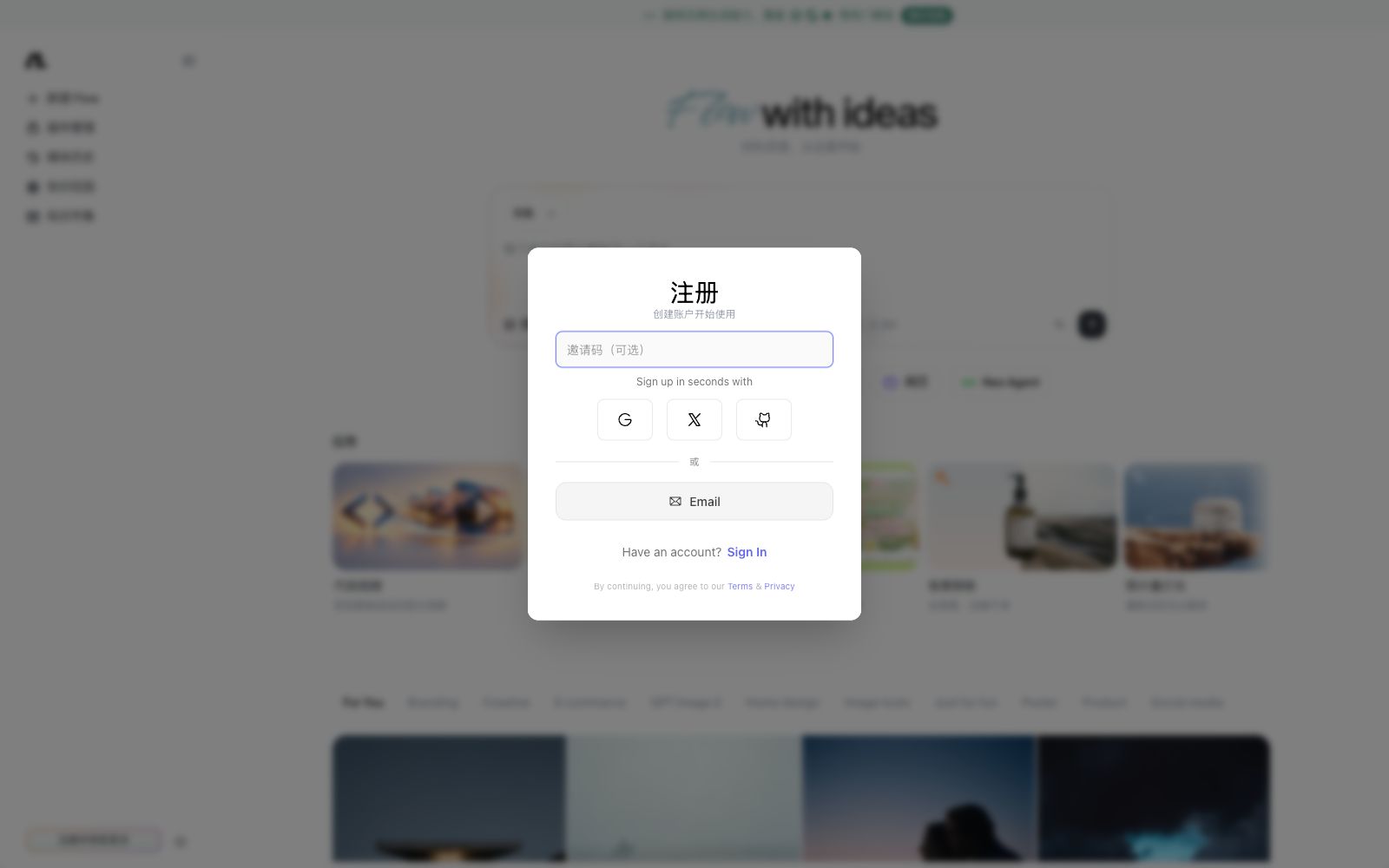
- 4The registration portal supports email and third-party accounts; you must agree to its terms and privacy policy before proceeding. Pay attention to the ownership of materials when uploading reference images.
- 5Multiple models are marked as new versions, with their names and entry locations constantly changing; when using them, refer to the current page display and do not look for buttons based on old screenshots.
Traffic & popularity
Data month Sep 2026
Flowith receives about 140.3K visits per month and ranks #354,297 worldwide.
Monthly visits
12 monthsTraffic sources
- Direct50.7%
- Search23.1%
- Social14.6%
- Referrals7.6%
- AI assistants2.5%
- Other1.7%
Top countries
- China29.9%
- India9.3%
- Hong Kong, China6.4%
- United States5.3%
- South Korea4.1%
Estimated from third-party traffic data.
Similar tools
 HedraHedra is officially positioned as an institution engaged in the research and development of visual reasoning models and infrastructure. Meanwhile, it provides creators with a visual workbench that enables planning, generation, and editing across video, image, and audio models on the same canvas.
 moyoNotemoyoNote is an all-in-one tool for organizing materials into a structured knowledge base. According to the official statement, you can generate mindnotes by dragging and dropping files such as PDFs, Word documents, and audio files, and it also has a browser extension to assist in word lookup.
 n8nAn open-source workflow automation platform that integrates AI capabilities with business processes. It features a visual canvas for building while retaining code editing space, with full traceability of Agent reasoning on the canvas. It supports over 500 integrations and can be self-hosted for deployment.
 Chatbox AIA cross-platform AI client that supports mainstream models such as GPT, Claude, Gemini and built-in APIs, offering file Q&A, online search and local knowledge bases. The official states that the subscription is as low as $3.99 per month.
 Tensor.ArtA free online image generation and model hosting platform that allows you to run models online to generate images and videos, train models, and provides sections such as a material library, workflows, and character creation. It is suitable for users who do not want to deploy models locally.