


Changtu
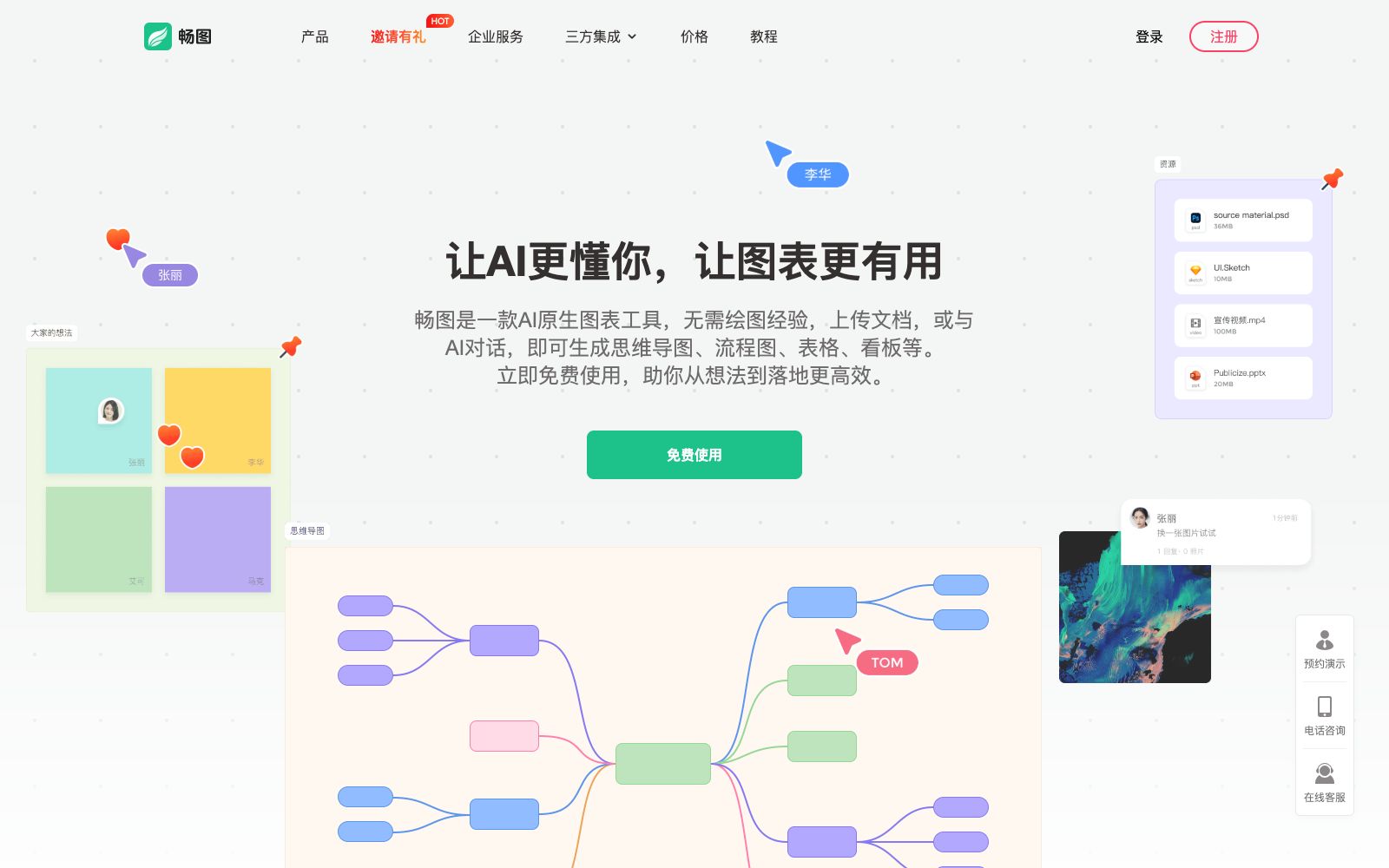
Changtu is an AI-native charting tool developed by Mocko. You can upload documents or chat with AI to generate mind maps, flowcharts, kanban boards and tables, and it supports one-click conversion between charts and real-time team collaboration.
Updated: 2026-10-26
What is Changtu?
Changtu's official website positions itself as an "AI-native charting tool", emphasizing that no drawing experience is required. You can generate mind maps, flowcharts, tables, kanbans, timelines and class diagrams by uploading documents or chatting with AI. Produced by MockingBot team, different from charting tools that require manual dragging and dropping, the official website states that it is fully AI-driven. At the same time, it also retains complete manual editing tools, allowing you to start drawing from scratch.
Who is it for?
- Office workers and students who need to organize meeting minutes, project plans, and course notes into structured charts.
- Product and R&D teams that conduct requirement sorting, process design and technical solution reviews.
- Collaborative teams that need to co-create and brainstorm collectively, and leave behind mark-up and comment records.
- Enterprises that require data to stay within the intranet and need private deployment and Xinchuang adaptation.
Key features
6Multimodal Analysis
The official website states that it supports recognizing content such as text, PDF, PPT, web pages, images, and tables. After uploading files and entering requirements, the AI will organize the information and generate charts with one click, and also supports Xmind import.
Multi-graph Output
The output types listed on the official website include mind maps, flowcharts, cards and kanbens, tables, timelines, and class diagrams. The official description states: "Whether you input text or documents, you can generate professional and beautiful charts."
Smart Chart Conversion
No need to redraw; the official website states that you can convert a mind map into different graphics such as flowcharts, cards, and tables with just one sentence.
Real-time Multi-person Collaboration
Team members create and communicate on the same canvas. The collaboration methods listed on the official website include using sticky notes to express ideas, drawing circles with brushes, and real-time comments, and it is also claimed to support cross-system use.
Conversational Editing
Supports multi-turn conversations and context understanding. The official website states that it will continuously optimize chart content based on continuous input.
Export and Private Deployment
Generated charts can be exported as PDF, PNG, JPG and PPT files. The official website also provides solutions for deploying to intranet servers and states that it has been adapted for independent and innovative applications.
How to use Changtu
- First, use an existing Word or PDF file to go through the entire process of "Upload – Generate – Export", check whether the hierarchy extracted by the AI aligns with your expression habits, and then decide whether to make manual adjustments.
- The official website states that users will receive 2000 AI credits for free trial upon registration.
- It is recommended to first use these credits to verify the generation quality before considering paid services.
- For long documents, it is recommended to split them into chapters, generate charts for each chapter separately, and then merge them onto a single canvas.
- This makes it easier to control the granularity of nodes compared to importing the entire document at once.
- When reusing old materials, prioritize importing via Xmind to avoid retyping.
- Before exporting, confirm whether the format meets the delivery requirements.
- for team collaboration and commercial use, the account permissions, template authorization and private deployment scope shall be subject to the official website instructions.
- The official rules may be adjusted, so please check again before official use.
Traffic & popularity
Data month Sep 2026
Changtu receives about 1.9K visits per month and ranks #7,781,909 worldwide.
Monthly visits
12 monthsTraffic sources
- Referrals85.3%
- Direct9.5%
- Social2.7%
- Search2.5%
Top countries
- China100.0%
Estimated from third-party traffic data.
Similar tools
 MindMap AIA mind map generator based on materials can convert articles, PDFs, videos, audios, images and various structured files into mind maps, and further modify them through conversations. The official states that all tiers include a complete editor.
 IdeamapA visual workspace for team brainstorming. After inputting a topic, AI generates and automatically clusters ideas. You can one-click expand them into a mind map, and support member collaboration, export and sharing.
 ProcessOnAn online drawing tool and knowledge sharing community that supports AI one-click generation of mind maps and flowcharts, can draw various diagrams such as Gantt charts, ER diagrams, UML, and network topology diagrams, and also supports real-time multi-person collaboration and template cloning.
 XiaohuazhuoA lightweight online real-time collaborative whiteboard that supports infinite canvases, multi-page canvases, file collaboration, audio and video calls, with built-in AI for generating mind maps and images, and can be used in conjunction with meeting tools.
 Whimsical AIAI features in Whimsical canvas generate flowcharts, mind maps and wireframes in one sentence, with Whimsical Agent and MCP integration for team collaboration.
 XmindXmind is a mind mapping and AI brainstorming tool that supports Web, desktop and mobile platforms. It offers various structures such as AI generation, Gantt charts and matrices, and holds ISO 27001 and SOC 2 security certifications.