


Plus AI
An AI presentation assistant built directly into PowerPoint and Google Slides, which can generate slides from prompts or documents, supports rewriting, rearranging layouts, brand customization and image matching. The official states that the output is permanently owned by the user.
Updated: 2026-10-26
What is Plus AI?
Plus AI is a presentation assistant provided by plusai.com, and its official positioning is "an AI assistant for PowerPoint and Slides". Its most obvious difference is that it does not open a separate application, but is directly integrated into the PowerPoint and Google Slides you are already using. Generation and modification are completed within the original software. The official also provides Presentation Agent, API and MCP Server for this feature.
Who is it for?
- Consultants and salespeople who are used to working in PowerPoint and don't want to change their workflow.
- Startup teams that need to quickly convert proposal documents into client presentations.
- Teams that need to batch produce courseware and marketing materials in line with the company's brand specifications.
- Educators and training professionals who collaborate on Google Slides and want to write and revise in real time.
Key features
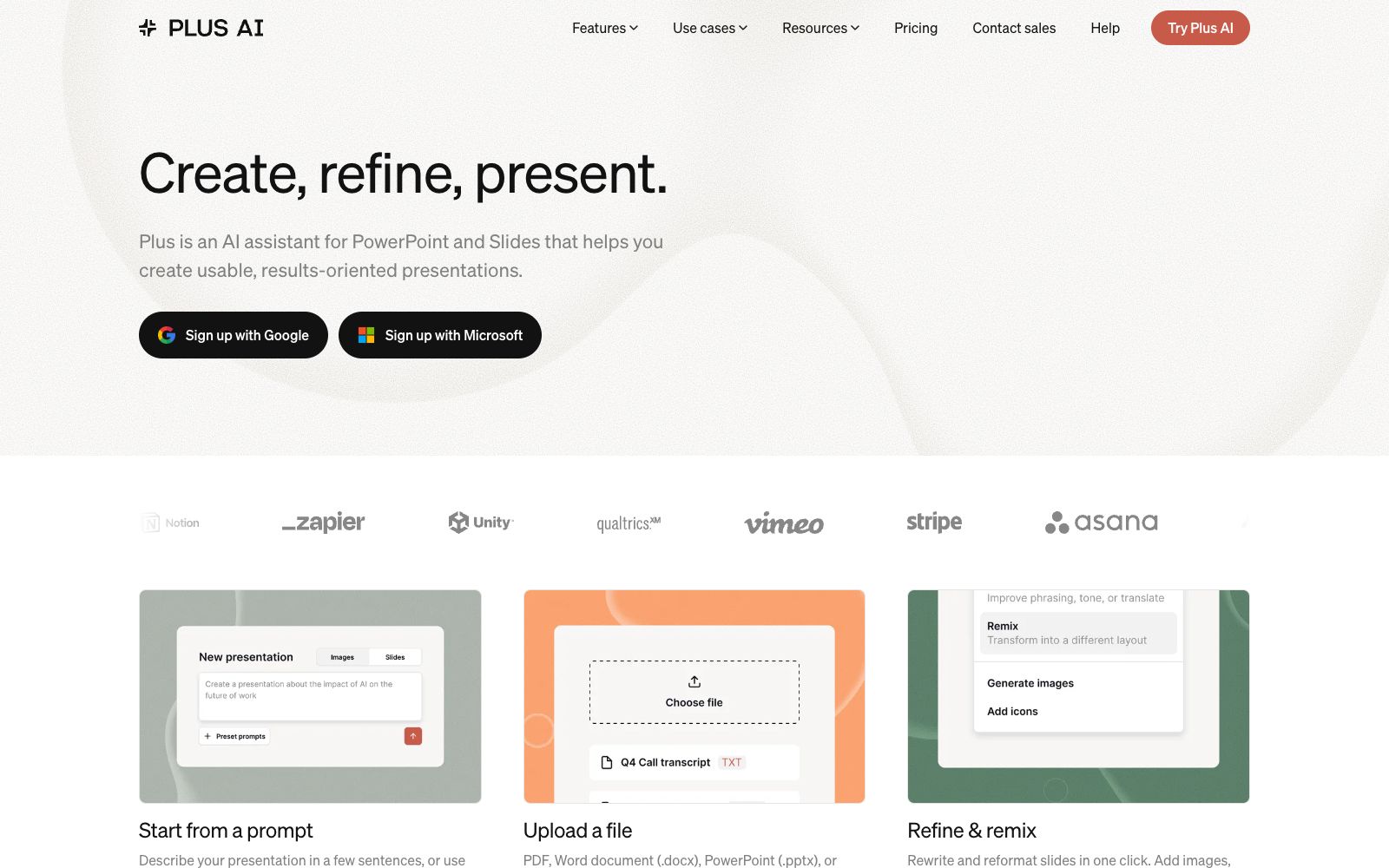
8Start from a prompt
Describe the presentation you want to create in a few sentences, or start with an official preset prompt template.
Upload a file
Supports PDF, Word documents, PowerPoint presentations, and plain text files, converting existing materials into slides.
Insert
The official version states that it offers hundreds of layouts, allowing you to insert pages as needed and select the appropriate layout.
Rewrite
Rewrite existing text and adjust the expression and level of detail.
Remix
One-click remixing of layouts and designs, and the official team takes "Refine & remix" as the core action.
Custom branding and Preset library
Apply your own brand settings and select styles from the official preset library.
AI image generator
Generate images within slides; the official states that you can create visually appealing pages without design skills.
AI in any language
Supports generating content in any language.
How to use Plus AI
- 1Install the plug-in first before getting started, and make sure your version of PowerPoint or Google Slides is within the official supported range.
- 2When uploading a document, prioritize a well-structured draft. The AI will follow the original text's hierarchy; a messy draft will result in messy slides.
- 3For custom branding, configure your fonts, primary colors, and logo first, and they will be automatically applied to every subsequent generation, eliminating the need to adjust styles repeatedly.
- 4The official statement says that the generated content is permanently owned by you, but the commercial usage rights of the images and materials are still subject to the official instructions.
- 5After remixing and rearranging, check the positions of charts and figures page by page, as automatic layout may squeeze tables out of shape.
- 6Pricing and team seat rules may be subject to change; check the official pricing page again before purchasing.
Traffic & popularity
Data month Sep 2026
Plus AI receives about 99.3K visits per month and ranks #523,064 worldwide.
Monthly visits
12 monthsTraffic sources
- Search71.6%
- Direct16.9%
- AI assistants5.2%
- Social2.8%
- Referrals1.9%
- Other1.7%
Top countries
- United States15.2%
- India11.8%
- Colombia10.3%
- Brazil3.6%
- Germany3.4%
Estimated from third-party traffic data.
Similar tools
 SlidesAIA tool that converts notes, documents, PDFs or prompts into presentations, which can be directly used on Google Slides, PowerPoint, ChatGPT and web platforms. It supports brand kits for unified visual styles and can be exported as PDFs.
 auxiauxi is an executive-level PowerPoint tool for consulting and investment banking. It accesses large models through MCP and turns AI-generated drafts into formal slides in accordance with your templates and brand guidelines.
 Beautiful AIAn AI presentation software for teams, officially positioned to create professional-level slides faster. It has more than 300 Smart Slide layouts, data-linked charts and theme customization built-in, and supports brand unification and batch workflows.
 PowerPresentPowerPresent is an AI presentation tool for formal reporting. It can generate complete presentations from prompts or documents, support online editing and presentation, and export to PowerPoint or Google Slides.
 SlideSpeakAn AI presentation tool that turns PDFs, Word documents, Excel spreadsheets, or a single theme into editable slides, exports native PPT files, and fully retains fonts and layouts.
 SlidesGPTSlidesGPT is an AI PowerPoint generator that can convert prompts, blog posts or PDFs into structured presentations, and export them as PowerPoint, Google Slides and PDF files, suitable for education, research and sales scenarios.