


ClassPoint
A classroom interaction and teaching tool deeply integrated with PowerPoint, offering real-time quizzes, AI question generation, gamification, and presentation enhancements. The official stated that it has served 20 million educators.
Updated: 2026-10-26
What is ClassPoint?
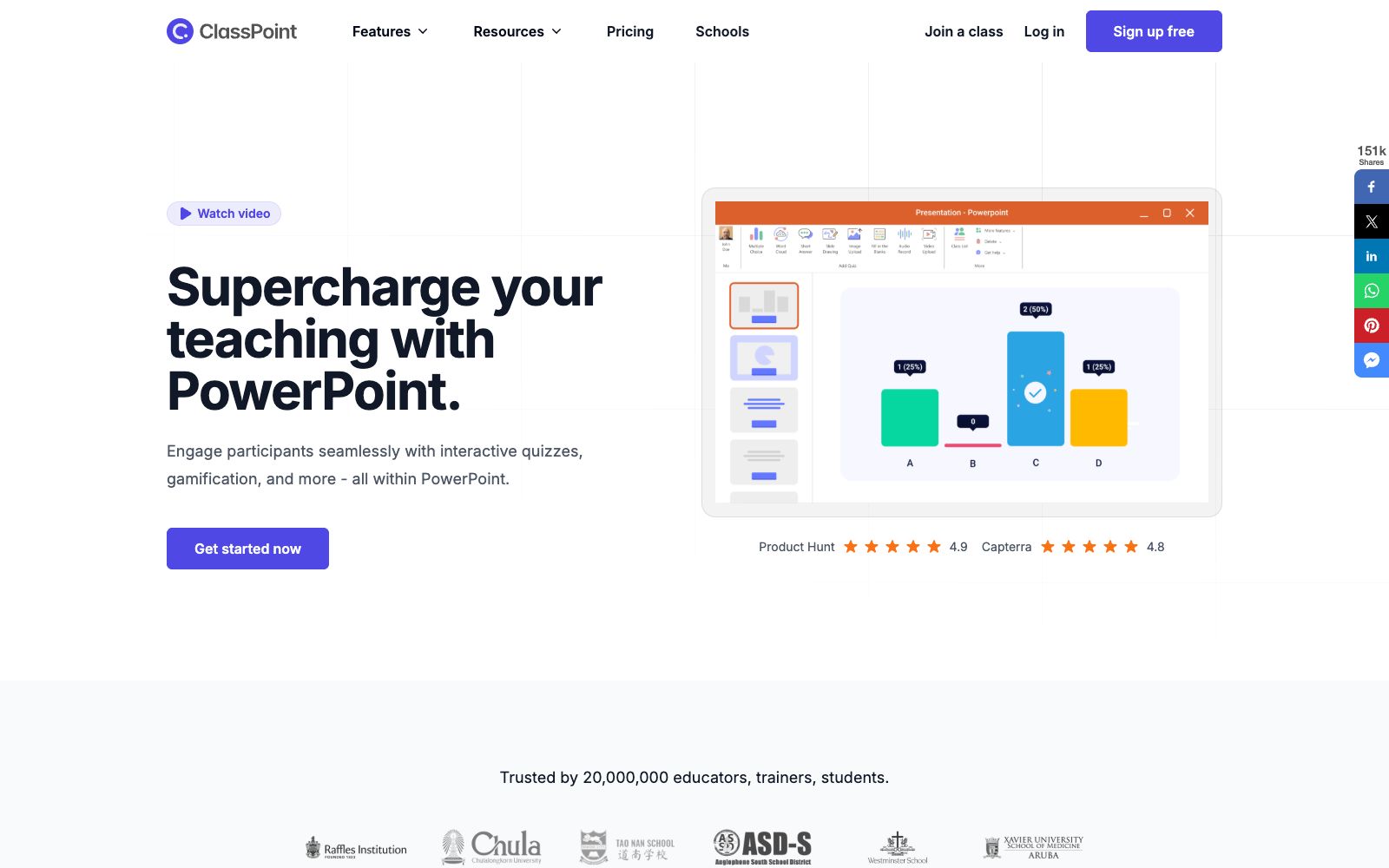
ClassPoint is a teaching and classroom interaction tool seamlessly integrated into PowerPoint. According to its official website, it enables teachers and trainers to conduct real-time quizzes, gamified interactions and presentation enhancements directly within PPT without leaving PowerPoint, transforming familiar tools into interactive classrooms with almost zero migration cost for teachers.
Who is it for?
- Primary and secondary school and university teachers who prepare lessons on PowerPoint and want to increase classroom interaction, and can add interaction without switching to other software.
- For trainers and instructors conducting corporate training who need on-site quizzes and feedback, they can instantly view learners' responses and knowledge gaps.
- Instructional designers who want to turn static slides into engaging and assessable learning activities to enhance teaching effectiveness and knowledge retention.
- Educational institutions that use school environments in regions like Singapore and require compliant teaching tools; the official website states that its coverage is already very extensive.
- For teachers who need to collect attendance, Q&A and evaluations in one place, My Class can reduce the number of forms they need to use.
Key features
6Interactive Quizzes
Create and run real-time quizzes directly within PowerPoint, featuring multiple-choice questions, word clouds, fill-in-the-blank questions, short-answer questions, and more, covering most classroom scenarios and subjects.
AI Question Generation
The official claims that AI can automatically generate quiz questions based on PPT slides, reducing the burden of lesson preparation. Teachers only need to make minor adjustments before casting the screen.
Gamification
Incentivize student participation through stars, level badges, and leaderboards to boost classroom engagement and sense of accomplishment, making interactions more rewarding.
Presentation Tools
Supports interactive forms such as students uploading videos or images, drawing on slides, and recording audio, enriching participation without monotony.
Class Management
It offers features such as My Class, enabling centralized management of classes and interaction records, facilitating post-class reviews and the collection of usual performance data.
Full-Scenario Coverage
The official website states, "You don't have to leave PowerPoint." All tools are built directly into PPT, integrating presentations and interactive activities seamlessly.
How to use ClassPoint
- 1First, try out AI question generation and one question type on a small number of slides, confirm the recognition effect before rolling out on a large scale, and avoid on-site mishaps that disrupt the rhythm.
- 2Gamification elements (such as leaderboards) are recommended to be used in conjunction with class rules to avoid causing excessive psychological pressure of comparison on students.
- 3Audio, video and images uploaded by students involve portrait rights and privacy. Consent must be obtained before public display, and retention must also comply with regulations.
- 4Features and pricing may be subject to change. Please recheck the official instructions before bulk procurement by schools, and the current terms and prices shall prevail.
Traffic & popularity
Data month Sep 2026
ClassPoint receives about 502.7K visits per month and ranks #75,641 worldwide.
Monthly visits
12 monthsTraffic sources
- Search63.6%
- Direct24.1%
- Referrals7.4%
- Social3.0%
- Mail1.2%
- Other0.6%
Top countries
- United States30.7%
- Vietnam10.2%
- Philippines4.1%
- Saudi Arabia4.0%
- Indonesia3.3%
Estimated from third-party traffic data.
Similar tools
 QuizletA learning tool and resource platform that converts recorded content and handwritten notes into study guides, flashcards, practice quizzes and games. It supports on-the-go review, podcasts and collaborative learning with others, and is free for teachers.
 Plus AIAn AI presentation assistant built directly into PowerPoint and Google Slides, which can generate slides from prompts or documents, supports rewriting, rearranging layouts, brand customization and image matching. The official states that the output is permanently owned by the user.
 Feixiang TeacherFeixiang Teacher is an AI teaching platform for teachers, offering teaching games, teaching animations, interactive courseware, AI question generation and AI lesson plans, as well as a resource square and an application square for teachers to reuse.
 OpenMAICAn open-source multi-agent interactive classroom project that generates immersive courses by uploading a single PDF. The official version states that the classroom features AI teachers and AI classmates participating in discussions. The platform also offers a classroom arena and course management functions.
 UplupUplup is a quiz and form tool built for lead generation. Create personality quizzes, knowledge quizzes, and scored assessments with a drag-and-drop editor and AI generation, then capture leads, sync them to your CRM, and analyze results.