


Picture to Drawing
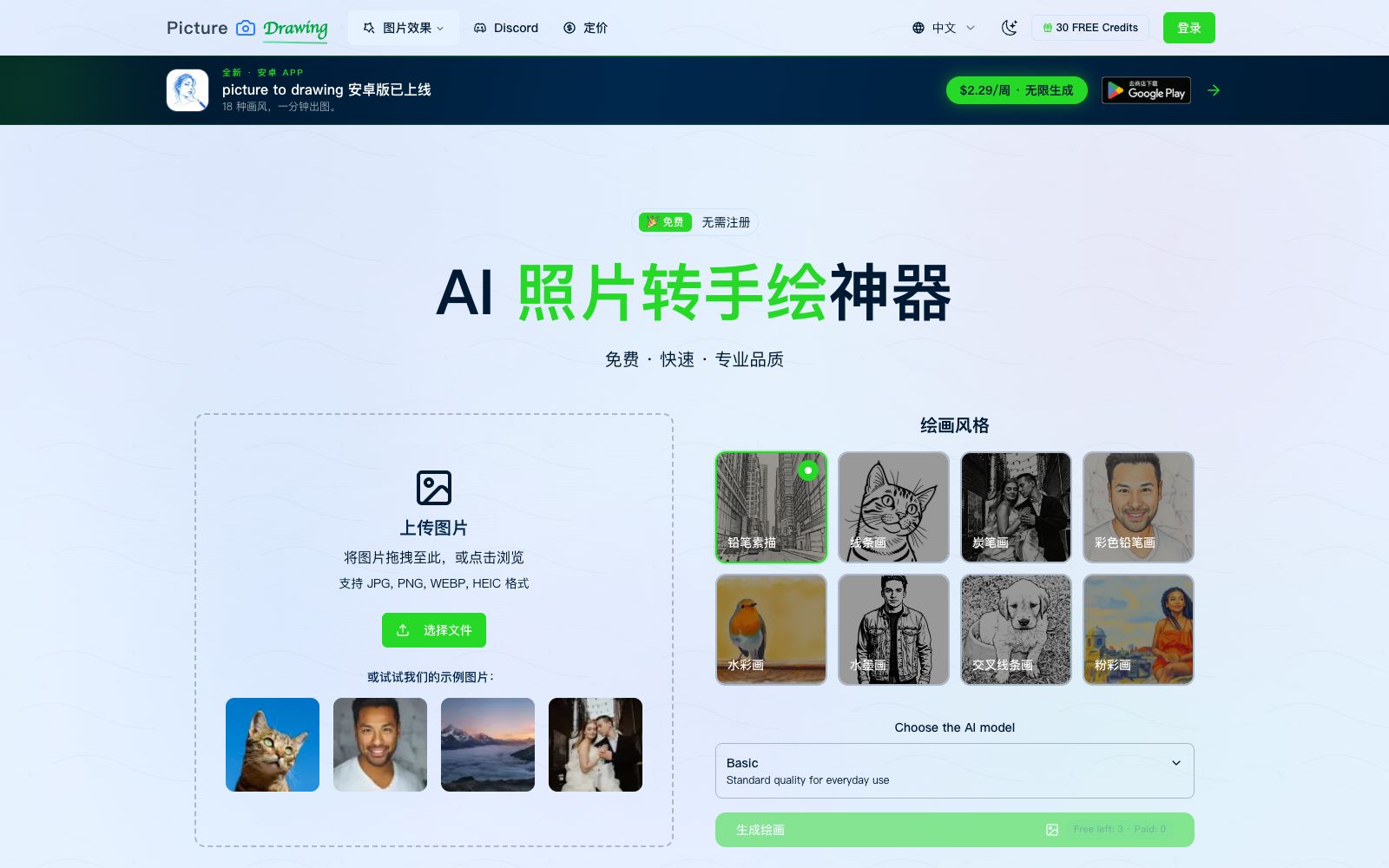
Free online tool to convert photos to paintings, which can turn images into pencil sketches, line drafts, charcoal drawings, colored pencil and watercolor styles with one click. The official website says no registration is required, and it supports JPG, PNG, WEBP and HEIC formats.
Updated: 2026-10-26
What is Picture to Drawing?
Picture to Drawing is an online tool that converts photos into hand-drawn styles. The official website's title reads "Picture to Drawing With AI - 100% Free No Sign Up". The usage is straightforward: upload an image, choose a drawing style, and download the result in a few seconds. The homepage of the official website provides sample images for direct trial, and it also notes that new users get 30 free credits.
Who is it for?
- Ordinary users who want to change their avatars and social media images to a hand-drawn style.
- Art enthusiasts who need line drafts for tracing or secondary coloring.
- Individuals who create small-batch printed materials such as invitations, greeting cards, and photo albums.
- Self-media creators who need to quickly produce illustration-style cover images.
- Customers who want to convert photos to sketches first and then hand them over to artists for customization.
Key features
8Pencil Sketch
Converts photos into pencil sketch effects.
Line Drawing
Extract lines to get a clean line draft.
Charcoal Drawing
Charcoal texture with stronger contrast between light and dark.
Color Pencil Drawing
A colored pencil style that retains colors.
Watercolor Painting
Watercolor-like smudge effect.
InkArt / Crosshatch Drawing / Pastel Drawing
More styles available such as ink art, crosshatching, and pastel drawing.
High Resolution Output
The official website states that the output is high-resolution, suitable for printing and secondary use.
Multiple Drawing Styles
Offers a variety of artistic styles, allowing you to try several different ones for the same image before making a selection.
How to use Picture to Drawing
- First, test the sample images provided on the official website to confirm the style meets your expectations before uploading your own photos.
- Photos with clear subjects and clean backgrounds yield significantly better line quality, while cluttered backgrounds tend to blur into a mess.
- For portraits, use photos with a front-facing view and even lighting.
- side profiles and strong shadows may result in lost details.
- After the free credits are used up, pay attention to whether registration or payment is required to avoid mistakenly thinking it is available for unlimited use.
- Before uploading, pay attention to the official website's instructions regarding image usage and deletion policies, and exercise caution with images containing others' portraits or copyrighted material.
- The official website's homepage categorizes styles into pencil sketch, line drawing, charcoal drawing, colored pencil drawing, watercolor painting, ink art, crosshatch drawing, and pastel drawing, with distinct differences between each.
- For bulk needs, keep an eye on credit consumption.
- estimate the cost per image using free credits before upgrading to a paid plan.
Traffic & popularity
Data month Sep 2026
Picture to Drawing receives about 86.3K visits per month and ranks #402,788 worldwide.
Monthly visits
12 monthsTraffic sources
- Search50.1%
- Direct34.4%
- Referrals7.2%
- Social3.8%
- Mail1.6%
- Other3.0%
Top countries
- United States20.0%
- Spain8.0%
- France7.6%
- Mexico7.2%
- Italy5.2%
Estimated from third-party traffic data.
Similar tools
 Ghibli StyleAn online generator that converts photos into Studio Ghibli animation style, covering themes such as portraits, pets, landscapes and urban street scenes. Its official website claims that one-click image generation is available without design basics, and it also provides before-and-after comparison cases.
 GenColor AIGenColor AI is an online AI line drawing generator that can convert photos or text descriptions into printable line drawings. It supports batch generation and high-resolution PDF/PNG export. You can experience it for free without registration, and it is suitable for coloring and creative purposes.
 KaiberKaiber, targeted at musicians and visual creators, offers Canvas workflow, Beat Sync and multi-model aggregation: upload materials and music, produce multiple beat-synced videos within minutes, supporting style transfer and lip-sync.
 Ilus AIIlus AI is an illustration generation tool focused on style consistency. You can choose ready-made styles or upload more than ten sample images to train your own style, export SVG and PNG files, and make a one-time payment based on points.
 CartoonizeCartoonize is a photo-to-cartoon and avatar tool. Officially, it can turn photos into cartoons, sketches and animations with one click. It provides 4 million materials and supports online and offline editing, covering avatar and sticker creation.