


GenColor AI
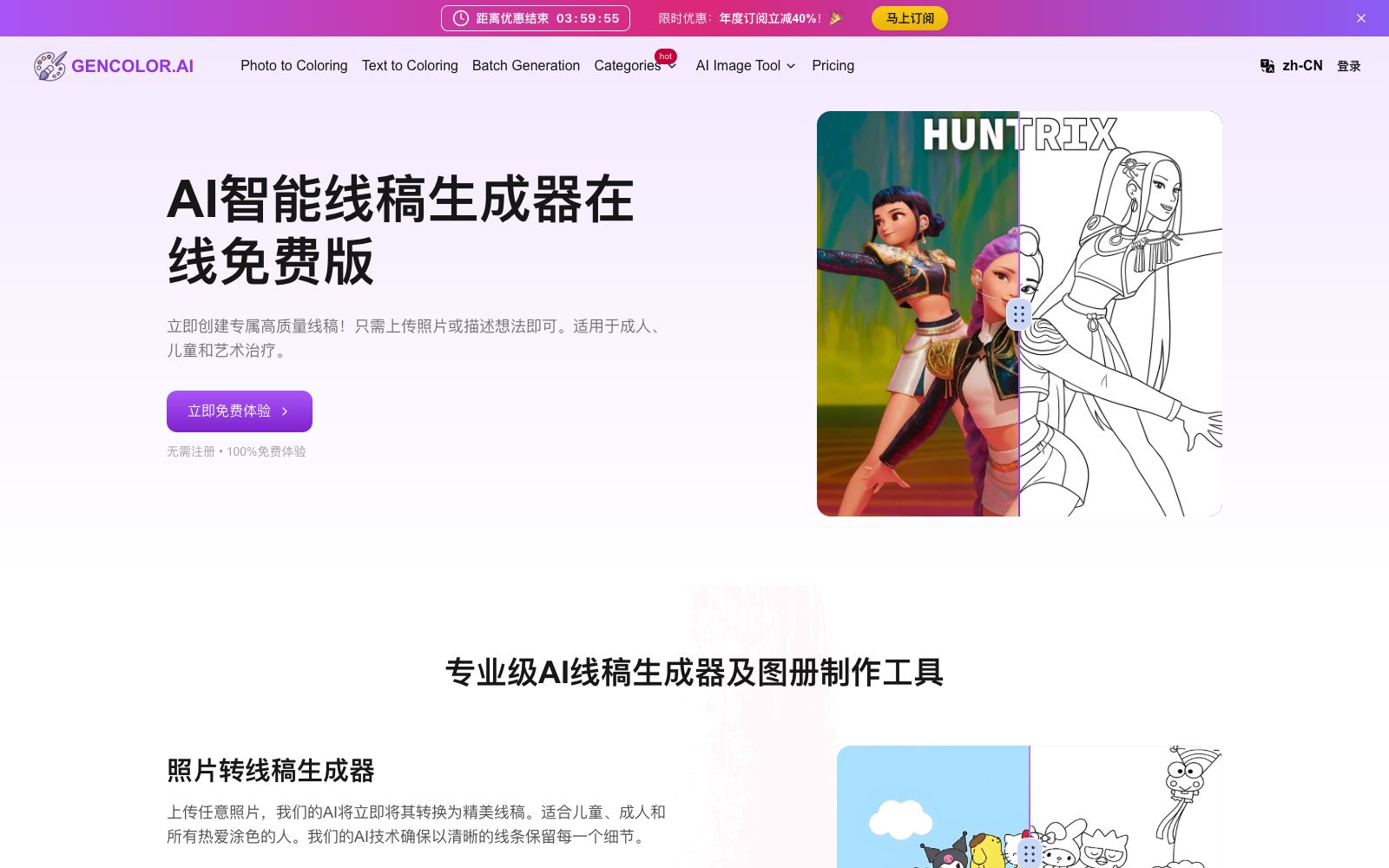
GenColor AI is an online AI line drawing generator that can convert photos or text descriptions into printable line drawings. It supports batch generation and high-resolution PDF/PNG export. You can experience it for free without registration, and it is suitable for coloring and creative purposes.
Updated: 2026-10-26
What is GenColor AI?
GenColor AI is an online AI line drawing generator. Its official website states that it can convert any photo or text description into high-quality, printable line drawings, and you can experience it for free without registration. It combines two types of needs, "photo to line drawing" and "text to line drawing", in one tool, and caters to coloring scenarios for adults, children, art therapy, etc. The difference from general image generation tools is that the output is clear, colorable line drawings.
Who is it for?
- Teachers and therapists conducting art therapy or classroom activities can let children color exclusive line art.
- Parents and children who want to turn hand-drawn photos into coloring books.
- Creators in need of story illustrations and personalized line art.
- Self-media and publishers who want to batch generate coloring materials.
- Operators who need to convert brand mascots into line drawings for coloring activities.
Key features
6Photo to Coloring
Upload a photo, and the AI will convert it into a line art, with the official claiming that clear lines are retained for every detail.
Text to Coloring
Enter a scene description, and the AI creates detailed coloring pages.
Batch Generation
Supports processing multiple images at once, suitable for picture albums and workflows.
High-quality print-ready format
Download high-resolution PDFs and print-ready PNGs at any time.
Background Removal
The official FAQ states that it uses deep learning-based semantic segmentation technology to remove the background.
Facial Accuracy
The official website states that facial key point detection and feature recognition algorithms are used to maintain consistent facial proportions and expressions.
How to use GenColor AI
- 1Try it first without registration: The official website states that no login is required and there is no time limit on usage. Test the line quality with one photo first.
- 2Requirements for uploaded images: Clear high resolution, JPEG/PNG format, and file size preferably kept under 5MB to speed up processing.
- 3Inquire about authorization for commercial use: The official website states that personal use is unrestricted, while for commercial needs, you need to review the terms of service or contact customer service.
- 4Keep the text description concise: Although there is no strict word limit, it is better to highlight the key elements for better results.
- 5Preview the line thickness using a high-resolution PDF before printing to avoid broken edges.
- 6You can prepare multiple images in batches for classroom or healing sessions to create a more cohesive unified style.
- 7If the lines are broken, you can increase the contrast of the original image when uploading, or adjust the prompt to make the outline of the main subject clearer.
- 8It is recommended to first test print the generated results on a small sample to confirm that the line thickness is suitable for the target age group before batch outputting.
Traffic & popularity
Data month Sep 2026
GenColor AI receives about 204.0K visits per month and ranks #196,767 worldwide.
Monthly visits
12 monthsTraffic sources
- Search78.3%
- Direct13.3%
- Social3.4%
- Referrals2.4%
- Mail2.0%
- Other0.6%
Top countries
- United States25.1%
- Russia14.1%
- Spain3.3%
- Canada3.1%
- Australia2.6%
Estimated from third-party traffic data.
Similar tools
 ColorifyAIColorifyAI is a free AI coloring page generator. You can enter text or upload photos to generate printable black-and-white line drafts. It offers a variety of painting styles, batch generation and supporting line draft tools, and is suitable for parent-child activities, classrooms and handmade material production.
 Migu AIMigu AI (Migu Painting) is a progressive layered drawing assistant that understands artists. Officially, it supports layered output and PSD export, offering functions such as sketch to line art, line art extraction, line art coloring, shadow generation, and character pose generation, and can be integrated into professional painting workflows.
 LineSVGAn AI tool that converts text or images into editable SVG line drafts, officially claims to output real vector strokes, with adjustable line width, color and dashed lines after generation, and can be exported to Figma and Illustrator.
 YouchuanYouChuan is a professional AI creative tool that offers image-to-video and text-to-video generation. It supports high/low dynamic modes, manual prompt fine-tuning and multiple +4s extensions, returns 4 results each time, and provides collaboration features for enterprise teams.
 Picture to DrawingFree online tool to convert photos to paintings, which can turn images into pencil sketches, line drafts, charcoal drawings, colored pencil and watercolor styles with one click. The official website says no registration is required, and it supports JPG, PNG, WEBP and HEIC formats.
 Holopix AIThe game art AI design tool under Guangzhou Guanghui Technology, as stated on its official website, focuses on game characters, icons and scene original paintings, supports generation from Chinese descriptions, and provides functions such as line drawing extraction, local redrawing and 3D perspective conversion.