


Paper
A modern design tool focusing on "design, share, deliver", the canvas is built on web standards and connected with code in two-way communication. It can integrate external agents to directly read the canvas content, and has two entry points: desktop and web version.
Updated: 2026-10-26
What is Paper?
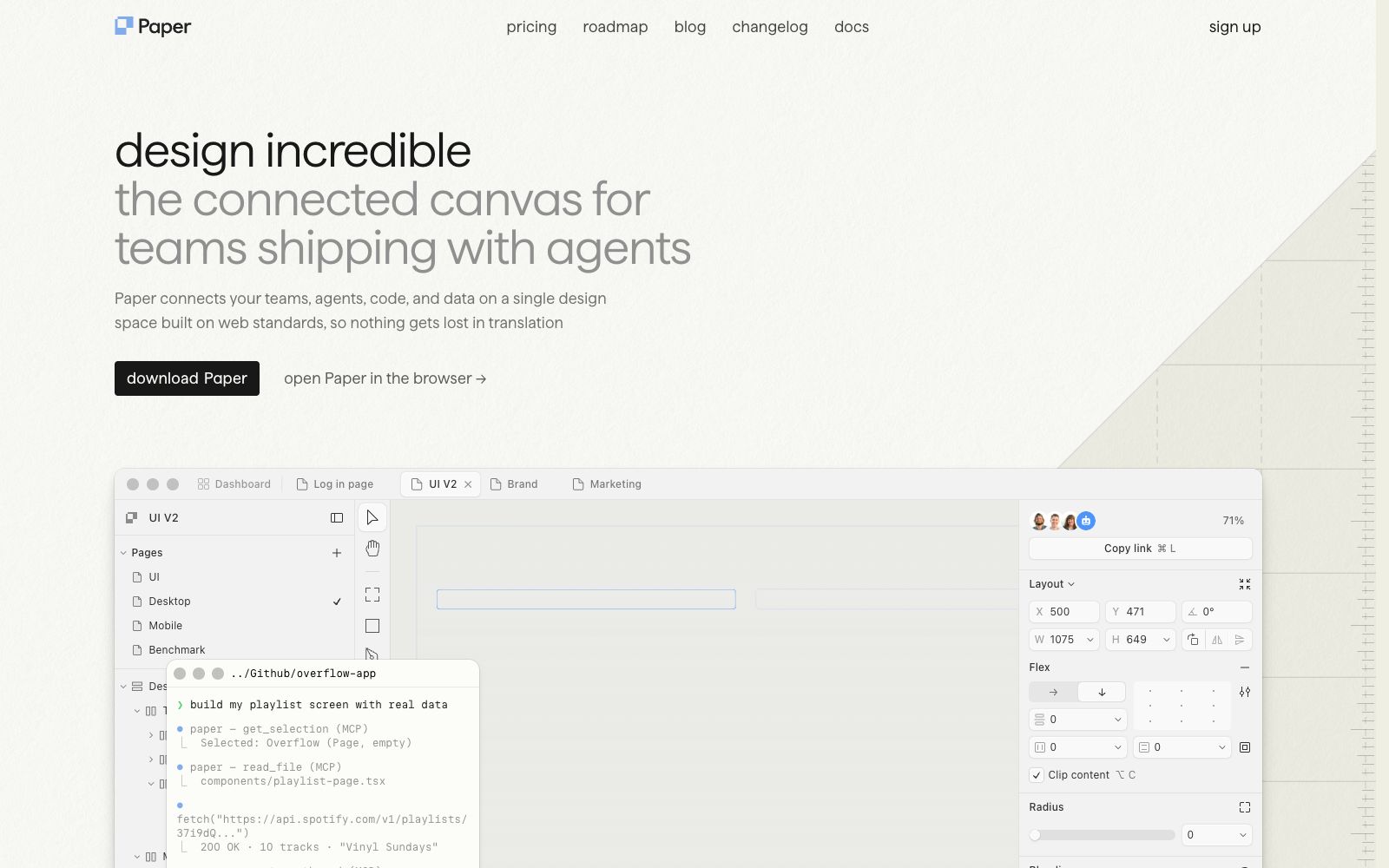
Paper is a design tool that focuses on "design, share, ship". Its official website defines it as a modern tool that helps people complete design, sharing and delivery. Its most distinctive feature is that its canvas is built on web standards. The official website states that this can avoid distortion of design drafts during the coding process, and enables the canvas to connect teams, agents, code and real data simultaneously, forming a complete loop from design to code and back to design.
Who is it for?
- Design teams who have to manually "translate" their designs into front-end components and want to avoid losing information in this process.
- Product engineering teams that are already using agents to write code and want them to also understand design mockups.
- Operations and growth teams that need design mockups to connect directly to real business data instead of filling in dummy data.
- Independent designers who want a lighter entry point to complete design output and delivery.
Key features
7Connected canvas
The official website puts forward the term "connected canvas", emphasizing that teams, agents, code and data collaborate in the same space.
Design and Code Interoperability
The official statement mentions that a continuous loop from canvas to code and back to canvas has finally been established.
Connect any agent to your canvas
You can connect external agents to your canvas so that they can understand the content on the canvas.
Access Real Content
The official website mentions that you can fetch real data from anywhere via prompts and update the content directly on the canvas.
Eliminate Repetitive Work
The official description is to hand over the tedious, template-based tasks to machines, leaving humans to focus on the parts that truly require a human touch.
Maintain Control
The official website emphasizes that even with AI agents involved, the control remains in human hands.
Paper Desktop and Web Version
The official website has launched a desktop version as a new workflow entry point, and it also supports direct opening in a browser.
How to use Paper
- 1First confirm whether your existing front-end system can be integrated with it; this is the prerequisite for the tool to deliver its value.
- 2Before letting agents access the canvas, clarify which external services are authorized for access, and prevent design drafts from spreading along with them.
- 3When connecting real data, be careful not to directly place sensitive content from the production database on the shareable canvas.
- 4When the available features of the desktop version and the web version are inconsistent, choose according to your team's actual scenarios instead of pursuing unity.
- 5The official website mentions that it has raised a substantial round of funding. Such early-stage products iterate rapidly, so remember to back up and export your important assets.
- 6Pricing, availability and public release schedule may be subject to adjustment; recheck the official website before official deployment.
Traffic & popularity
Data month Sep 2026
Paper receives about 1.7M visits per month and ranks #24,944 worldwide.
Monthly visits
12 monthsTraffic sources
- Direct53.5%
- Search23.3%
- Social11.1%
- Referrals8.8%
- Mail1.9%
- Other1.4%
Top countries
- United States31.0%
- India10.0%
- Germany5.1%
- United Kingdom4.4%
- Pakistan4.1%
Estimated from third-party traffic data.
Similar tools
 PixsoA domestic AI collaborative design tool that integrates whiteboarding, prototyping, UI design and delivery in one. Its official website states that it supports AI one-click generation of UI design drafts and React/Vue code, connects the entire design-to-development pipeline, and can import Figma files.
 AnimaAn AI development platform for design-to-code, its official website states that it can deliverable applications from design files, URLs or prompts, emphasizes retaining design context and supporting the export of real code, and also provides an interface for platform integration.
 MiaoduoAn AI-driven user interface design tool that supports importing typical interfaces for AI to learn design styles, generating interfaces and components based on text or images, and providing MCP to enable coding tools to understand design drafts and generate front-end code, targeting the collaboration scenario of product, design and research teams.
 ArtfloAn AI workflow platform for designers, combining infinite canvas, new models and AI Skills, allowing inspiration, materials and finished works to flow on the same canvas.
 FramerAn all-in-one AI design platform that takes you from idea to launch seamlessly. Agents can directly design and build websites on the canvas, with all changes always editable. It also has built-in hosting, security, analytics, CMS, and SEO capabilities.
 SubframeSubframe is a design tool connected to the codebase, as well as a canvas-enabled coding agent. It allows infinite canvas design, previewing and editing online applications, and agent code modification all in one tool.