


Otter.ai
AI Meeting Assistant: Transcribe every meeting in real time, generate automatic summaries, insights and action items, support real-time chat during meetings, turn historical meeting records into a retrievable and question-answerable conversational knowledge base, and connect commonly used applications to drive workflows.
Updated: 2026-10-26
What is Otter.ai?
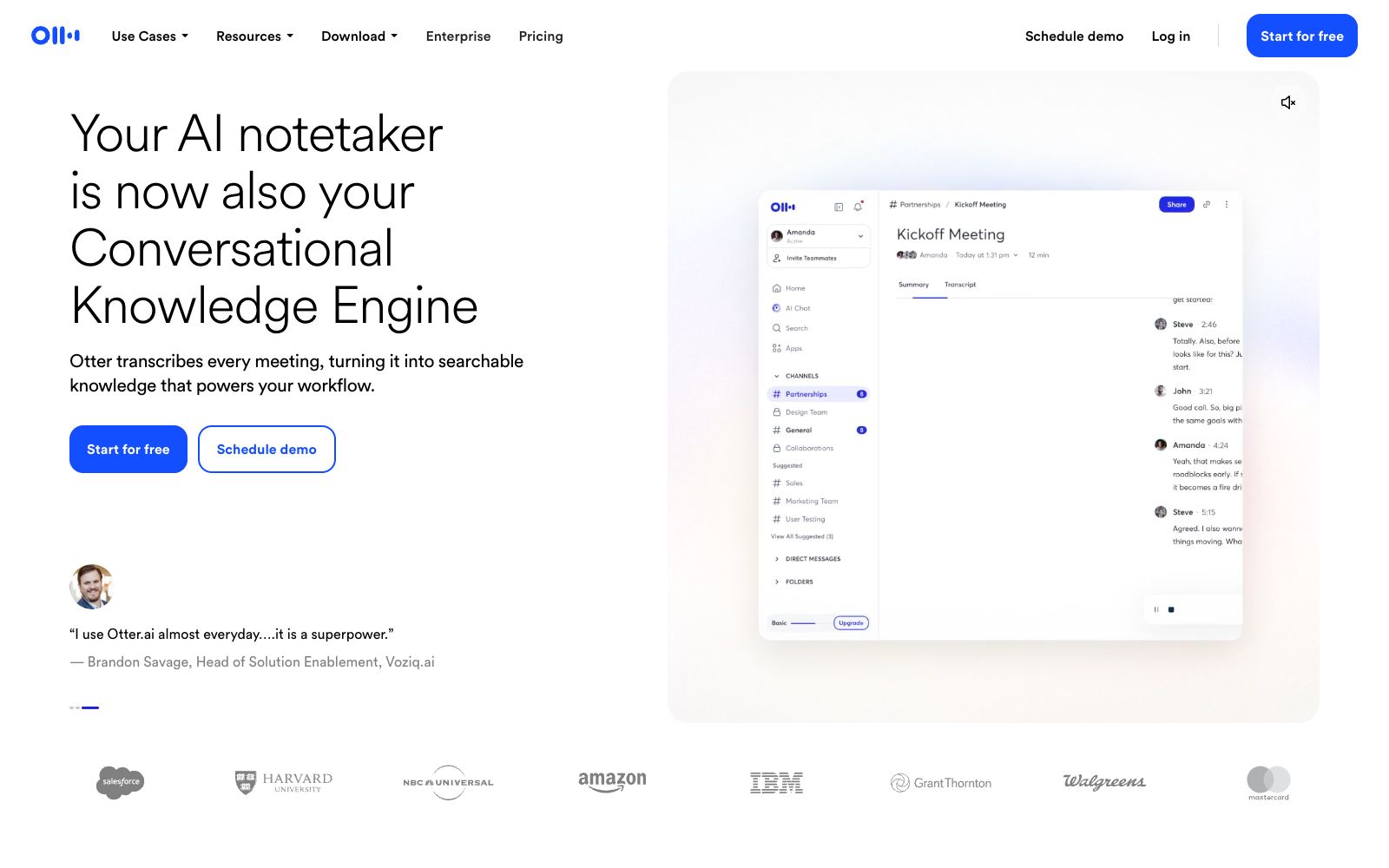
The official positioning of Otter.ai is "Your AI Note-Taker, Now Also a Conversational Knowledge Engine". Its evolution path is clear: upgrading from a "meeting transcription tool" to a "conversational knowledge engine" - transcription is just the entry point, and the accumulated meeting knowledge can be retrieved, queried, and drive subsequent workflows. The core capabilities listed by the official include real-time transcription, real-time chat, automatic summarization, insights, and action items. It claims to be "like having your own executive assistant" and emphasizes that "no matter what you do, Otter works for you". The official also cites the evaluation of the Vice President of Sales - that the team thus "regained 33% of their time", as well as the endorsement of well-known investors such as Tim Draper, which fully demonstrates its reputation in meeting-intensive teams. The product offers a free starter plan and is available on web, mobile, and desktop. It links "note-taking" with "action items", making meetings no longer information silos but team assets that can be retrieved and queried.
Who is it for?
- Teams with intensive meetings for sales, project and product teams; organizations that need to distill meeting content into retrievable knowledge to help new members quickly understand project history; distributed teams that rely on remote collaboration and written records as the only evidence; and busy managers with tight schedules who need automatic follow-up and summarization after meetings. For teams that always have a pile of "follow up next time" tasks hanging around after meetings, action item extraction can turn these verbal commitments into traceable checklists, reducing omissions and disputes.
Key features
5Real-time Transcription
Outputs written records synchronously during meetings and supports distinguishing between multiple speakers.
Automatic Summarization & Action Items
Generates key point summaries and to-do lists immediately after the meeting, reducing time spent on organization.
Insights and Real-Time Chat
Conducts structural and trend analysis of meeting content to help teams identify key discussion points; enables questioning and collaboration during the meeting without waiting for its conclusion.
Conversational Knowledge Engine
Historical meeting recordings are transformed into a searchable and queryable knowledge base, allowing for instant review and reuse.
App Integration
Officially, it can connect to commonly used applications, enabling transcribed content to directly drive subsequent workflows.
How to use Otter.ai
- For first-time use, calibrate the speakers and commonly used terms in the settings first.
- inform the participants that the meeting is being transcribed in advance for important meetings.
- Make "5 minutes after the meeting" a routine: run the summary, revise the action items, and sync them to the project tools to ensure the real circulation of knowledge.
- Using the automatic summary as a starting point, conduct a manual review before distribution can strike a balance between efficiency and accuracy.
- Register the voices of frequently participating attendees in the settings.
- the speaker recognition accuracy will improve significantly after long-term use.
Things to know
Traffic & popularity
Data month Sep 2026
Otter.ai receives about 3.5M visits per month and ranks #13,984 worldwide.
Monthly visits
12 monthsTraffic sources
- Direct65.9%
- Search16.7%
- Mail9.2%
- Social3.7%
- Referrals2.7%
- Other1.9%
Top countries
- United States66.7%
- United Kingdom7.1%
- Canada4.3%
- India2.8%
- Australia2.6%
Estimated from third-party traffic data.
In these collections
Similar tools
 Fireflies.aiAI meeting assistant with a claimed transcription accuracy of 95%, supporting over 100 languages, speaker diarization and automatic language detection, automatically generating summaries and action items, and enabling cross-historical meeting conversation retrieval.
 Read AIRead AI is an AI efficiency assistant that spans across meetings, emails, messages and documents. It performs real-time transcription and automatically generates summaries and action items. It also supports unified search for answers across all work content, enabling teams to synchronize information at any time.
 Feishu MinutesAn intelligent meeting tool under Feishu, which converts speech to text in real time and automatically generates structured meeting minutes and to-do tasks. It supports audio and video transcription, making meetings more focused and efficient, and the content can be accumulated as team knowledge.
 NoteOwlNoteOwl is a local AI meeting notes tool for Mac that needs no bot to join your calls. It records both microphone and meeting audio, distinguishes between speakers, and generates summaries and action items, while letting you search past meetings offline.
 TactiqAI meeting notes extension for Google Meet, Zoom, Teams. It provides real-time transcription during meetings, one-click summary and to-do list generation, supports over 60 languages, and enables automated push notifications via Slack and other platforms.
 KrispKrisp is a meeting-oriented voice AI tool that specializes in real-time noise reduction to eliminate noise, echoes and crosstalk in human voices. It also offers features such as audio transcription, accent conversion, meeting minutes generation and CRM synchronization, supports 16 languages, and provides a developer SDK.