

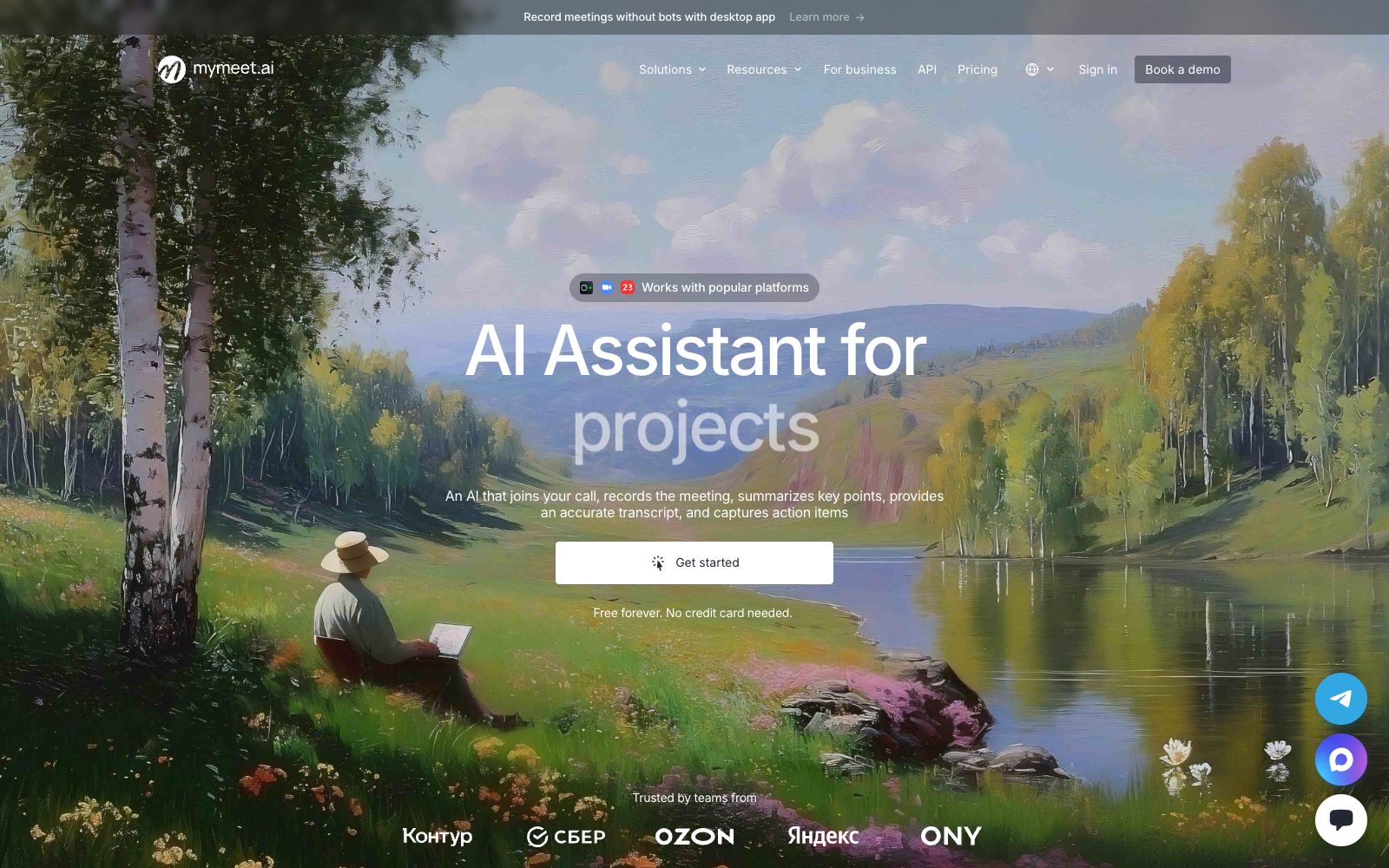

mymeet.ai
mymeet.ai is a meeting assistant that joins meetings on its own. It automatically records audio, generates transcripts with speaker labels, summaries and to-do lists. It supports custom templates and multiple languages, and can be exported as DOCX and PDF. It is suitable for sales reviews, job interviews and weekly project meetings.
Updated: 2026-10-26
What is mymeet.ai?
mymeet.ai is a meeting assistant that joins meetings on its own. It can send robots to join online meetings, or you can directly upload recordings, and after the meeting, it will provide you with transcripts with speaker labels and sections, key summaries and to-do lists. The official says the free version offers 180 minutes per month and no credit card is required.
Who is it for?
- Sales directors who need to review every customer call
- HR recruiters who conduct multiple interviews in a single day and need to make horizontal comparisons
- Project managers who have numerous weekly meetings and no one to take the minutes for a long time
- Researchers who need to transcribe interview recordings into citable text
- Cross-border teams where multiple languages are often used in meetings
- For consulting consultants, they need to keep a verbatim record of client interviews for future reference.
Key features
7Auto-attend & Audio Recording
Upload recordings, invite meeting bots, or connect your calendar to auto-scrape meetings; the desktop version also supports direct recording without bots.
Structured Transcription
Transcription is synchronized with audio and video, allowing you to jump to the corresponding segment by clicking a timestamp; supports export to DOCX, PDF, and Markdown.
AI Templates
It comes with more than 10 built-in templates. You can also turn any document into a template or create one from scratch to monitor different scenarios such as sales, recruitment, and projects.
Meeting Q&A
Ask the AI directly, and it will summarize key progress, deadlines, decisions, and blockers into a single answer, presented in tables and lists when necessary.
Write Follow-ups
Draft post-meeting emails and meeting minutes, and provide suggestions for next steps based on the discussion content.
Integration with Existing Tools
Covers more than 10 video conferencing platforms, supports integration with Telegram, calendars and CRMs, and can also connect to other AI assistants via MCP.
Multilingual Support
The official statement says transcription and summarization support over 100 languages, so multinational teams won’t lose their train of thought when speaking multiple languages.
How to use mymeet.ai
- 1Use the free quota (officially 180 minutes per month) for two weeks of real meetings before deciding if it’s sufficient
- 2Teams with many meetings should use calendar auto-capture, which is more reliable than manually summoning the robot each time.
- 3First set up a template for sales or weekly meetings, which is much more convenient than a general summary
- 4Confirm with participants before the meeting that they agree to the recording; this is a compliance bottom line, and do not assume that everyone agrees
- 5Data is hosted in Russia: Officially, it is a member of Skolkovo, complies with 152-FZ, and has data localization. Cross-border teams should conduct a separate assessment.
- 6To integrate into your own system, use API or MCP; don't rely on manual table exports
- 7Sync your to-do items into your team's ticketing system so that meeting conclusions don't get lost in documents
Traffic & popularity
Data month Sep 2026
mymeet.ai receives about 553.0K visits per month and ranks #85,850 worldwide.
Monthly visits
12 monthsTraffic sources
- Direct66.9%
- Search19.1%
- Referrals6.3%
- Social3.9%
- Mail2.5%
- Other1.4%
Top countries
- Russia55.0%
- Kazakhstan12.8%
- United States3.2%
- Belarus3.2%
- Netherlands3.0%
Estimated from third-party traffic data.
Similar tools
 TranscribetoText.AITranscribetoText.AI is a meeting recording and transcription tool that can automatically record meetings or upload audio and video, output speaker-separated transcripts, summaries and to-do lists, support more than 117 languages and multi-format export.
 JotMeJotMe is a real-time translation tool for multilingual conferences. It supports simultaneous interpretation for over 200 languages, speaker-differentiated transcription, meeting minutes and in-meeting follow-up questions. It does not require a robot to join the meeting and is suitable for multinational teams and online events.
 Happy ScribeMeeting and audio-video transcription tool, covering more than 150 languages, supporting robot-free recording, speaker diarization, glossary and one-click translation, capable of exporting subtitles, and the official website states that it is used by more than 41,000 teams.
 LyraAn AI-native meeting platform that holds meetings in a browser with speaker-specific transcription, conducts background research before meetings, automatically updates CRMs and follows up after meetings, and enables cross-meeting retrieval of historical conversations.
 RecordMeetingRecordMeeting is a recording extension for Google Meet. It allows one-click recording without adding bots or requiring host authorization. It can automatically transcribe meetings and generate AI meeting minutes, making it suitable for sales calls, user interviews, and team meetings.
 Sonix AISonix is an AI transcription platform based in San Francisco. Officially, it claims an accuracy rate of 99% and supports over 54 languages. It can automatically distinguish speakers and generate summaries, making it suitable for transcribing interviews, meetings, as well as legal and medical audio recordings.