


OpenClaw
Open-source AI assistant, which according to its official website runs on your own machine, can be invoked on channels such as WhatsApp, Telegram, Slack, and iMessage. It helps you organize your inbox, send emails, and manage your schedule, and is licensed under MIT.
Updated: 2026-10-26
What is OpenClaw?
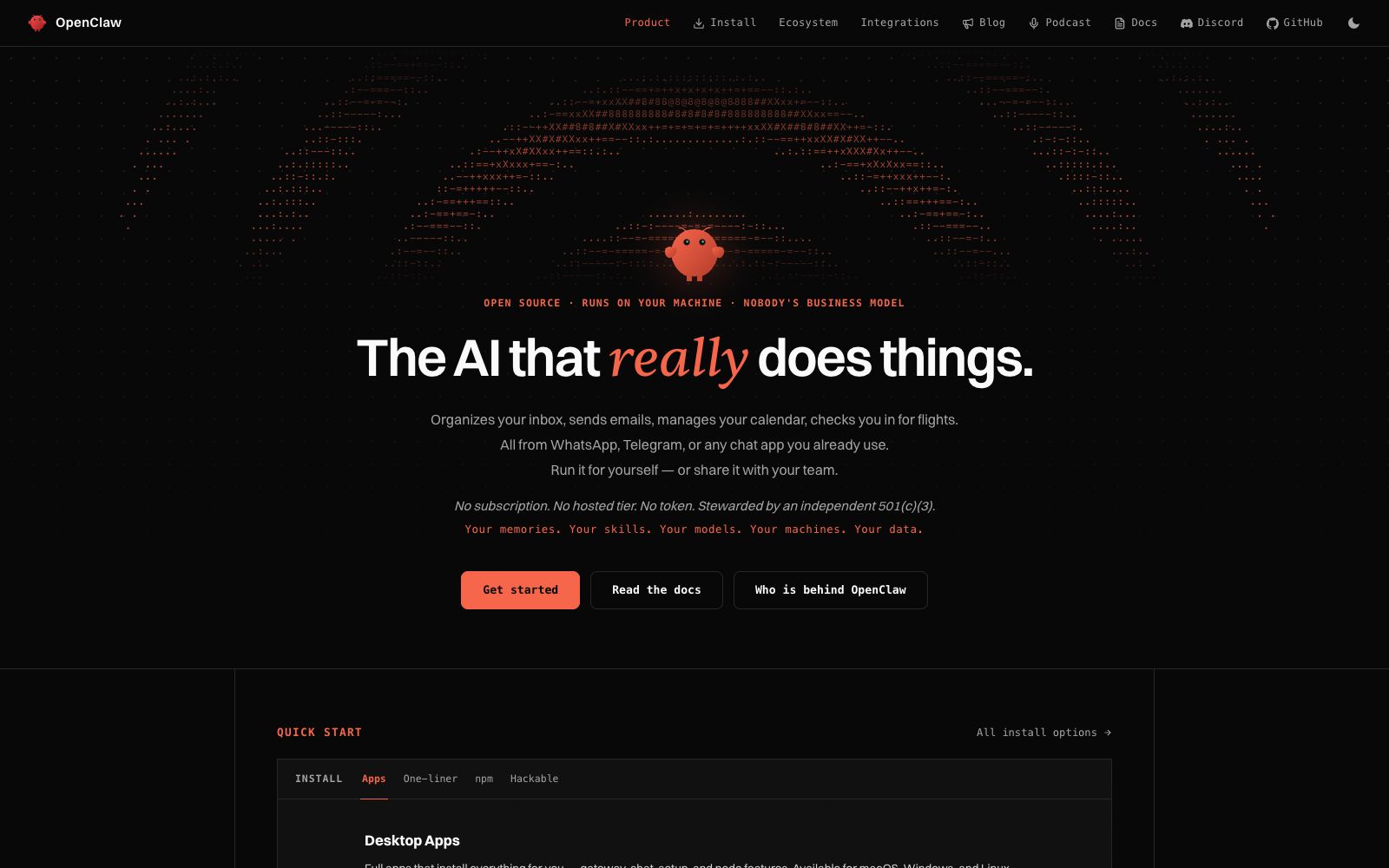
OpenClaw is an open-source AI assistant. Its official website slogan is "Open source · Runs on your machine · Nobody's business model", and its selling point is written as "The AI that really does things" — organizing inboxes, sending emails, managing calendars, and checking in are all done in the chat software you use daily. It is hosted by the independent U.S. 501(c)(3) non-profit organization OpenClaw Foundation. The official website states that the entire product is licensed under MIT, with no enterprise version or paid version available.
Who is it for?
- Developers and geeks who want to run the AI assistant on their own machines and are unwilling to hand over their data to third-party SaaS
- People who need to handle emails, schedules, GitHub issues, deployments and operations all in one chat window
- Teams focused on open-source licensing and auditability, as well as compliance-sensitive roles
- Power users who like tinkering with skills and want to connect the assistant to their own toolchains such as Obsidian, GitHub, and Spotify
Key features
6Local Execution
The official website states it supports macOS, Windows, and Linux, and can connect to hosted models, subscription-based services, gateways, or local models. Your status and data remain on your own machine, not on the vendor's cloud.
Assistant in chat apps
Integrates with 29 channels including WhatsApp, Telegram, Discord, Slack, Signal, iMessage, and supports both private and group chats.
Persistent Memory
Remembers your preferences, projects, and contacts across conversations.
Full system access
Can browse the web, fill out forms, read and write files, and execute shell commands. The official states that two modes are available: full permissions and sandbox mode.
Skills and Plugins
Community-built or custom skills can be used, and the official website states it can "even write skills by itself". ClawHub is used to install skills and plugins.
Team Collaboration
The same gateway allows multiple people to open and take over sessions, with real-time online status and submission records attributed to specific individuals.
How to use OpenClaw
- There are three ways to install: run the installation script, install globally with npm, or run directly from the source code as a pnpm workspace.
- the official website also provides desktop applications for macOS, Windows (x64 and ARM64), and Linux (AppImage or deb), and the installer will also install dependencies such as Node.
- The first run will launch a setup wizard.
- on macOS, administrator privileges may be required due to Homebrew.
- do not grant sudo directly to scripts from unknown sources.
- It can read files and run shell commands, and its capabilities come with proportional risks: the official website offers a sandbox mode.
- enable the sandbox by default for daily use and grant additional permissions only when necessary.
- The official website states that the default installation only sends daily version checks to the Foundation, and it is explicitly stated that this can be turned off.
- If you mind, you can disable it in the settings.
- The official statement makes it clear that donors do not own or control the project, and no model from any laboratory has special privileges in the codebase.
- self-hosting and data processing must still comply with the regulatory requirements of your region.
Traffic & popularity
Data month Sep 2026
OpenClaw receives about 1.5K visits per month.
Monthly visits
12 monthsEstimated from third-party traffic data.
Similar tools
 WorkAnyA locally running desktop AI Agent, according to its official website, can organize files, generate websites, documents, spreadsheets and presentations with natural language. It supports real-time preview, sandbox execution and MCP expansion.OpenWorkerOpenWorker is an open-source AI agent that runs on your own computer. According to its official website, you just need to state the desired outcome, and it will complete tasks in daily tools such as files, code repositories, Slack, and calendars, delivering code reviews, cloud configuration checks, documentation, and session responses. It covers research and development, security, and daily office scenarios.
 BOSS ConsoleBOSS Console is a lightweight runtime environment designed for persistent AI agents, enabling self-built Agents to access real browsers, terminals, editors and plug-ins, supporting cross-device session handover, and its core part is licensed under Apache 2.0 open source license.
 Grok BotSpaceXAI's resident AI agent products: each Bot has its own computer, can log into your tools, learn the process with one demonstration and continuously complete tasks. These products belong to a separate product line from question-and-answer chatbots.
 memU BotThe memU team has launched a 24-hour personalized AI assistant. According to the official website, it will continuously learn your habits and proactively perform tasks such as email organization and schedule arrangement, and can be connected to WhatsApp, Telegram, Slack and Lark.
 Hermes AgentNous Research's open-source and self-hostable AI agent, officially available for free under the MIT license, supports persistent memory, automatic skill generation, multi-platform access, and isolated sandboxes. It can be downloaded for desktop or terminal installation.