


LobsterAI
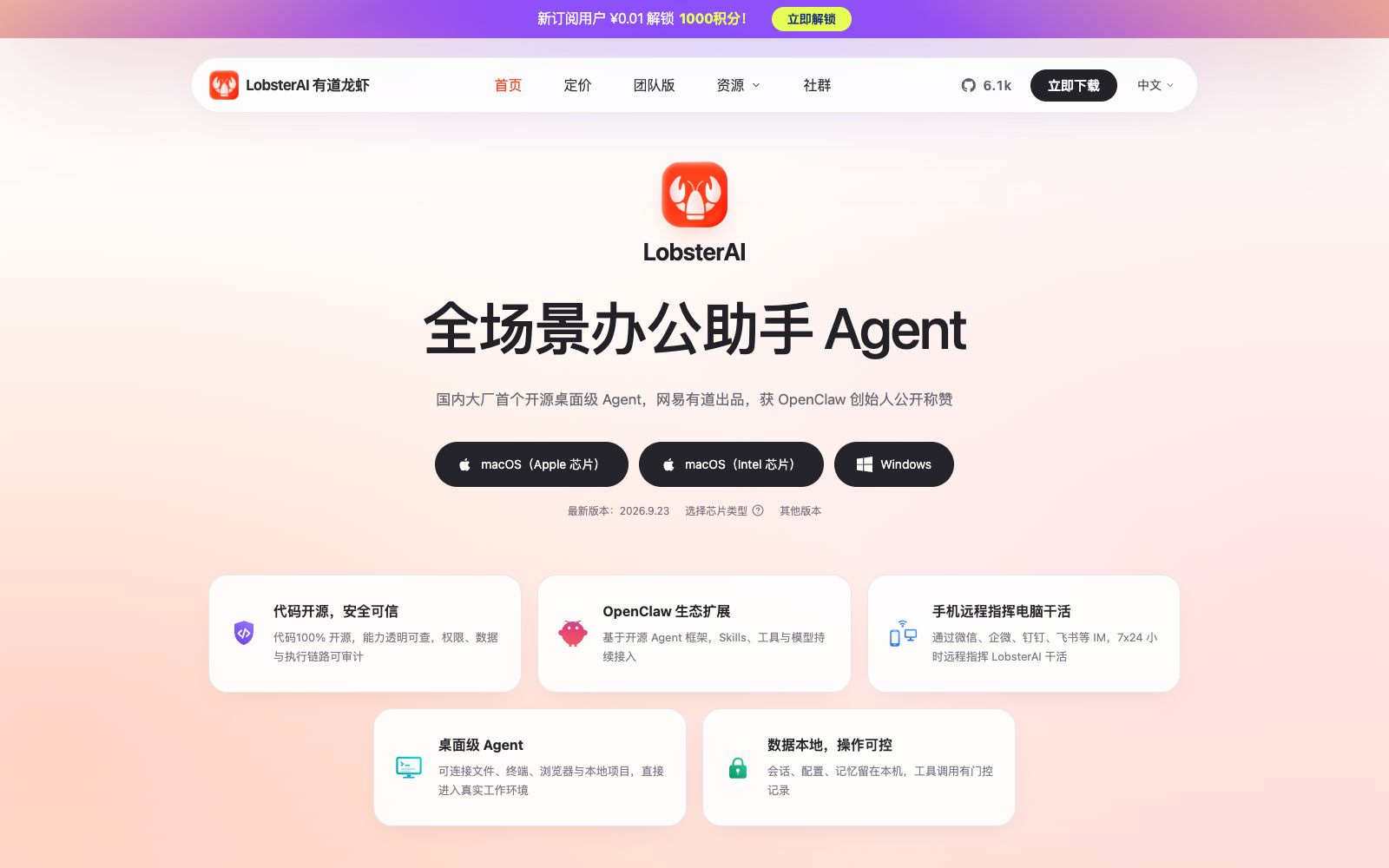
LobsterAI (Youdao Lobster) is a desktop open-source AI Agent developed by NetEase Youdao. It supports file organization, data analysis, application development, scheduled tasks and mobile remote collaboration, with local data retention and auditable operations.
Updated: 2026-10-26
What is LobsterAI?
LobsterAI (Youdao Lobster) is an open-source desktop AI Agent launched by NetEase Youdao, positioned as an all-scenario office assistant. Dubbed the first open-source desktop-level Agent by a major domestic tech company, it offers versions for macOS (Apple Silicon and Intel chips) and Windows. The code is 100% open-source, with its capabilities fully transparent and verifiable. The product emphasizes local data retention and operational control, enabling computers to truly become users' reliable assistants instead of requiring files and personal data to be entrusted to remote services.
Who is it for?
- Office workers: Workplace users who need to organize documents, analyze data, and create presentations and research reports, and can simply state the task in one sentence.
- Product managers and marketers: For roles that need to quickly produce requirement documents, competitive analysis, and content creation, the expert suite can be used to speed up the process.
- Data professionals: Analysts who need to convert raw tables into charts and reports, or build lightweight internal tools.
- Multi-device users: People who want their tasks to continue even when they are away from the computer and issue remote instructions via mobile IM.
- Privacy-focused teams: Organizations that want conversations, configurations, and memories to remain on the local machine, and that require tool calls to have auditable gated records.
Key features
5Desktop-level Agent
It can connect to files, terminals, browsers and local projects, and directly enter the real working environment to execute tasks instead of staying in the chat box.
Application Development
From sorting out requirements, writing code to running locally in one go, it can help users build deployable small applications such as inventory management systems.
Data Analysis
Turn piles of data into clear and intuitive visual reports, and support the creation of visual pages based on tabular data.
Scheduled and Remote Tasks
Supports creating new scheduled tasks, and allows you to remotely command your computer to work via IM tools such as WeChat, WeCom, DingTalk, and Lark, with 24/7 response.
Expert Suite
Install a complete set of commonly used skills for work scenarios such as product, marketing, and data, such as requirement documents, competitive analysis, data charts, etc.
How to use LobsterAI
- 1Download the version that matches your device first: Select the macOS for Apple chips, Intel chips, or Windows version based on your chip type, and make sure to check the latest version number.
- 2Experience remote control: After connecting via IM apps such as WeChat and WeCom, you can remotely ask Lobster to organize files, complete reports, and then send the results back to you.
- 3Leverage local and open-source advantages: Keep conversations, configurations, and memories on the local machine; have gated records for tool calls to avoid disclosing sensitive data.
- 4Install the Expert Suite: Install skill sets one-time according to work scenarios, which can significantly reduce repeated configurations and get into actual tasks faster.
- 5View practical cases: The official website provides introductory tutorials and practical cases, and new users can first watch the demonstrations and then plan their own frequent usages.
Traffic & popularity
Data month Sep 2026
LobsterAI receives about 327.4K visits per month.
Monthly visits
11 monthsTraffic sources
- Direct46.7%
- Referrals19.6%
- Search18.4%
- Social13.8%
- Display ads1.6%
Top countries
- China89.6%
- Hong Kong, China4.7%
- Malaysia2.5%
- United States0.8%
- Singapore0.7%
Estimated from third-party traffic data.
Similar tools
 WorkAnyA locally running desktop AI Agent, according to its official website, can organize files, generate websites, documents, spreadsheets and presentations with natural language. It supports real-time preview, sandbox execution and MCP expansion.
 MuleRunA permanently online AI Agent platform, the official said that the Agent runs on a dedicated computer that is on 24 hours a day without shutdown. It can deliver PPTs, research reports, videos and Word documents end-to-end, and send them overnight to get results the next morning.
 rabbitOS internrabbit OS3 is an agent operating system launched by rabbit. It can complete tasks across steps on web pages, Telegram, r1 devices and connected computers, and supports context memory, built-in keys and multi-device collaboration.
 OpenClawOpen-source AI assistant, which according to its official website runs on your own machine, can be invoked on channels such as WhatsApp, Telegram, Slack, and iMessage. It helps you organize your inbox, send emails, and manage your schedule, and is licensed under MIT.
 MuseMeta has launched a personal AI agent that can proactively advance tasks in life and work scenarios, supports conversations on mobile phones, Mac and WhatsApp, has a built-in secure credential vault and approval for key operations, and has released a small business version.
 KroWorkKroWork is a macOS desktop AI Agent. You can create persistent desktop applications through conversations. The official states that it is built with 20+ Skills, supports autonomous web operation and IM remote control.