


ImgLarger
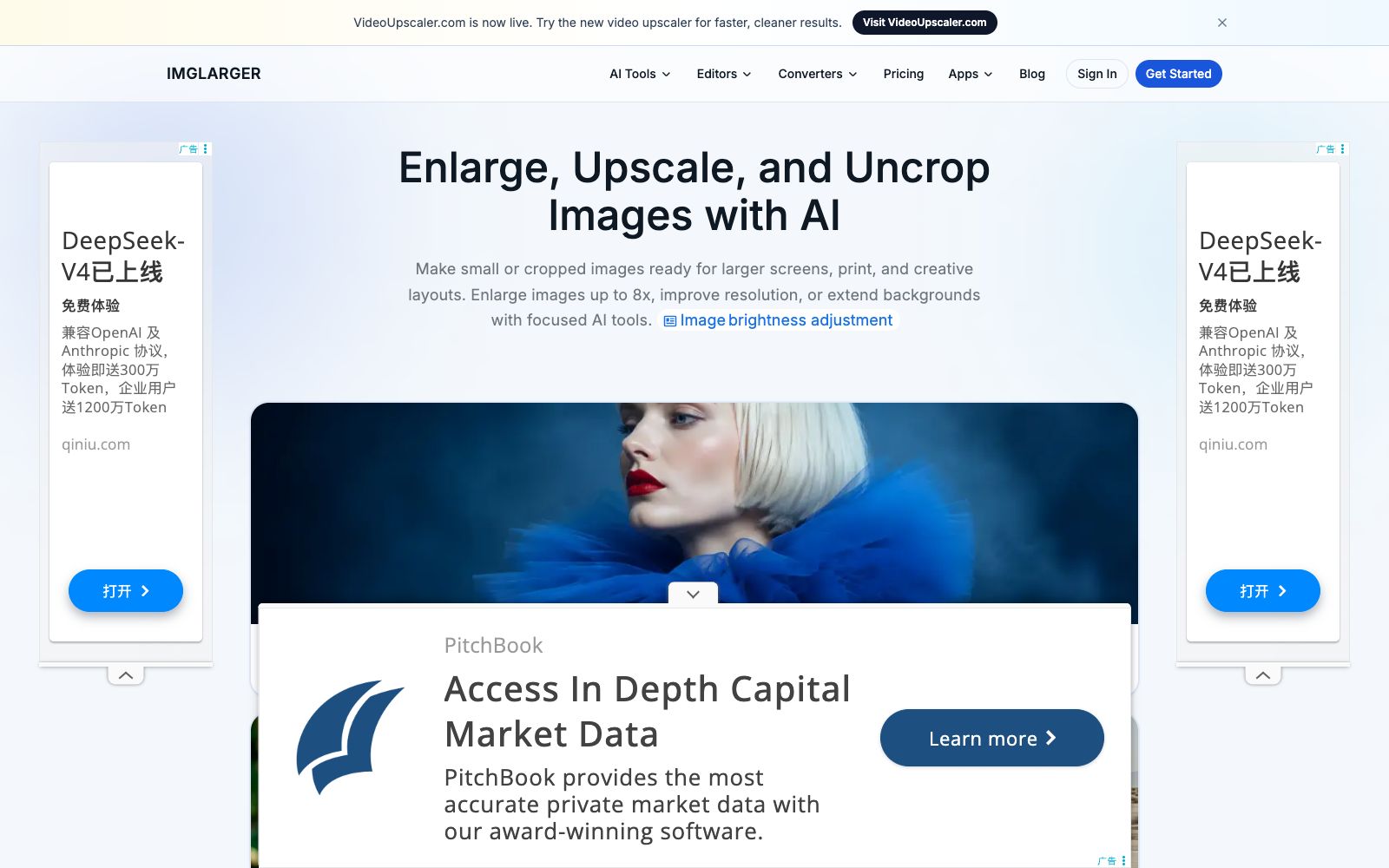
ImgLarger is an online AI image enlargement and enhancement tool website. Its official website states that it can enlarge images up to 8 times and provide super-resolution. It also offers functions such as image expansion, sharpening, background removal, and old photo restoration. New users get 100 free points every month upon registration.
Updated: 2026-10-26
What is ImgLarger?
ImgLarger is a tool website for image upscaling and quality enhancement in browsers, focusing on restoring small, blurry images and cropped compositions. A notable difference from similar upscaling tools is its billing model: the official website categorizes its tools into AI tools and editors/converters. AI tools consume points, while cropping, rotating, flipping, color adjustment, batch resizing, and format conversion are all free and do not consume points. Registered users can receive 100 points per month, and the free tier is limited to single-image processing, a maximum input side length of 1024px, and up to 2x magnification. In addition to upscaling, the website also offers models such as generative expansion, sharpening, enhancement, background removal, anime upscaling, old photo restoration, and colorization.
Who is it for?
- E-commerce and second-hand platform sellers who need to enlarge small images provided by suppliers to the size of main images
- Designers and illustrators who work with low-resolution materials or need to expand their canvases
- People who need to print large images, posters or display boards and worry about insufficient pixels
- Social media and content operators who need to quickly resize images, change aspect ratios, and create covers
- Regular users who want to restore old photos and colorize black-and-white photos
- Operators who need to batch resize images and download them in a package
Key features
6AI Image Enlarger
The official website states that it supports 2x, 4x, and 8x magnification. While enlarging the image, it improves visible edges and textures, which is used to adapt small images to large screens, printing, and creative layouts.
AI Image Extender
Extend the image canvas, change the aspect ratio and generate new content through generative inpainting. The official website describes it as being able to expand the background, adjust the proportions and seamlessly generate realistic new scenes.
Image Quality Enhancement and Super-resolution
The enhancement tools improve overall clarity and texture, reducing blurriness, noise, and compression artifacts; the super-resolution tools offer 2x and 4x magnification, which the official website states produce less pixelation than direct resizing.
AI Sharpener
Reduces blurriness, enhances edge definition, and makes out-of-focus photos look clearer.
Background Remover
Extract the main subject and output a transparent PNG. The scenarios listed on the official website include product images, portraits, and design materials.
Zero-point editing and conversion
Cropping, rotating, flipping, adjusting brightness/contrast/saturation/exposure, adding filters, batch resizing and packaging into ZIP, as well as mutual conversion between JPG, PNG and WEBP. The official website states that these do not consume points; there are also AI tools such as anime upscaling, denoising, portrait retouching, colorization and old photo restoration.
How to use ImgLarger
- Sign up first to get 100 free points.
- Use one typical image to test 2x, 4x, and 8x enlargement, then overlay enhancement and sharpening for comparison.
- Subscribe only after confirming the commonly used combinations.
- Subscription points refresh every cycle and unused points do not carry over.
- buying an overly large package is easy to waste.
- The free tier only supports single-image processing, a maximum side length of 1024px, and a maximum 2x enlargement.
- Larger sizes or batch processing require a paid subscription.
- For pure resizing, cropping, color adjustment, and format conversion, do not waste points-directly use the free editors and converters.
- For batch needs, go for batch resizing and export as a ZIP.
- In terms of order, it is recommended to denoise or enhance first before enlarging.
- if the original image has heavy noise, direct enlargement will amplify the flaws together.
- The official website provides a 7-day refund guarantee.
- When using others' photos and brand materials, pay attention to the scope of authorization.
Traffic & popularity
Data month Sep 2026
ImgLarger receives about 1.3M visits per month and ranks #29,548 worldwide.
Monthly visits
12 monthsTraffic sources
- Search45.7%
- Direct44.2%
- Referrals4.0%
- Social3.8%
- AI assistants0.9%
- Other1.4%
Top countries
- India15.2%
- United States4.4%
- Philippines4.3%
- Germany3.6%
- France3.6%
Estimated from third-party traffic data.
Similar tools
 VanceAIVanceAI provides a web-based and Windows desktop AI image and video processing toolset. The official version lists models such as upscaling, sharpening, denoising, background removal, and old photo restoration, and supports batch and local offline processing.
 Upscale.mediaOnline AI image upscaling and enhancement tool. Officially, it can upscale images by 2x or 4x without losing texture details. New users get the first 3 points upon registration. It also offers features like sharpening, deblurring, dehazing, face restoration, old photo colorization, batch conversion, and API access.
 Let's EnhanceOnline AI image quality enhancement and upscaling tool that offers three types of processing: correction, upscaling, and restoration. The official states that it can achieve up to 16x magnification, supports 512MP and 300DPI output, and also provides API and e-commerce solutions under Claid.ai.
 Nightmare AIOnline AI image upscaling and enhancement tool, which has two types of models for photos and anime respectively. According to the official website, it can upscale images by 2x and 4x and output them to 2K and 4K resolutions. It supports JPG, PNG and WebP formats.
 jpgHDjpgHD offers AI image upscaling, old photo restoration, colorization, scratch removal and other processing services. It supports super-resolution, magic photos and lossless enhancement, with a free limit of 3000px. There are also pay-as-you-go packages and multi-platform apps available.
 BigJPGA tool for lossless image enlargement using deep convolutional neural networks (CNNs). The official claims it can enlarge images up to 16 times with intelligent noise reduction. It is optimized for illustrations and photos separately, reconstructing lines and details instead of stretching pixels. It also provides clients, APIs, and old photo restoration services.