


Hera
An AI tool focused on motion design, its official website states that it can turn a one-sentence description into an editable animation. It is designed for scenarios such as infographics, science popularization explanations, interface motion effects, and brand videos, and provides an entry for template modification.
Updated: 2026-10-26
What is Hera?
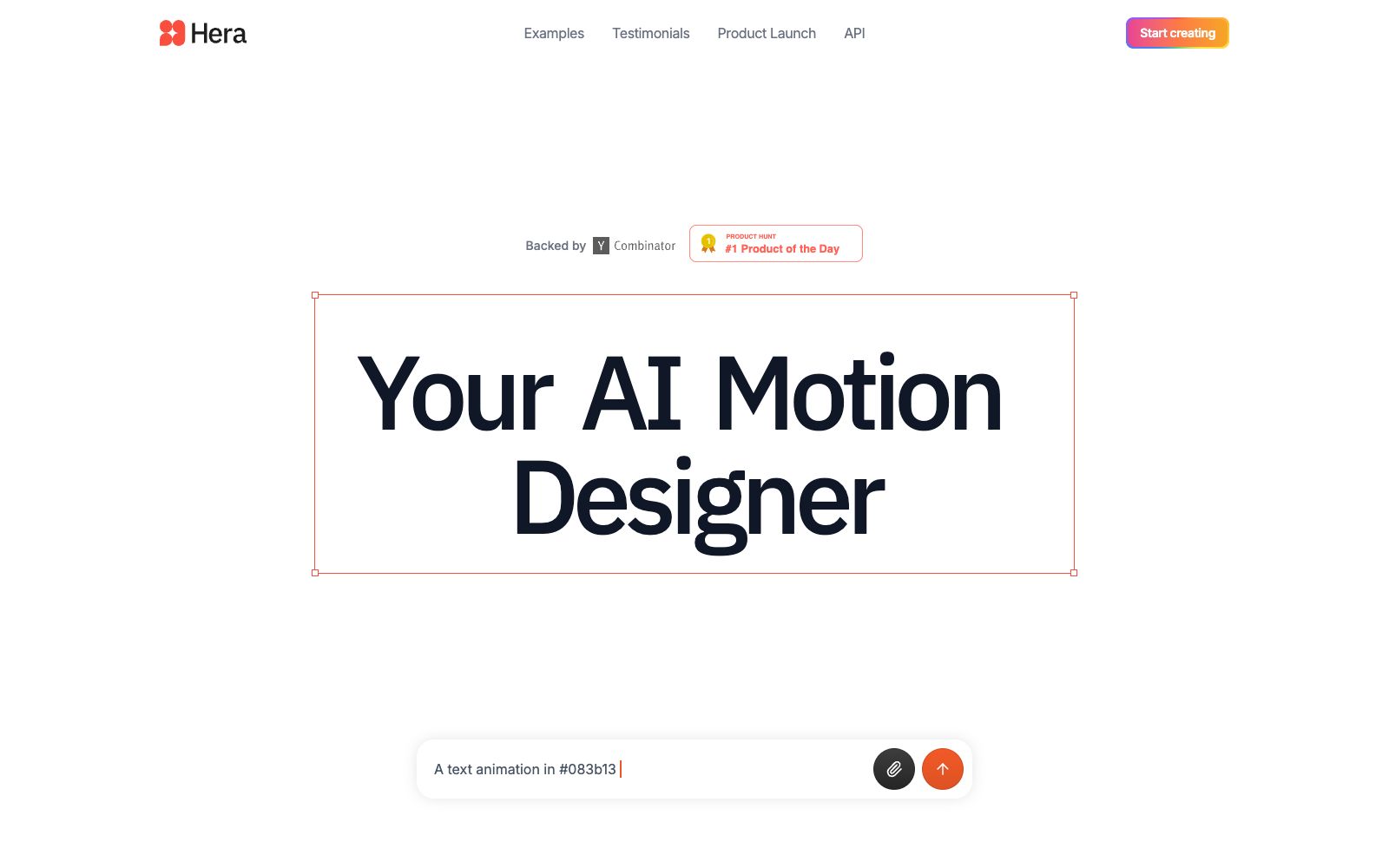
Hera's official website defines itself as "Your AI Motion Designer", and the operating entity is marked as Hera Video, Inc. in the footer of the official website. What it emphasizes is not generating an unmodifiable video, but producing editable motion graphics. Its input method is very straightforward: describe the desired animation in the input box on the homepage, with the default example being 16:9 aspect ratio and 15 seconds in duration.
Who is it for?
- Growth and marketing teams that create product explanations and data reports and need dynamic infographics
- School clubs and science popularizers who are not familiar with After Effects but need motion graphics
- Design teams that want to first get a dynamic draft and then hand it over to professional motion designers for refinement
- Small teams that need to mass-produce brand short videos with a unified style
Key features
7Generate Editable Animations with Prompts
The official website describes that it can convert any idea or prompt into modifiable animations.
Continue refining details with prompts
The official states that you can modify any element using natural language and also make frame-by-frame adjustments on your own.
Template Browsing and Adaptation
The official website states that there are hundreds of templates available for selection and can be directly used as templates.
For multiple scenarios
The official website's lead-in page mentions infographics, popular science explanations, interface motion effects, and brand videos.
API Integration
The navigation bar lists the Product Launch and API entry points.
Template Scale
The footer of the official website states "Browse 100+ templates", so you can first find a version that meets your basic needs from the templates.
Examples & Testimonials
The official website showcases demo videos created by others in these two sections, so you can first check what level others have achieved.
How to use Hera
- The default specification of the example on the official website's homepage is 15 seconds with a 16:9 aspect ratio.
- Confirm the aspect ratio and duration required by the publishing platform before starting to create.
- Instead of describing everything from scratch, it's better to first find a template that's close to your needs and then modify it.
- This is usually more stable and produces results faster than using pure prompts.
- The official website emphasizes that the finished product is editable.
- For important projects, it is recommended to check the text layout and layer order one by one after generation.
- A common mistake made by AI motion graphics is text overflow or misalignment.
- The official website updates available templates in the Blog, Templates and Resources sections.
- taking a look around before starting will help you avoid detours.
- The official API is available.
- If you plan to produce content in bulk, first confirm the availability and pricing rules of the interface.
- the terms of service and commercial scope shall be subject to the official website's current instructions.
Traffic & popularity
Data month Sep 2026
Hera receives about 86.8K visits per month and ranks #357,130 worldwide.
Monthly visits
12 monthsTraffic sources
- Direct44.3%
- Search38.2%
- Social10.0%
- Referrals4.2%
- AI assistants2.1%
- Other1.2%
Top countries
- India17.6%
- United States15.8%
- Germany6.9%
- United Kingdom5.5%
- Taiwan, China5.3%
Estimated from third-party traffic data.
Similar tools
 SwishySwishy is an AI motion effect design and animation platform. Officially, it claims that you can create professional motion effects, dynamic fonts and video animations without After Effects, and it supports exporting to MP4, MOV and GIF.
 PiktochartA veteran infographic and data visualization design platform, its official website states that it serves 34 million users. It offers Pikto AI Studio, which can quickly transform data into infographics, presentations, reports, e-books and videos without any design background.
 JitterJitter is a web-based collaborative dynamic design tool that can import from Figma and export 4K, GIF and Lottie files. According to the official statement, more than 20,000 creative teams are using it.BurpAn AI video and motion graphics editor for teams, the official website states that it can generate storyboard animations and social media videos with one sentence, edit layers and keyframes on a unified canvas, and batch export MP4, GIF or 4K videos in brand style.
 AutoAEAutoAE is an AI tool that turns a single sentence, script or image into dynamic graphics. Templates allow for replacing text and materials, enabling the export of watermark-free 1080p videos in minutes. It can also be integrated into programming agents. Ideal for short video hooks, product launches and lip-sync packaging.