


Krea
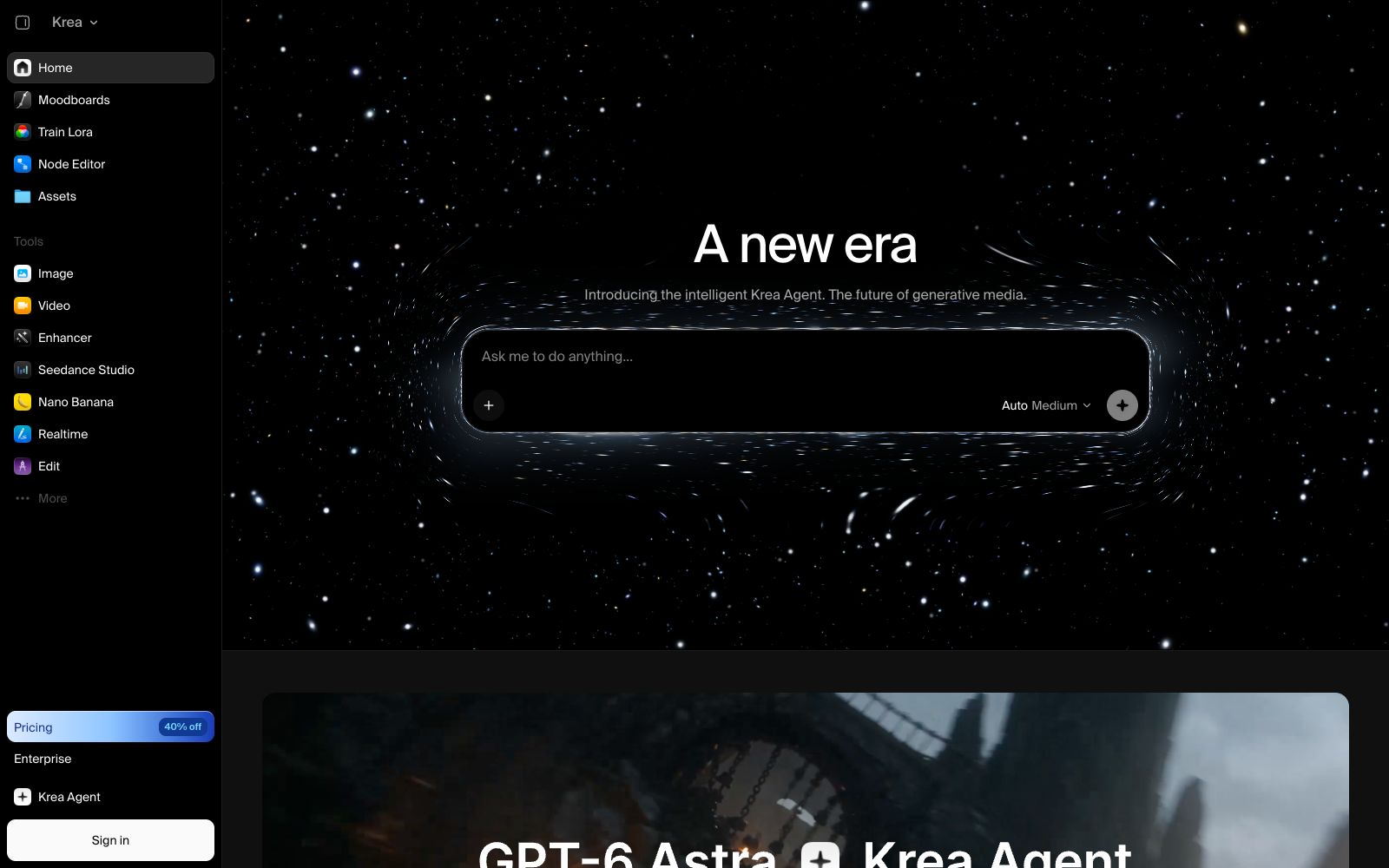
Krea is an all-in-one creative generation suite that aggregates multiple mainstream models, supports AI image and video generation, real-time canvas editing, and image quality enhancement, and connects all workflows with a unified agent.
Updated: 2026-10-26
What is Krea?
Krea is an all-in-one creative generation suite that integrates the generation, editing and enhancement of images and videos in a single workspace. It aggregates multiple mainstream models such as Krea 2, Seedance and Nano Banana. Users can generate images and videos from text as well as modify the content on the canvas in real time. Whether you are a designer, marketer or content creator, you can use it to quickly turn your ideas into deliverable visual materials without having to switch back and forth between multiple isolated tools.
Who is it for?
- Visual Designers and Art Directors: Creative professionals who need to quickly create concept art, simulate product photography, or explore styles.
- Short video and social media creators: Use video models and templates to batch-produce short video materials that can be published and maintain an update rhythm.
- E-commerce and brand teams: Rapidly iterate on multiple versions of product images, packaging and peripheral designs to shorten the cycle from sketches to finished products.
- Developers who want to integrate AI into their own workflows: Embed Krea's capabilities into their own agents or internal systems through the MCP.
- Game and Film Concept Artists: Use templates to create storyboards, character and scene previews to support early-stage visual development.
Key features
5Multi-model image generation
Generate images using models such as Krea 2, and support tools like Nano Banana in directly editing objects in existing images through text commands.
Video Generation and Editing
It provides video models such as Seedance, which can generate short videos and also perform post-processing like lip-sync and motion transfer to meet various needs.
Real-time Canvas Editing
The Realtime mode allows you to render as you draw, with AI-generated results appearing the moment your brushstroke lands, making it ideal for exploring composition and style.
Image Quality Enhancement
The Enhancer can upscale and enhance images up to approximately 21K resolution, repair low-resolution materials and supplement details, making them suitable for printing and display.
Krea Agent Unified Entry
A single agent connects all models and workflows, and an MCP interface is provided for external agents to call, expanding the possibilities of automation.
How to use Krea
- 1Start with templates: First use templates like Product Photoshoot and Game Cutscene on the homepage to understand what you can do, then unleash your creativity freely.
- 2Explore composition in Realtime mode: When you're unsure about the visuals, turn on Realtime and see the results as you draw, which is more efficient and intuitive than repeatedly writing prompts.
- 3Use Agent to chain workflows: Hand over multiple model steps to Krea Agent to reduce the loss of switching between different tools and tabs.
- 4Make good use of enhancement to rescue materials: After getting low-definition generated images, first use the Enhancer to increase the resolution before using them, avoiding blurriness caused by direct enlargement.
- 5Try it for free: The official website offers free access. You can first verify if the style meets your project requirements before deciding whether to upgrade to a paid plan.
Traffic & popularity
Data month Sep 2026
Krea receives about 8.3M visits per month and ranks #6,097 worldwide.
Monthly visits
12 monthsTraffic sources
- Direct47.0%
- Search35.9%
- Social6.9%
- Referrals5.8%
- AI assistants2.7%
- Other1.8%
Top countries
- United States14.7%
- Russia13.5%
- India9.0%
- Brazil4.7%
- United Kingdom3.8%
Estimated from third-party traffic data.
Similar tools
 VideoWeb AIAn all-in-one AI generation platform that officially claims to aggregate models such as Kling, Veo, Seedance, and Nano Banana, offering text-to-video, image-to-video, an AI Canvas workspace, and image and music generation, with usage billed in credits.
 MageMage is a browser-based image and video generation platform. According to the official statement, it offers a free start with no creation restrictions. It is built with multiple models such as Stable Diffusion, FLUX, and Wan, as well as exclusive fine-tuned models, and generates content privately by default.
 FreepikMagnific, under Freepik, is an AI creative platform. According to the official statement, it integrates image, video, and 3D generation and editing tools, and supports integration with plug-ins such as After Effects and Photoshop.CChroma StudioChroma Studio is an AI creation platform that integrates image and video generation, editing, and stylization into a single browser. It comes with over 500 built-in special effects and aggregates multiple mainstream image and video models, all completed within the browser.
 Fusion BrainFusion Brain is an all-in-one AI creation platform covering capabilities such as text-to-image generation, image editing and video generation. The official website is temporarily inaccessible, and the specific functions and pricing shall be subject to the official subsequent announcement.
 Masonry AIMasonry is a collaborative canvas that aggregates more than 50 image and video models. It can generate and compare multiple versions of a plan with one sentence, refine the plan on the same canvas, and then export the materials for delivery. The official website provides community works and prompt words.