


Vectorizer.AI
A bitmap-to-vector tool in the browser that traces common bitmap formats into vector files such as SVG, DXF, and PDF, for output of logos, illustrations, drawings, and machining paths.
Updated: 2026-10-26
What is Vectorizer.AI?
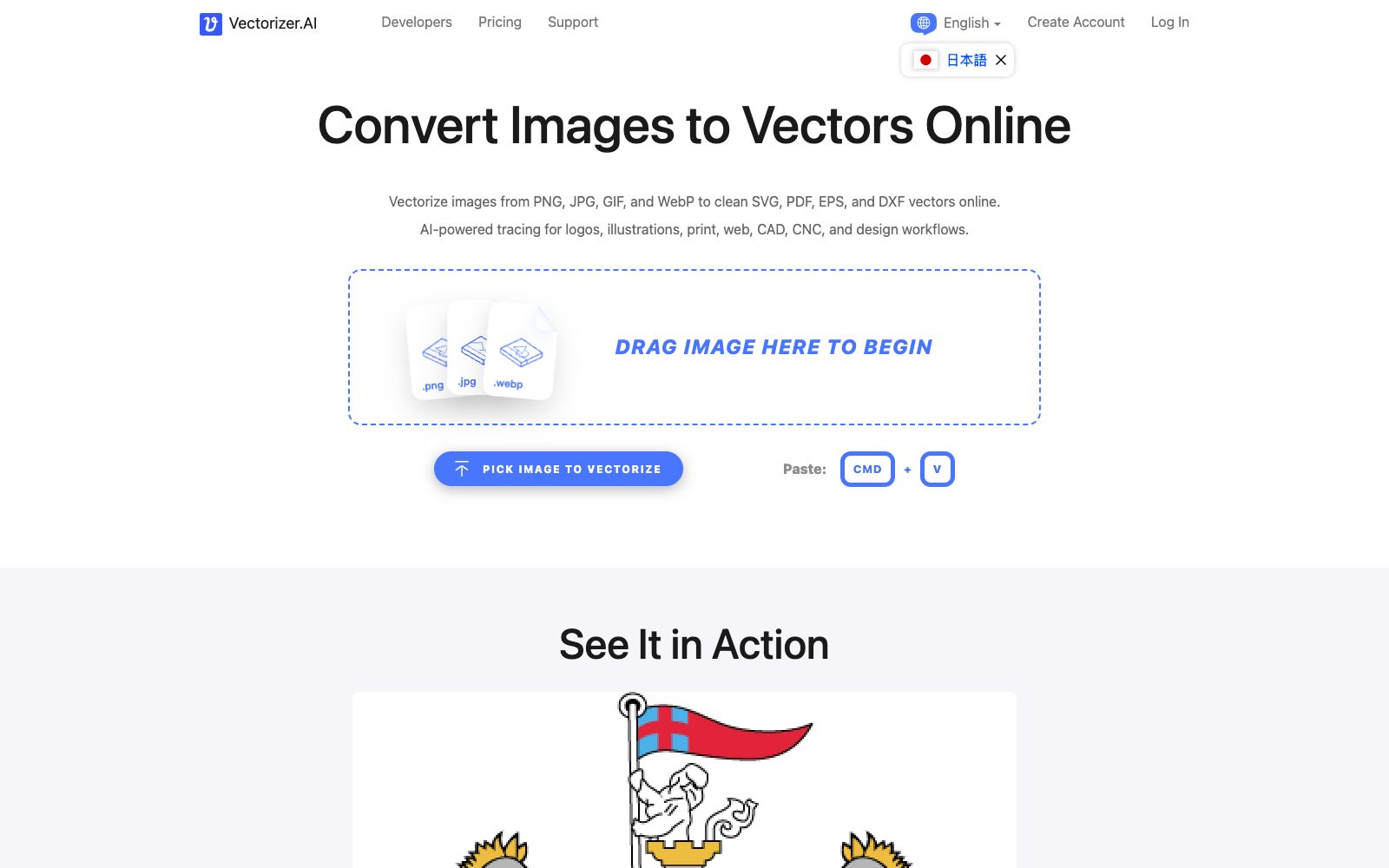
Bitmaps get blurry when zoomed in—it's determined by resolution, not the software's capability. Vectorizer.AI takes a different approach: it traces pixels into geometric shapes, ensuring no loss of quality upon scaling. It runs entirely in the browser without requiring any software installation, which is crucial for users who just want to get results quickly. Additionally, the formats it exports include DXF, which can be directly used in machining and engraving scenarios.
Who is it for?
- Brand and design professionals who need to convert bitmap logos into infinitely scalable vector files.
- Professionals who need to prepare DXF paths before engraving, cutting, or laser processing.
- Engineers and documenters who create CAD illustrations or technical diagrams and need to trace line art.
- Ordinary users who only have screenshots and want to quickly get an editable vector version.
Key features
7AI Tracing & Conversion
Converts bitmap images such as PNG, JPG, GIF, BMP, and WebP into vector files including SVG, EPS, DXF, and PDF.
Runs in the browser
You can start by dragging and dropping or pasting an image, and the official website states that no software installation is required.
Geometric Output
The processing method described on the official website is to analyze images from pixels into geometric shapes, outputting smooth curves, details, and clean color schemes.
Multi-format Export
It covers SVG and PDF for web and print, and also provides DXF paths for CAD and CNC workflows.
Resolution-independent
Remains sharp when scaled up and has a smaller file size. The official website states it is suitable for logos, illustrations, diagrams and sketches.
Adjustable Output Parameters
The official website's FAQ and feature section list controllable items such as palettes, rounded corners, and shapes, which are used to fine-tune the tracing results.
Three-step process
The official website page breaks down the process into three steps: selecting an image, processing it, and downloading it. The middle step is the actual conversion.
How to use Vectorizer.AI
- 1The page offers a free preview. Check the preview first before deciding to download the official file, and don't export right away.
- 2If the bitmap has uncleanable gradients, shadows and noise points, simplify the original image first, and the output will be much cleaner.
- 3The resulting SVG is a geometric approximation rather than a lossless restoration, and complex details usually require manual touch-ups in vector software.
- 4Adjustable parameters such as the number of colors, rounded corners and shapes directly affect the file size. Choose according to the purpose: leave margins for printing and control the size for web pages.
- 5The official website's FAQ specifically addresses the data retention policy and the statement regarding uploaded images; read both thoroughly before uploading sensitive materials.
- 6If the material is AI-generated, the official website also separately answers the conversion performance of such images. It is recommended to test several first before deciding to add them to the library.
- 7Before delivering to others, open it in vector software to check the closed paths and stroke width; this is the most common mistake.
Traffic & popularity
Data month Sep 2026
Vectorizer.AI receives about 3.7M visits per month.
Monthly visits
12 monthsTraffic sources
- Direct64.8%
- Search24.9%
- AI assistants3.8%
- Social3.6%
- Referrals1.5%
- Other1.5%
Top countries
- United States15.5%
- Mexico11.4%
- Brazil9.1%
- Colombia5.8%
- China5.5%
Estimated from third-party traffic data.
Similar tools
 VectorArt.aiVectorArt.ai is an AI vector graphic generation and material library. You can generate infinitely scalable SVG illustrations, icons and logos by entering descriptions, convert existing images to SVG, and it also provides a free image library.
 RecraftAn AI image platform for designers and teams. Its official website states that its text-to-image model excels in realism, vector generation, custom styles, and mockups, and V4 Styles can ensure the entire set of images maintains the same visual style.
 QuiverAIQuiverAI is a generative model platform focused on vector design. The official version states that the Arrow 2 model can generate, edit and animate vector graphics, supports converting text and images into SVG, and covers logos, illustrations and icons.