


Jitter
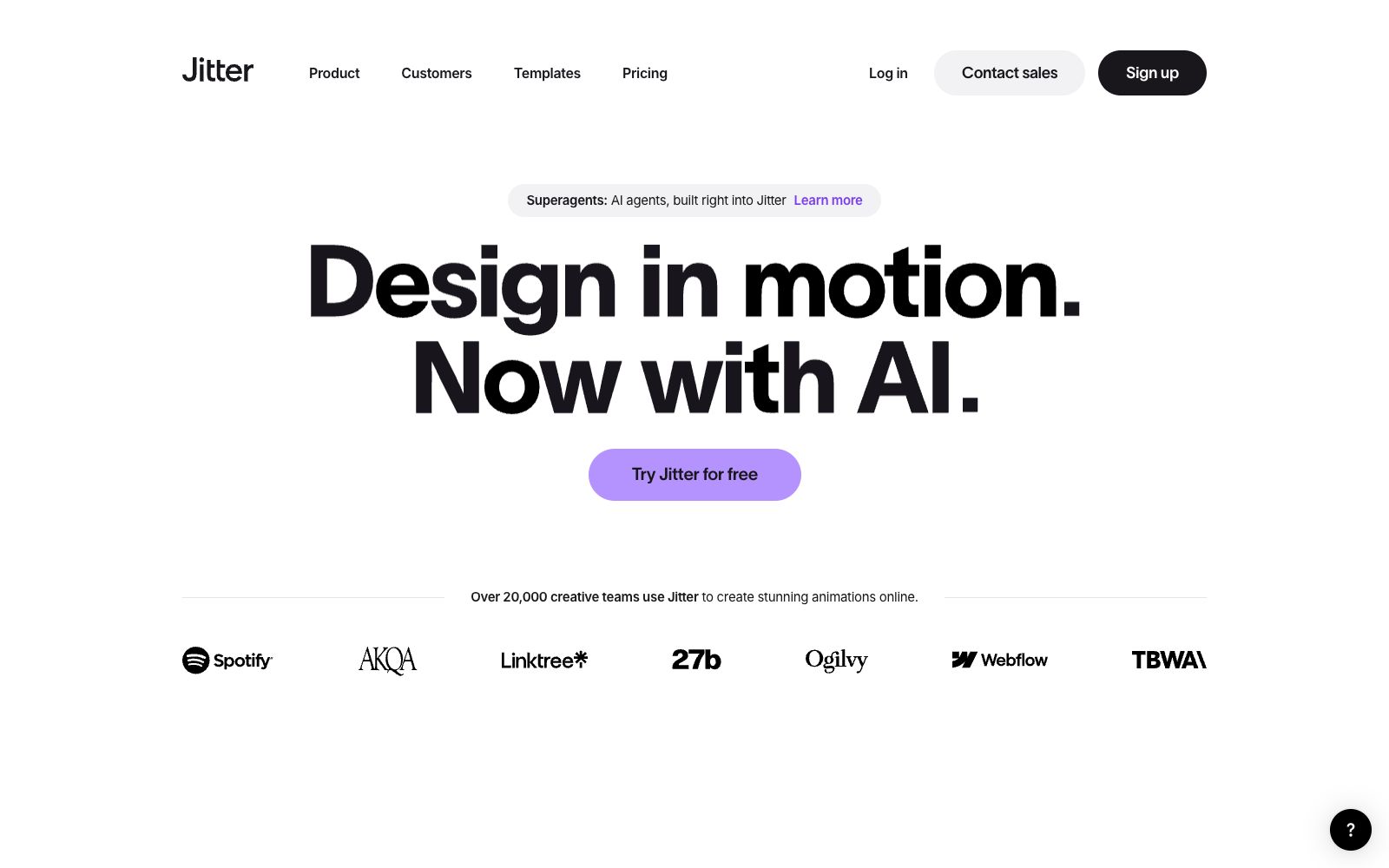
Jitter is a web-based collaborative dynamic design tool that can import from Figma and export 4K, GIF and Lottie files. According to the official statement, more than 20,000 creative teams are using it.
Updated: 2026-10-26
What is Jitter?
Jitter is a collaborative dynamic design tool running on the web. The official claims that whether you have created motion effects before or not, you can create professional-level animations in just a few minutes. Different from traditional motion effect software, it is collaboratively completed entirely in the browser and can directly import design drafts from Figma. It is targeted at teams that frequently need to produce social media motion graphics, product demonstrations and brand motion effects. At present, the official states that more than 20,000 creative teams are using it, and it has built-in AI agent capabilities. Customer cases include the motion effect applications of brands such as Perplexity and Deliveroo.
Who is it for?
- Brand and marketing teams that need to continuously create social media motion graphics and product launch motion effects.
- Independent designers who want to quickly turn static designs into deliverable animations without installing heavy software.
- Product and UI teams using Figma who want to extend interaction effects directly from design drafts.
- Agencies and studios that need to deliver client motion effects in a templated and batch manner.
Key features
7Import from Figma
Directly bring design files into Jitter to create animations while preserving layers and styles.
Collaborative Design
Multiple people can design and modify animations in the same project, making it suitable for teams to work in parallel.
Export in 4K, GIF, and Lottie formats
Export high-definition videos, lightweight GIFs, or embeddable Lottie files according to channel requirements.
Template Library
Offers a wide range of ready-made templates covering scenarios such as posters, promotional videos, and product showcases.
Superagents
The official statement says that AI agents are built into Jitter, and creation can be driven through conversational interaction.
AI Motion Effects
The official description is "Design in Motion", and now AI capabilities are also used to assist in production.
Customer Case Studies
The page showcases teams like Perplexity and Deliveroo using it to create brand motion effects.
How to use Jitter
- 1First, modify the text and color scheme using templates to complete the first version, then gradually replace it with your own brand assets.
- 2Organize layer names when importing from Figma, which can significantly reduce the time spent on subsequent animation adjustments.
- 3Prioritize Lottie for delivery to developers; it has a small file size and can be played directly on web pages and in apps.
- 4Keep an eye on the official new AI agent capabilities, and try to generate drafts through conversational methods for complex sequences.
- 5Team account and permission rules are subject to the official pricing page; confirm the number of seats and export restrictions before mass production.
- 6When getting started, it is recommended to first use the free quota to run through the core workflow, confirm that the output quality meets expectations, and then evaluate whether it is worth upgrading to the paid plan.
Traffic & popularity
Data month Sep 2026
Jitter receives about 3.2M visits per month and ranks #8,977 worldwide.
Monthly visits
12 monthsTraffic sources
- Search47.4%
- Direct40.5%
- Social4.5%
- Referrals4.2%
- AI assistants1.6%
- Other1.9%
Top countries
- India16.2%
- United States8.2%
- Indonesia5.4%
- Germany4.0%
- Brazil3.5%
Estimated from third-party traffic data.
Similar tools
 LaunchFlimLaunchFlim uses AI to turn motion design into code. Working from your brief and assets, it generates launch films, social ads, and trailers—then adapts each one for landscape, portrait, and square formats at once. It's a faster way to produce polished, multi-format motion content without rebuilding every asset by hand.
 STUDIO AIA no-code web design tool from Studio that publishes designs directly as websites. It comes with a visual editor, real-time collaborative CMS, Figma import, and one-click hosting and launch. Ideal for designers to create portfolios and landing pages.
 SwishySwishy is an AI motion effect design and animation platform. Officially, it claims that you can create professional motion effects, dynamic fonts and video animations without After Effects, and it supports exporting to MP4, MOV and GIF.BurpAn AI video and motion graphics editor for teams, the official website states that it can generate storyboard animations and social media videos with one sentence, edit layers and keyframes on a unified canvas, and batch export MP4, GIF or 4K videos in brand style.
 HeraAn AI tool focused on motion design, its official website states that it can turn a one-sentence description into an editable animation. It is designed for scenarios such as infographics, science popularization explanations, interface motion effects, and brand videos, and provides an entry for template modification.