


Hello Aria
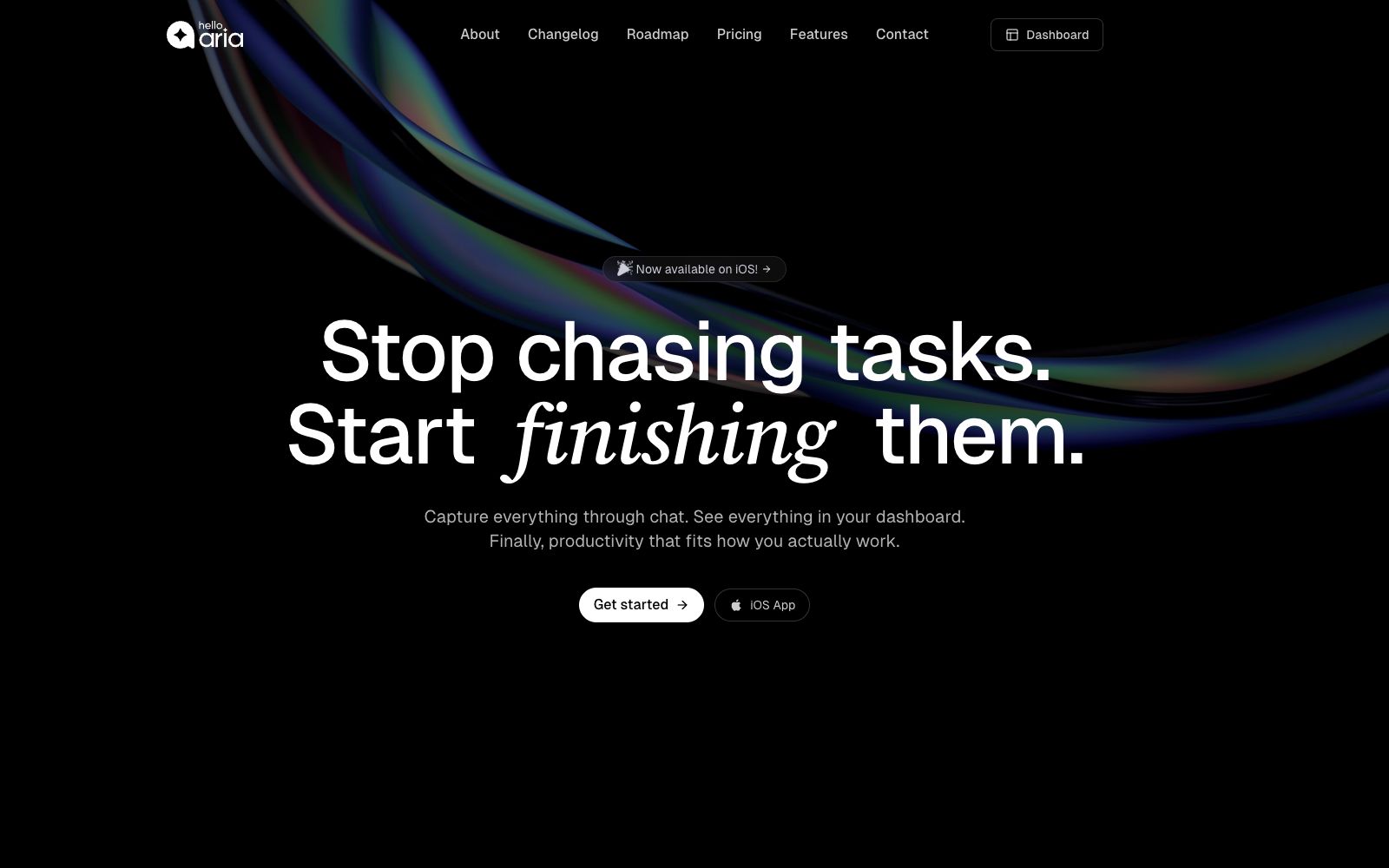
Hello Aria is a productivity assistant available in chat software: according to its official website, it supports managing reminders, tasks, notes, voice and images through messages, and syncs them to a unified dashboard, covering common tools such as calendars, cloud disks and emails.
Updated: 2026-10-27
What is Hello Aria?
Hello, the official website of Aria calls it a master productivity platform. The core idea is to put reminders, to-dos, meetings and collaboration into the chat interface that users are already using. The official website states that it can be used on WhatsApp, Telegram, Slack, web browsers and emails; when tasks, files and tools are scattered, Aria is responsible for organizing them into a single space for viewing through a unified dashboard.
Who is it for?
- Individuals and small teams whose main work takes place in chat apps and who want to reduce the number of standalone apps they use.
- Members who need to quickly record meetings and action items via voice.
- Lightweight collaboration scenarios where you want to set shared reminders and divide tasks for family, roommates, or small teams.
- Users who use both Google and Microsoft calendars, emails, or cloud storage.
Key features
6Unified Operations via Chat Interface
The official website states that you can directly send reminders, manage to-dos, take notes, and coordinate teams within messages without switching between multiple apps.
Multi-platform synchronization
The official website lists WhatsApp, Telegram, Slack, web browsers, email, and iOS apps, and states that all productivity data can be synchronized and viewed in a unified dashboard.
Voice-to-Action
The official website states that voice recordings can be converted into action items for faster idea capture; meeting content can also generate summaries and follow-up matters.
Shared Reminder Circles
The official website states that Circles are used for team coordination, allowing members to receive reminders; the pricing page shows that only the Basic plan enables receiving, while Pro and Enterprise plans support both sending and receiving.
Tool Integration
The official website lists Google Calendar, Drive, Meet, Gmail, as well as Microsoft OneDrive, Mail and Calendar; the pricing page places Google integration in the Pro tier.
Images & Search
The official website's feature page mentions Image Analysis; the pricing page shows 5 Basic requests per month and unlimited Pro requests, with Pro also including 30 Internet Searches and AI Memory per month.
How to use Hello Aria
- 1Start with your most frequently used chat interface, build a habit of creating three types of content: reminders, to-dos, and notes, then integrate calendars and cloud storage to avoid enabling all integrations at once.
- 2Record or send a voice message before the meeting, first verify the generated summary and action items, then assign them to team members or add them to the calendar.
- 3When using shared reminder circles, clarify the recipients and the boundaries of matters first to avoid mixing private reminders into team circles.
- 4The free trial lasts for 14 days and does not require a credit card; before choosing a package, compare item by item based on the number of voice recordings, image analysis, searches, and Google integrations.
- 5The Enterprise plan offers custom integrations, dedicated support, and security and compliance options; teams should confirm their specific needs individually before making a purchase.
Traffic & popularity
Data month Sep 2026
Hello Aria receives about 871 visits per month and ranks #19,450,320 worldwide.
Monthly visits
12 monthsTraffic sources
- Direct39.0%
- Search33.6%
- Referrals10.0%
- Social6.2%
- Mail3.5%
- Other7.7%
Top countries
- United States71.3%
- India28.7%
Estimated from third-party traffic data.
In these collections
Similar tools
 HyNoteAn AI note-taking app that turns recordings, meetings, PDFs, images, web pages, and YouTube videos into summaries, action items, and meeting minutes. It officially supports transcription in over 50 languages, offers more than 30 templates, and can export directly to Google Docs and Notion.
 FoleyFoley is a voice to-do app: just say what you need to do, and it will generate tasks and fill in the details. It supports clarification, calendar scheduling and to-do lists, and is available on desktop, web and mobile.
 ArisoAri, the personal AI companion created by Ariso, is officially said to know you and the people around you: it can be used via SMS, email, web, desktop, browser extensions, voice or in-person communication. It helps you manage meetings, to-do lists, contacts, scheduling and projects, and emphasizes that it will never use user data to train models.
 NotifNotif is an AI reminder app for iPhone and iPad. It supplements reminders and action buttons for items in Apple Reminders, helping users turn their to-do lists into actual completions, and no account is required.
 EneyAn active AI assistant for the Mac desktop launched by MacPaw that can understand natural language instructions and automatically split and execute steps to help users handle meeting minutes, draft emails and system chores, and its official website states that its skills are updated every day.
 WisprkeyA Mac voice assistant built by a Swedish team, offering speech-to-text in any app, multilingual text-to-speech, and on-device meeting notes. The official claim is 98% transcription accuracy, making it useful for writing code, editing documents, and reviewing meetings.