


Foley
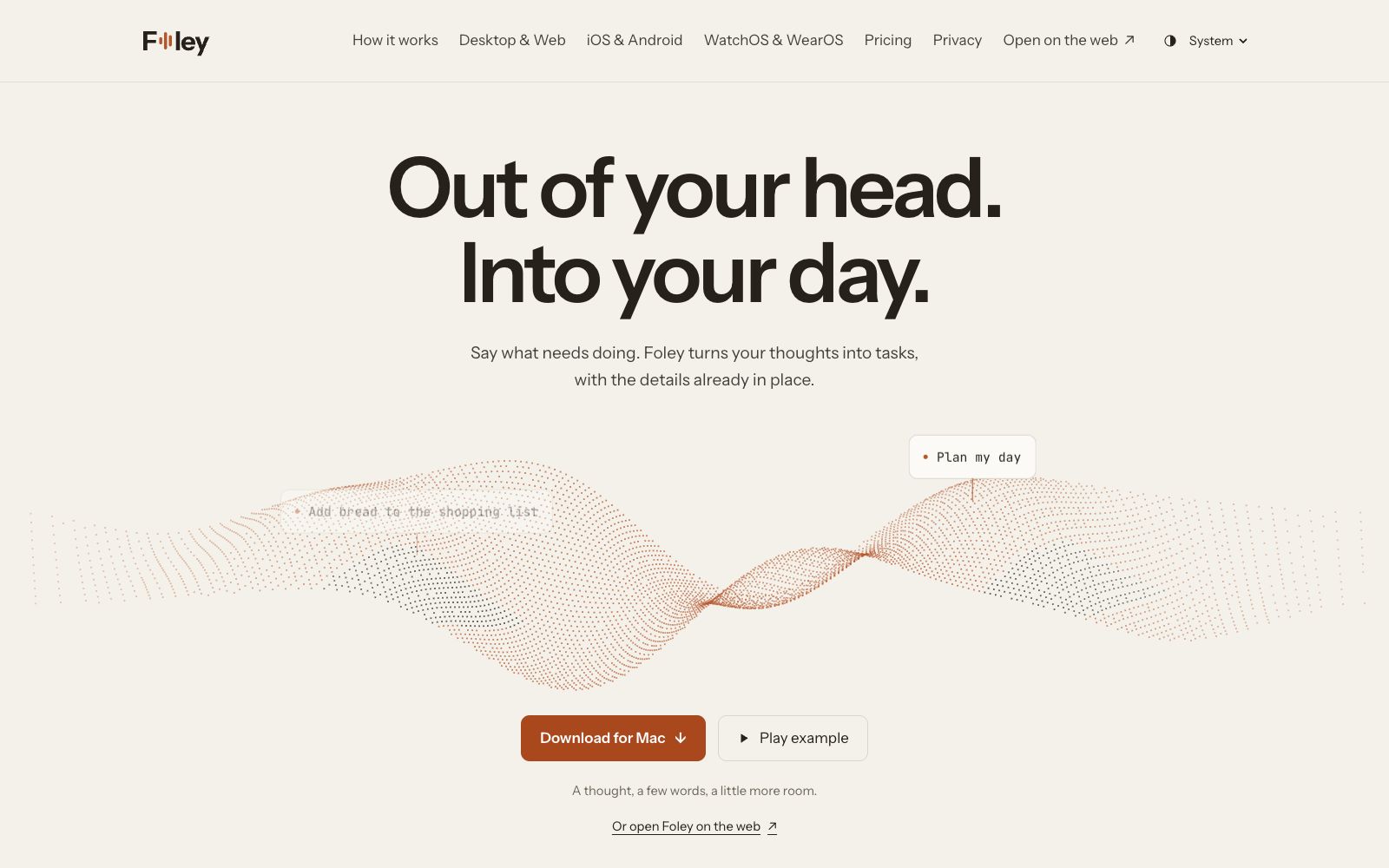
Foley is a voice to-do app: just say what you need to do, and it will generate tasks and fill in the details. It supports clarification, calendar scheduling and to-do lists, and is available on desktop, web and mobile.
Updated: 2026-10-27
What is Foley?
Foley is a voice to-do app whose core usage is "say what you need to do", allowing the app to convert a sentence into a task and try to fill in details such as time and projects. It puts capture, daily workspace, calendar and projects in the same list, and the official says it can be used on Mac, Windows, web, iPhone, Android and watches. Users can check the understanding result before the task is saved, and also go back to the capture history to view the original words and changes.
Who is it for?
- People who often use voice to record to-dos and want to minimize manual data entry: turn scattered ideas directly into detailed tasks.
- Users who need to manage work and life in separate projects: Use folders and projects to organize client, family, and personal matters.
- People who plan their day around a calendar: Adjust task times between the Daily desk and the calendar, keeping the rest of the day's schedule visible.
- People who need to manage task dependencies and materials: Place notes, attachments, related work, and blocking relationships within the task context.
- People who use multiple devices: View the same list on desktops, web browsers, mobile phones, and smartwatches. The official statement says that the mobile version is a complete application that syncs with the desktop, while the smartwatch version only retains essential information.
Key features
6Voice Capture & Task Generation
Activate Foley with a shortcut key and say one sentence or multiple things at once; the app will generate tasks, allow you to review what it has understood before the tasks are saved, and is also available for use in a browser.
Clarification & Modification
When two tasks could both match, Foley will ask which one you mean; you can edit the time, modify the task, adjust the schedule, and retain control over the changes.
Daily Desk & Calendar
Tasks across projects are aggregated in the Daily Desk, and the calendar displays the structure of the day; you can move tasks, adjust times, and keep seeing the rest of the day's schedule.
Projects, Folders & Lists
Folders group related projects together, and projects store work and context; simple items like shopping or packing can be checked off one by one with lists.
Context and Dependencies
Tasks can be linked to related work, with notes and attachments retained, and dependencies displayed to help identify what is blocking the next step.
Capture History & Sharing
The capture history keeps the original speech and Foley's modifications side by side for review or undo; projects can be shared via a Foley account, and tasks and comments are retained alongside the work.
Things to know
Usage Tips
- First, set up a convenient capture shortcut, then test with one sentence to see if "task, time, project" can be correctly split; check the understanding result before the task is saved, and familiarize yourself with the capture, review and modification process using interactive examples first.
- Put long-term items into folders and projects, and put short-term items such as shopping and packing into checklists, so as to avoid cluttering everything into a single list.
- Use commands like "Plan My Day" to let Foley create a schedule based on existing tasks, then move tasks or adjust their times according to actual progress.
- The official website offers two tiers: Foley and Foley Pro. The specific free quota, pricing and functional limitations are subject to the official pricing page on the website. Confirm the quota first before deciding whether to upgrade.
- In the settings, limit the projects accessible to AI, choose the AI managed by Foley or use your own key; before sharing a project, confirm the members and comment scope. Keep the capture history for review and undo, as the capture history retains the original words to facilitate verifying Foley's changes.
Traffic & popularity
Data month Sep 2026
Foley receives about 796 visits per month.
Monthly visits
3 monthsEstimated from third-party traffic data.
Similar tools
 Hello AriaHello Aria is a productivity assistant available in chat software: according to its official website, it supports managing reminders, tasks, notes, voice and images through messages, and syncs them to a unified dashboard, covering common tools such as calendars, cloud disks and emails.MotionMotion is an AI-powered tool that automatically schedules your entire day's calendar and tasks. It real-time schedules and automatically rearranges based on priority, helping individuals and teams fit to-dos into suitable time blocks and reduce manual planning.