


Haye AI
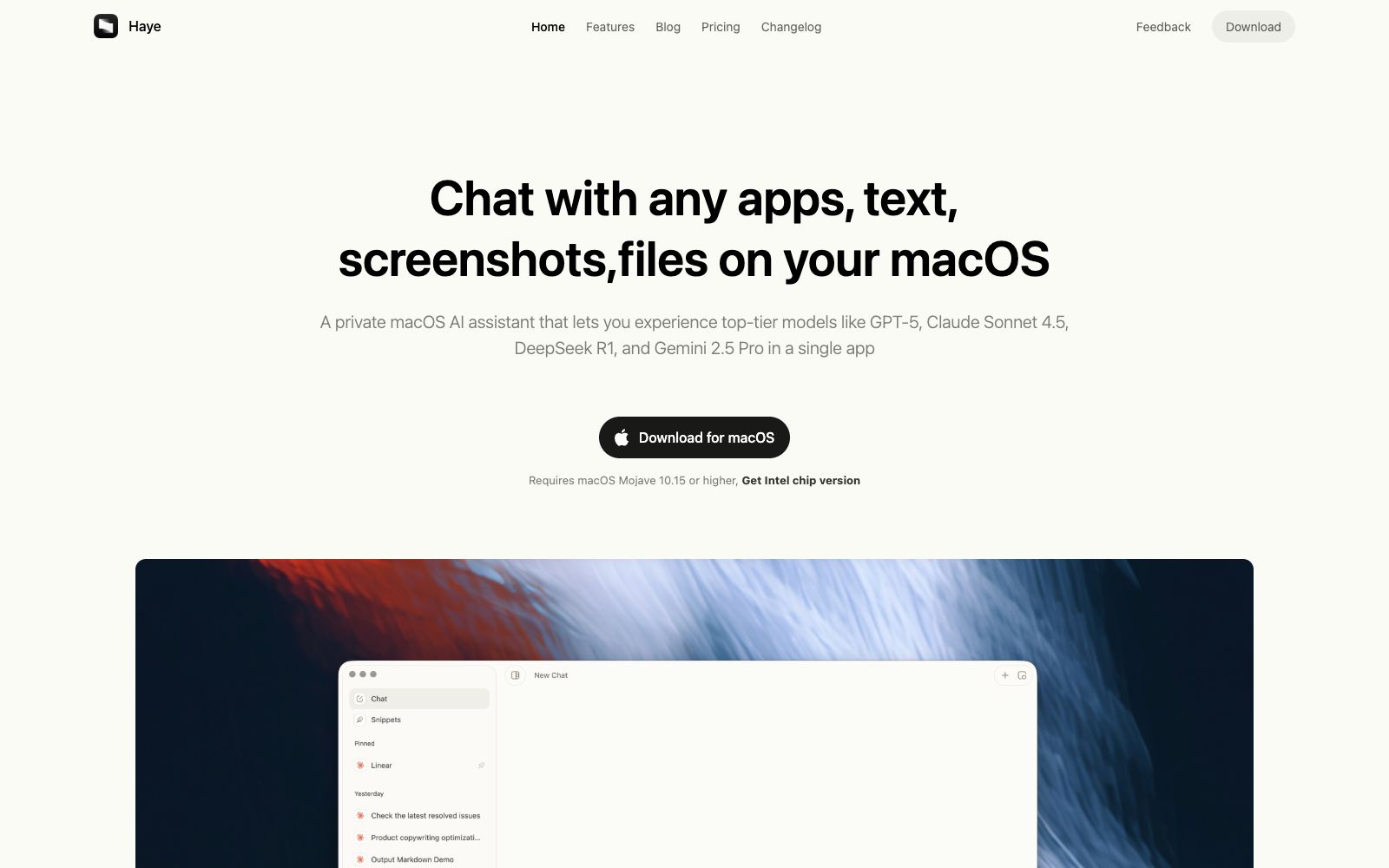
An AI chat client for macOS, the official says it integrates a variety of top-tier models in one application, and you can use shortcut keys to ask questions about any application, text, screenshots and local files.
Updated: 2026-10-26
What is Haye AI?
Haye's official website positions it as an AI chat assistant for macOS, with its core selling point being "invoke anywhere". Unlike clients that only allow chatting in windows, it emphasizes asking questions directly about text, screenshots and files in the current application, and also supports web search. The official states that it supports both Macs with Apple chips and Intel chips, requiring macOS Mojave 10.15 or later, and the Intel version needs to be downloaded separately.
Who is it for?
- Developers and writers whose main device is a Mac and who want AI to appear with a keyboard shortcut instead of opening a browser.
- Researchers and students who frequently ask questions about PDF papers and local documents.
- Design and product professionals who frequently ask questions about screenshots and selected text.
- Power users who want to connect their own API Key to manage multiple model sessions.
Key features
6Top AI models, all in one place
The official states that you can get answers from multiple top-tier AI models in a single application.
Collaborate with desktop applications
The official website states that it can work seamlessly with desktop applications to provide answers in any work or study scenario.
Invoke Anytime
Activate it anywhere with the Command+E shortcut to ask questions and perform actions on text or images.
Search the web
Supports web search, and the official claims it will provide timely answers with relevant web links.
Chat with any PDF, any local files
Chat with PDFs and local files, and the official website states that it understands research materials through natural conversation.
Convenient Toolbar
The official website mentions quick questions and operations for text and images, and the interface emphasizes a modern look and typographic texture.
How to use Haye AI
- 1After installation, first set up the recall shortcut and API Key before starting daily use; otherwise, you will have to return to the main window every time.
- 2The official website offers two options: built-in services and custom API Keys. Try the built-in services first, and after confirming the experience, connect your own Key to control costs.
- 3Users who need the version for Intel chips should select it separately on the official website's download page to avoid installing the wrong architecture.
- 4Invoking via the shortcut will read the current screen or selected content. If sensitive windows are involved, close them first or switch to another app.
- 5The official website offers two plans: Free Trial and Haye Lifetime. The specific prices and benefits are subject to the pricing page on the official website.
- 6The client is updated with the iteration of AI models. If a model is unavailable, first check the Changelog on the official website.
Traffic & popularity
Data month Sep 2026
Haye AI receives about 7.5K visits per month and ranks #1,964,613 worldwide.
Monthly visits
12 monthsTraffic sources
- Direct39.2%
- Search32.0%
- Referrals10.4%
- Social6.2%
- Display ads3.9%
- Other8.3%
Top countries
- United States100.0%
Estimated from third-party traffic data.
Similar tools
 ChatWiseDesktop AI chat client, officially claims to support any large model and store conversation data locally. It can carry its own API keys or access existing subscriptions, and supports web search and MCP.
 RaycastAn extensible launcher for macOS, a single input box connects apps, files, clipboard history and window management. It also has built-in AI chat and an extension store, making finding entry points and switching windows a single keystroke away.
 Cherry StudioAn open-source cross-platform desktop AI client that allows switching between large models from over 50 service providers in a single window. Conversations, drawings, translations, and knowledge bases are all stored locally, making it ideal for users who need to configure their own API keys and keep their data private.
 GlobalGPTGlobalGPT offers GPT, Claude, Gemini, and other chat models in a single subscription, along with video generation from Seedance, Veo, and Grok Imagine, plus a variety of image generation tools—starting at $5.75 per month with annual billing.
 Lobe ChatOpen-source multi-model AI workspace, positioned by the platform as the Chief Agent Operations Officer, supports centralized scheduling and management of multiple Agents, provides a skill marketplace and MCP servers, and can be used in common chat tools via an IM gateway.
 DotlaneAn AI assistant that aggregates multiple large models, officially said to converse with multiple mainstream models in one interface, and provides custom workspaces, in-depth search, file parsing and image generation capabilities.