


Cherry Studio
An open-source cross-platform desktop AI client that allows switching between large models from over 50 service providers in a single window. Conversations, drawings, translations, and knowledge bases are all stored locally, making it ideal for users who need to configure their own API keys and keep their data private.
Updated: 2026-10-26
What is Cherry Studio?
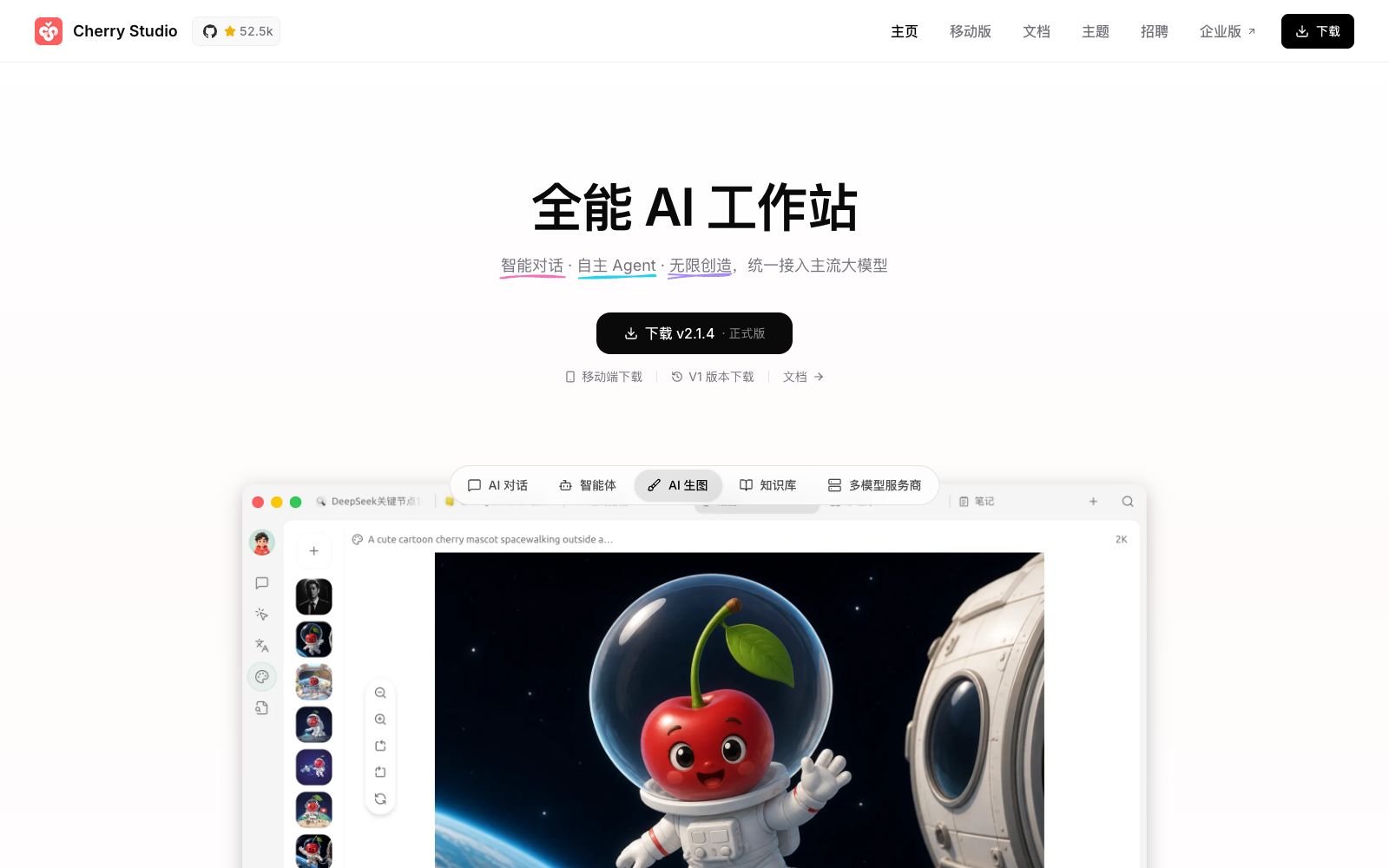
Having five or six AI browser tabs open at the same time is a daily routine for many power users. Cherry Studio consolidates this into a single desktop client: it's available for Windows, macOS, and Linux, with separate sections for chat, drawing, translation, and knowledge base. The official FAQ makes it clear—chat records, settings, and knowledge base files are all stored locally on your device, not uploaded to third-party servers, and you fill in your own API keys. It doesn't choose a model for you; instead, it lets you switch between models freely within the same interface.
Who is it for?
- Developers who use multiple models at the same time and want to horizontally compare different answers to the same question.
- Knowledge workers who need to feed internal documents to AI models while ensuring the data never leaves their local devices.
- People who are already running models locally and want a user-friendly graphical interface.
- Technical leaders who have team members willing to tinker with configurations and manage their own API keys.
- People who read foreign materials all year round and need translation at any time.
Key features
7Free switching between multiple models
The official states that it supports more than 50 AI service providers, including DeepSeek, Kimi, Tongyi Qianwen, Zhipu GLM, Doubao, and MiniMax. It also supports local model deployment, enabling fully offline operation.
Document and Image Chat
Beyond plain text, it supports document chats and image chats, and directly previews formulas and HTML.
AI Image Generation
It integrates multiple image generation models within the client, eliminating the need to open a separate tool for creating images.
AI Translation
Available on both the translation page and chat panel, instantly translates input content, making it easy to read foreign-language materials.
Over 1,000 Built-in Assistants
The official states that it includes over a thousand categorized assistants, covering scenarios such as writing, programming, learning, translation, and marketing, eliminating the need to start from a blank dialog box.
Multi-data source knowledge base
Local files or web pages can serve as knowledge sources, supporting PDF, Word, Excel, TXT, and Markdown.
MCP and Mini Program Extensions
Supports connecting to MCP servers, allowing you to integrate databases, file systems, and web services into the client.
How to use Cherry Studio
- For the community version, you can first go through the main process: The official FAQ states that the community version is free and open-source, licensed under AGPL-3.0, and free for personal use.
- for commercial use, you must comply with the license terms, or contact the official to obtain an enterprise license.
- The client being free does not mean the models are free.
- each provider charges independently.
- Using your own API keys makes it easier to track exactly where the costs go.
- Don't import your entire hard drive into the knowledge base all at once.
- First, use a clearly themed set of documents to test the quality of question-and-answer responses, and only add more content if the quality isn't good enough.
- Multi-device switching relies on backups.
- back up important conversations locally or via WebDAV before cleaning them up.
- MCP and mini-programs will introduce external services.
- confirm the trustworthiness of the services themselves before connecting.
- The official website's feature list is updated quickly, and the specific capabilities shall be subject to the latest user documentation.
Traffic & popularity
Data month Sep 2026
Cherry Studio receives about 145.0K visits per month and ranks #318,617 worldwide.
Monthly visits
8 monthsTraffic sources
- Direct44.6%
- Search39.2%
- Referrals15.1%
- Social0.7%
- AI assistants0.5%
Top countries
- China73.5%
- Taiwan, China4.5%
- United States4.4%
- Singapore4.2%
- Hong Kong, China3.9%
Estimated from third-party traffic data.
Similar tools
 Chatbox AIA cross-platform AI client that supports mainstream models such as GPT, Claude, Gemini and built-in APIs, offering file Q&A, online search and local knowledge bases. The official states that the subscription is as low as $3.99 per month.
 Lobe ChatOpen-source multi-model AI workspace, positioned by the platform as the Chief Agent Operations Officer, supports centralized scheduling and management of multiple Agents, provides a skill marketplace and MCP servers, and can be used in common chat tools via an IM gateway.
 KiloOpen-source AI coding agent, covering VS Code, JetBrains, CLI and cloud, supporting access to more than 500 models and zero markup for self-provided keys, and using local models can protect code privacy.
 MausBotMausBot is an open-source desktop AI agent app that gives each agent its own dedicated computer. It supports models including Claude, Codex, Grok, and Kimi, and connects to the apps you use every day through Composio.
 OpenCodeOpenCode is an open-source AI programming agent that can write code in terminals, IDEs and desktop clients. It supports LSP, multi-session parallelism and 75+ models, and prioritizes privacy without storing code.
 LibreChatAn open-source self-hosted AI platform that aggregates conversations from multiple models such as Anthropic and OpenAI into a customizable interface, offering agents, code interpreters, web search, cross-session memory, and enterprise-grade authentication.