


EditBuddy
The AI editing assistant in Adobe Premiere Pro, officially said to automatically remove verbal slips, pauses and filler words, generate animated captions, B-roll and zoom effects, with all results remaining as editable original clips.
Updated: 2026-10-27
What is EditBuddy?
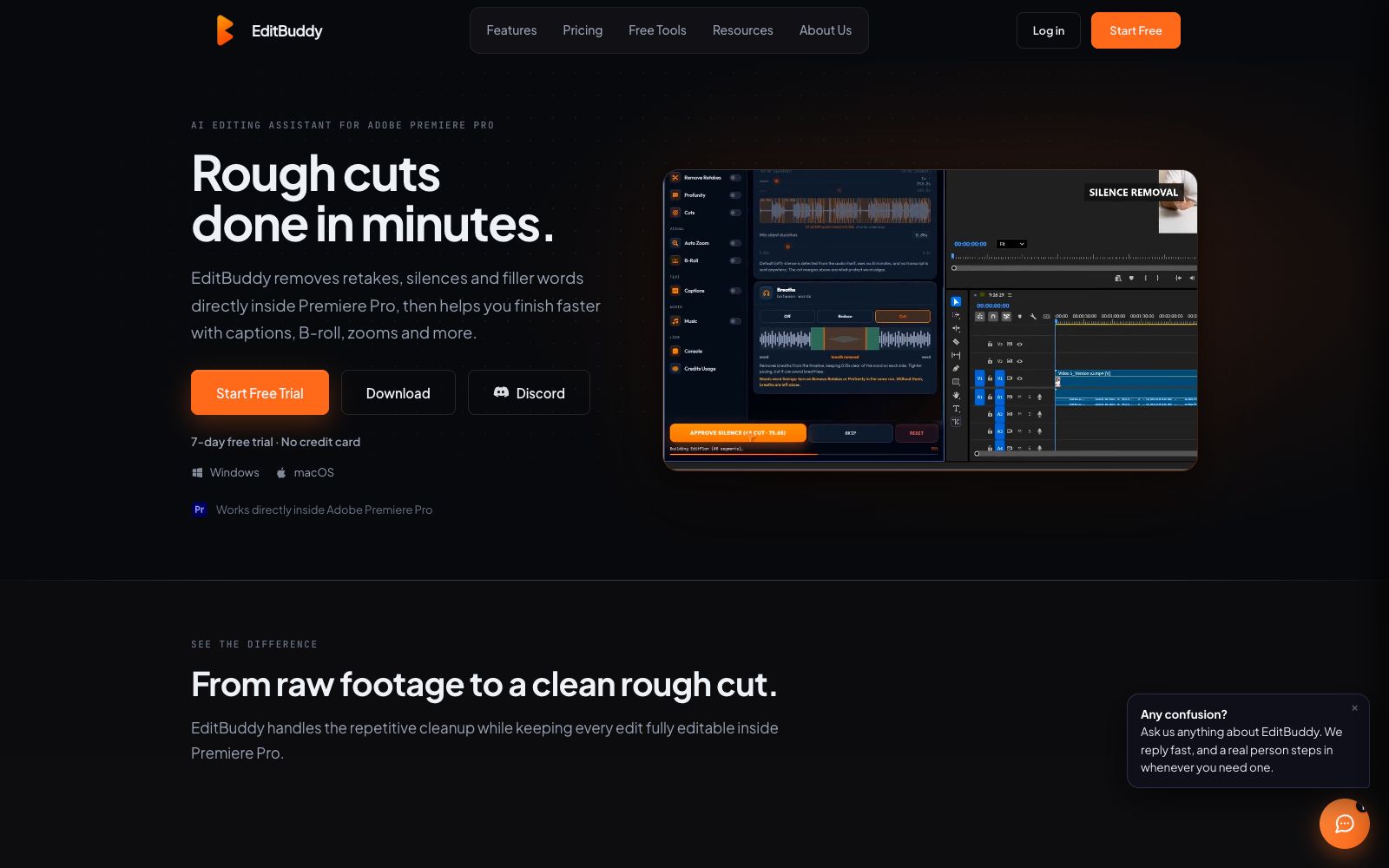
EditBuddy is an AI editing assistant that runs directly within the Adobe Premiere Pro panel. Instead of being an upload-based online editor, it reads the current sequence and writes results back to the project: it removes silences, identifies duplicate shots, generates word-for-word animated subtitles, adds B-roll and zoom effects. All edits are real, draggable and undoable clips, eliminating the need for export and re-import.
Who is it for?
- Creators who edit voiceovers, interviews, and tutorials in Premiere Pro on a daily basis.
- Podcast teams that produce multi-camera podcasts and want to speed up rough cutting.
- Social media operators who need to batch-create Shorts and Reels from a single long video.
- Professional editors who want to reduce repetitive work while retaining full control over the editing process.
- **Media Recovery**:If the project goes offline and causes missing assets, you can use Media Recovery to help locate files and reduce the time spent organizing transferred projects.
Key features
6Silence Removal
Adjust the tightness to your rhythm, automatically detect pauses and gaps on the timeline and perform ripple cuts, with the results still adjustable segment by segment.
Duplicate Shot Recognition
Reads the transcribed content, identifies duplicate recording attempts and keeps the one you actually want, with manual confirmation required before cutting.
Filler Word Removal
Automatically removes verbal fillers like um and ah to make the narration more concise.
Animated Subtitles & B-roll
Generate word-by-word subtitles in the style of short-video platforms, automatically place relevant auxiliary shots, with subtitles and footage on separate tracks.
Multi-camera Podcast Editing
Supports multi-camera synchronization for up to 8 speakers, automatically switches cameras based on who is speaking, and allows customization of camera rules and rhythm.
Long-to-Short-Form Video Conversion
Scans the timeline to identify the most shareable clips, automatically converts them to 9:16 aspect ratio, and outputs an editable short-form video sequence.
Things to know
Usage Tips
- Pay attention to privacy boundaries: Keep the original video and project files locally; the AI function only uploads compressed audio, transcripts, and necessary low-resolution information. Confirm the official privacy statement again before accessing sensitive materials.
-
- First, run the free 7-day trial on real projects to test noise reduction and filler word removal. Pay only after confirming the results match your workflow.
-
- Treat AI outputs as rough cuts. Manually review auto-zoom and B-roll positions segment by segment to retain room for professional refinement.
-
- For multi-camera podcasts, pre-set camera rules and rhythm parameters first to make auto-switching align more closely with your editing style.
-
- Note that AI minutes are calculated based on the source video duration. Processing multiple functions at once does not incur cumulative charges. Estimate usage volume before batch projects.
Traffic & popularity
Data month Sep 2026
EditBuddy receives about 2.4K visits per month and ranks #6,239,353 worldwide.
Monthly visits
7 monthsTraffic sources
- Direct39.2%
- Search31.9%
- Referrals10.3%
- Social6.1%
- Display ads4.3%
- Other8.2%
Estimated from third-party traffic data.
Similar tools
 Cut ExpressA video editing MCP server for Claude and ChatGPT that, according to the company, lets you send clips to the AI, which decides on cuts, subtitles, and color grading, then renders an MP4. The Pro plan is $19 per month and includes 60 minutes, with a 7-day free trial.
 AutoEditAn AI editing plugin built into Premiere Pro that automatically trims silences, catchphrases and repetitive shots and generates subtitles, suitable for weekly-updating UP owners and podcast teams to compress rough cut time.
 CaptionsAn AI clipping and generation app for short videos, officially claimed to complete clipping in one go like a professional editor, offering subtitles, translated subtitles, digital humans and conversational editors.
 WisecutWisecut is an AI editing tool for podcasts, YouTube and webinars. It automatically slices videos, adds subtitles, reframes content and adds background music. The official statement says that more than 1 million creators have used it.
 GlingAn AI editing tool built for YouTube talking-head creators, officially claimed to automatically remove silence, filler words, and wasted takes. It offers transcription, AI-generated captions, automatic zoom, plus title and chapter suggestions, and can export directly to Final Cut, DaVinci, or Premiere.
 quso.aiquso.ai is an AI tool for converting long-form content to short videos. It can extract highlight clips from long videos, live streams and podcasts, score them based on virality, automatically generate word-for-word subtitles, and distribute them across multiple social platforms. It is suitable for creators and content teams engaged in short video distribution.