


Captions
An AI clipping and generation app for short videos, officially claimed to complete clipping in one go like a professional editor, offering subtitles, translated subtitles, digital humans and conversational editors.
Updated: 2026-10-26
What is Captions?
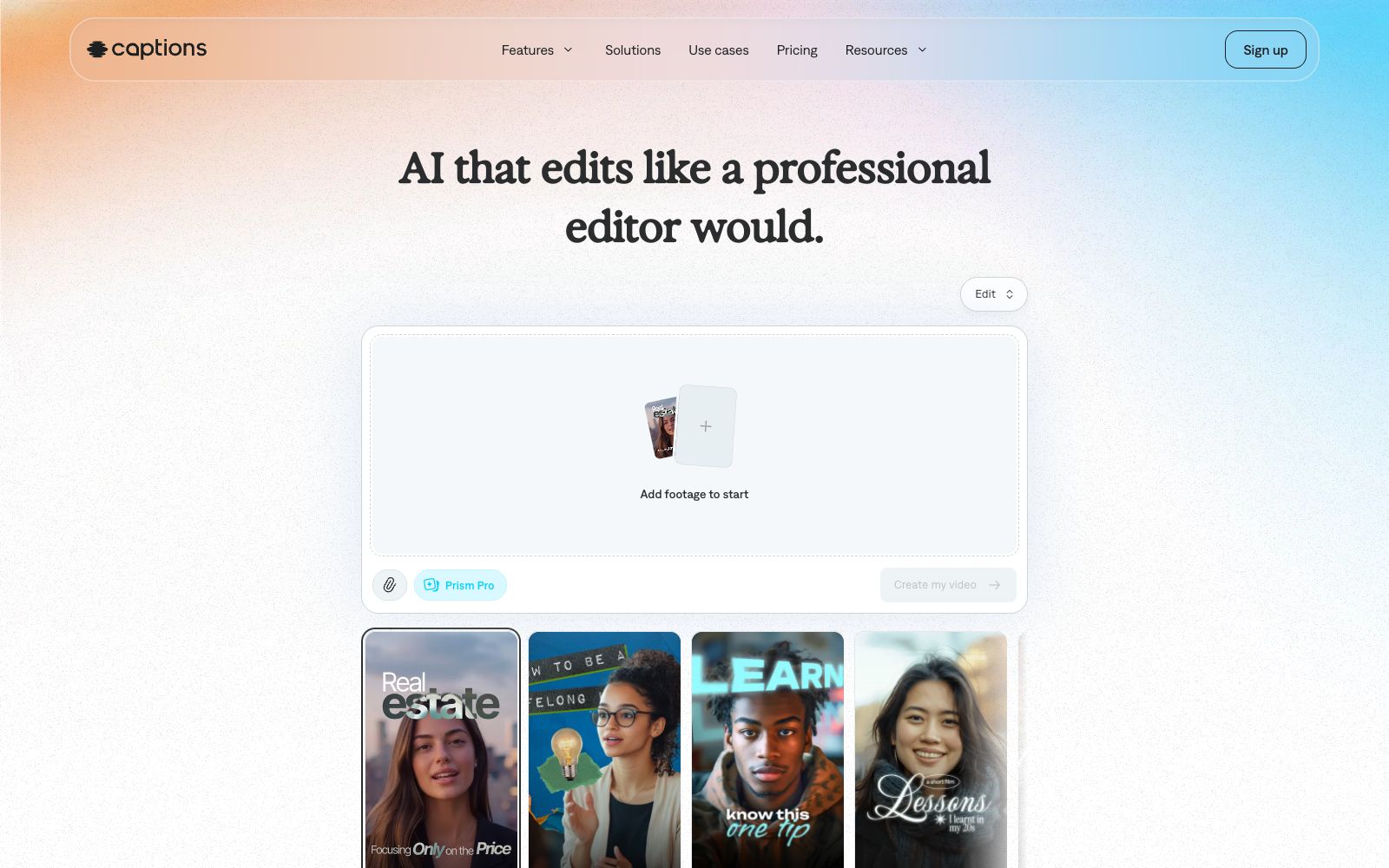
Captions' official positioning is "AI That Edits Like a Professional Editor", emphasizing that what it understands is not just the stacking of footage but storytelling. Its entry is very simple: just upload the footage, select a style, and the AI will automatically pick clips, add B-roll and subtitles; when you need to adjust details, you can use the conversational editor to make changes with prompts. The official website states that it has over 20 million creators using it and boasts a 4.7/5 rating on the App Store.
Who is it for?
- Creators who focus on "getting the message clear first" such as monologue, interview, and podcast cutting
- For overseas accounts that want to create multilingual versions and need translated subtitles
- Enterprises and educational institutions that do not require real-person appearances and use AI avatars to produce content in bulk
- Small teams that want to skip post-production and release footage on the same day
Key features
5AI Edit (Intelligent Editing)
Officially described as AI editing an entire video in one go, automatically clipping scenes, overlaying B-roll, and more.
AI avatars
The official website states that you can create your own AI avatar or choose pre-made virtual avatars available on the platform, which facilitates batch iteration.
Subtitles & Translated Subtitles
According to the official website, it can automatically generate subtitles or translate subtitles, and also supports a single demand of only adding subtitles to existing videos with it.
Style
The homepage lists styles such as Prism Pro, Paper II, Prime, Elevate, Impact II, Sketch, Lens, Vista, and Pop. Select a style to apply a complete set of screen processing.
Conversational Editor
The official claim is that even without editing experience, you can make advanced modifications using chat-style prompts. For example, simply saying "Trim the beginning a bit" will take effect directly.
How to use Captions
- When uploading footage, choose multiple shots from different angles of the same scene.
- This gives the AI more room to select clips, resulting in a final video that is more polished than raw, single-take footage.
- Subtitles are its strong suit.
- it's recommended to do the proofreading as the final step: after generating the subtitles automatically, be sure to manually check the proper nouns and spoken pauses.
- The subscription price shown on the official website is $24.99 per month.
- if you only use it for a short time, it is recommended to subscribe on a project-by-project basis, cancel immediately after finishing the project, and do not keep the auto-renewal for a long time.
- Be sure to confirm authorization when the materials involve brand logos or others' recordings.
- before using AI avatars for external release, it is recommended to first check the website's labeling requirements for such content.
- The upload prompt on the official website states that uploading means agreeing to its terms and privacy policy.
- for commercial projects, it is recommended to confirm the scope of the materials before uploading them in batches.
Traffic & popularity
Data month Sep 2026
Captions receives about 261.4K visits per month and ranks #166,047 worldwide.
Monthly visits
12 monthsTraffic sources
- Direct47.9%
- Search39.7%
- Social5.2%
- Referrals2.9%
- AI assistants2.2%
- Other2.1%
Top countries
- United States16.9%
- India12.8%
- Brazil8.9%
- Mexico5.4%
- United Kingdom4.6%
Estimated from third-party traffic data.
Similar tools
 captionrichAn AI dubbing video editing tool based on text editing, the official website states that editing can be completed by modifying the transcription script. It automatically removes filler words and awkward pauses, supports B-roll insertion, motion graphics subtitles, and translation into more than 50 languages, and is targeted at the short video and podcast editing scenarios.
 CrayoAn AI editing tool for short video creators, which allows you to complete uploading, selecting subtitle styles and finalizing the video in three steps. It also provides a variety of additional features such as AI dubbing, background removal and image generation.
 DeeVid AIAll-in-one AI video creation platform that brings together videos, images, digital humans, dubbing and background music. It supports multiple models such as Veo, Nano Banana, Sora, and Kling, and is equipped with a drag-and-drop editable canvas.
 Cut ExpressA video editing MCP server for Claude and ChatGPT that, according to the company, lets you send clips to the AI, which decides on cuts, subtitles, and color grading, then renders an MP4. The Pro plan is $19 per month and includes 60 minutes, with a 7-day free trial.
 EditBuddyThe AI editing assistant in Adobe Premiere Pro, officially said to automatically remove verbal slips, pauses and filler words, generate animated captions, B-roll and zoom effects, with all results remaining as editable original clips.
 CaptionBoltCaptionBolt is an AI subtitle and pre-publishing tool for social videos. According to its official website, it can transcribe speech, synchronize subtitles and apply 338 styles. Meanwhile, it supports adjusting aspect ratio, clipping, adding B-Roll, brand elements, covers and publishing copy, making it suitable for creators and small teams.