


Choppity
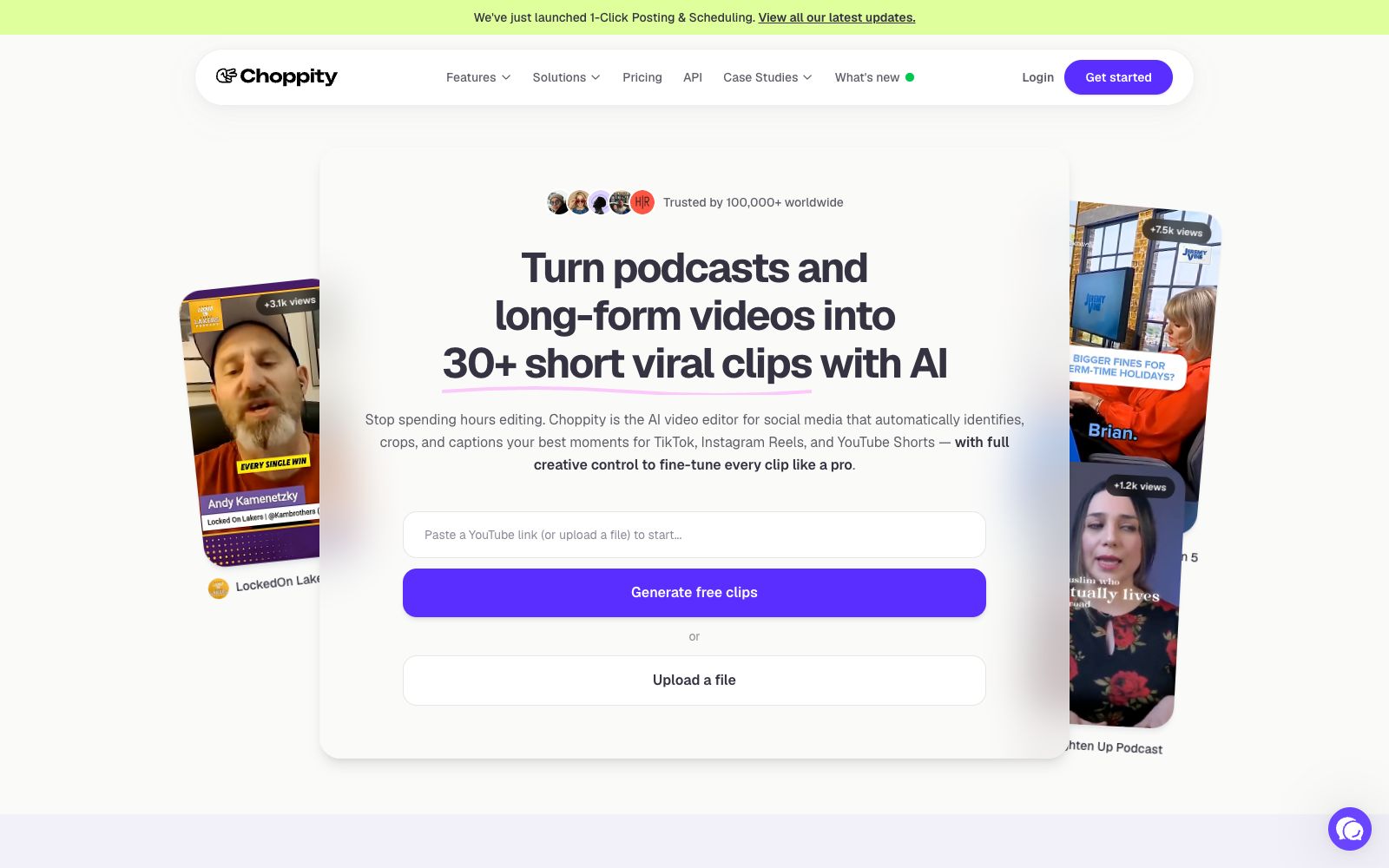
Choppity is an AI video editor that automatically cuts podcasts and long videos into more than 30 short videos with subtitles and automatic framing, and supports one-click publishing to various social media platforms.
Updated: 2026-10-26
What is Choppity?
Choppity is a social media-focused AI video editor, and its official website states that more than 100,000 creators are already using it. Like other similar clipping tools, it focuses on "long-to-short" conversion, but it places greater emphasis on an end-to-end workflow: after uploading a video or pasting a YouTube link, you first select the desired style, and the AI automatically generates more than 30 short clips. During the process, it automatically crops the composition, tracks the subject, adds subtitles and visual effects, and can also be directly published to social platforms with one click. Targeted at podcasters, YouTubers, brands and content teams, it compresses manual editing that originally takes several hours into just a few minutes, making it a practical tool of the "AI-native content repurposing" category.
Who is it for?
- Content creators who make podcasts and long-form videos.
- Operators who want to repurpose long-form content for short-video platforms.
- Brands and teams that need to batch-produce short videos.
- Editors and operators with limited manpower who want to improve efficiency.
- Institutions and freelancers providing short-video operation services on behalf of others.
Key features
6AI Short Video Generation
Generate over 30 social media-friendly short videos from a long video in one go.
Automatic Subtitles
Generates subtitles for each short video and supports style templates.
Automatic Composition & Tracking
Frame the subject in vertical screen and track it, and horizontal screen materials are also applicable.
Style Selection
Offers a variety of editing styles that can be applied to the final video with one click.
One-click Publishing
Supports direct distribution to social media platforms and scheduling.
Key Moment Locating
Quickly find and pinpoint specific clips in the video.
How to use Choppity
- 1The source video should have good image quality and clear audio to ensure high-quality clips.
- 2Fine-tune the cover and opening for each platform after finalizing the video to boost click-through rates.
- 3Unify the subtitle style to build a consistent brand memory for your account in the long run.
- 4After mass production, focus on and increase investment in the best-performing directions.
- 5Compliance Reminder: Please confirm the copyright of the materials and the platform norms on your own to avoid infringement.
Things to know
Traffic & popularity
Data month Sep 2026
Choppity receives about 104.1K visits per month and ranks #333,103 worldwide.
Monthly visits
12 monthsTraffic sources
- Search74.2%
- Direct18.4%
- Social4.0%
- Referrals1.7%
- AI assistants0.9%
- Other0.7%
Top countries
- United States34.9%
- India25.5%
- United Kingdom5.3%
- Brazil2.0%
- Mexico1.6%
Estimated from third-party traffic data.
Similar tools
 KlapAI short video clipping tool, the official said that by pasting a link or uploading a long video, it can automatically select highlight clips and reconstruct them into vertical screen short videos, automatically add subtitles and track composition, and can be scheduled and released to TikTok and YouTube.
 VizardVizard is an AI long video slicing tool that can automatically cut long content such as podcasts, interviews and courses into more than 30 vertical screen short videos suitable for TikTok, Reels and Shorts with one click.
 KapwingA modern video editor in the browser that offers capabilities such as generating complete video projects from prompts, automatic subtitling, audio editing, text-to-speech, and Repurpose Studio clipping. According to its official website, more than 30 million creators worldwide use it.
 WisecutWisecut is an AI editing tool for podcasts, YouTube and webinars. It automatically slices videos, adds subtitles, reframes content and adds background music. The official statement says that more than 1 million creators have used it.
 SsembleAn AI tool that cuts long videos into viral short videos. Paste a YouTube link or upload a file, and it automatically picks out highlight clips, adds subtitles, and tracks faces with the rule of thirds composition, then schedules and publishes them across multiple platforms.
 SubmagicSubmagic is an AI subtitle and editing tool for short videos. With automatic subtitles, facial effects and intelligent cut points, it enables creators to create viral Reels, Shorts and TikTok short videos in minutes.