


Submagic
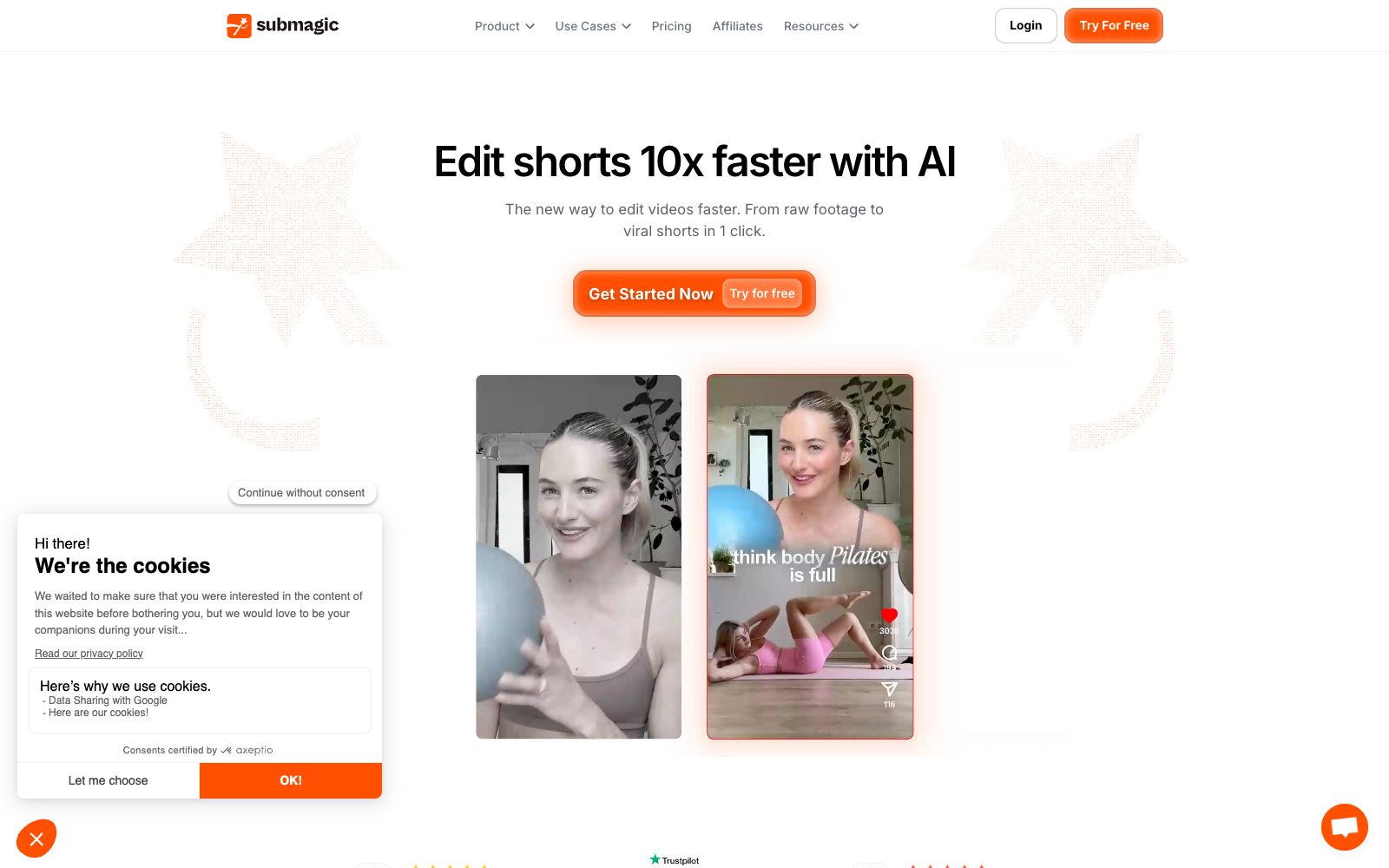
Submagic is an AI subtitle and editing tool for short videos. With automatic subtitles, facial effects and intelligent cut points, it enables creators to create viral Reels, Shorts and TikTok short videos in minutes.
Updated: 2026-10-26
What is Submagic?
Submagic is an AI tool specifically optimized for short videos, focusing on "one-stop subtitle creation and editing". Whether a short video can retain viewers often depends more on the rhythm of subtitles, the highlighting of key words and the speed of scene switching than on the content itself, and doing these manually is extremely time-consuming. Submagic uses AI to automatically generate subtitles, add expressions and special effects, remove redundant words and pauses, and quickly cut long content into short clips suitable for social media, allowing creators to focus on topic selection rather than mechanical editing. It is especially suitable for short video accounts focusing on oral broadcasting, tutorials and live streaming with goods, and is one of the representative products of "AI-native short video post-production".
Who is it for?
- Short video creators who do voice-over, tutorials, or live streaming sales.
- Teams that need to batch-produce Reels/Shorts/TikTok.
- Accounts that want to translate content into multiple languages for overseas expansion.
- Freelancers and agencies engaged in short video operation services.
- People who pursue efficiency and don't want to manually sync and add subtitles.
Key features
6Automatic Subtitles
AI transcribes and generates subtitled videos with effects, supporting keyword highlighting and various templates.
Expressions & Effects
Automatically insert emojis, zoom effects and transitions to enhance the trendy vibe and completion rate of short videos.
Smart Trimming
Automatically removes pauses, speech errors and redundant clips to make monologues more concise.
Multilingual Translation
Translate subtitles into other languages to facilitate expanding content to overseas platforms.
B-roll and Visual Enhancement
Allows overlaying materials and effects to add depth to the visuals.
Team Collaboration
Suitable for teams and agencies that need to deliver short videos in bulk.
How to use Submagic
- 1Speak clearly and reduce filler words during recording, which can significantly improve the quality of automatic editing.
- 2Unify the subtitle style with the account's overall style for better long-term recognition.
- 3Manually proofread translated subtitles; literal machine translation often leads to awkward mistakes.
- 4Optimize the first few seconds separately; the hook determines the completion rate of short videos.
- 5Compliance Reminder: Please confirm the language copyright for subtitles and dubbing as well as platform specifications on your own.
Things to know
Traffic & popularity
Data month Sep 2026
Submagic receives about 2.1M visits per month and ranks #17,586 worldwide.
Monthly visits
12 monthsTraffic sources
- Direct48.7%
- Search33.7%
- Referrals7.0%
- Social6.7%
- AI assistants1.6%
- Other2.4%
Top countries
- United States19.5%
- France8.0%
- India5.9%
- Brazil5.9%
- Philippines3.7%
Estimated from third-party traffic data.
Similar tools
 ChoppityChoppity is an AI video editor that automatically cuts podcasts and long videos into more than 30 short videos with subtitles and automatic framing, and supports one-click publishing to various social media platforms.CliptalkAn AI video generator that, according to its maker, turns text, products, scripts, or links into complete videos—script, visuals, voiceover, and subtitles included. It supports more than 140 AI avatars and 30+ languages, while the free plan includes 50 credits and adds a watermark.
 Huiying SubtitlesHuaying Subtitle is an online subtitle tool under Beijing Blue Pulse. It provides video speech recognition and subtitle addition, subtitle timeline matching, translation and AI dubbing. It can be edited and exported on the web version, and also offers real-time subtitles and an open API.
 ActionAn AI oral broadcast video creation tool under Meitu, the official claims it offers features such as intelligent teleprompter, internet-savvy subtitles, intelligent montage, hit copycat, image quality restoration and AI removal, allowing users to complete internet-savvy oral broadcast videos on their mobile phones.
 captionrichAn AI dubbing video editing tool based on text editing, the official website states that editing can be completed by modifying the transcription script. It automatically removes filler words and awkward pauses, supports B-roll insertion, motion graphics subtitles, and translation into more than 50 languages, and is targeted at the short video and podcast editing scenarios.
 ZebracatZebracat is an AI video generator for social media growth. With just text, you can generate short videos with scripts, AI dubbing and visuals, and automatically schedule them. You can keep producing videos without any editing experience.