


Ssemble
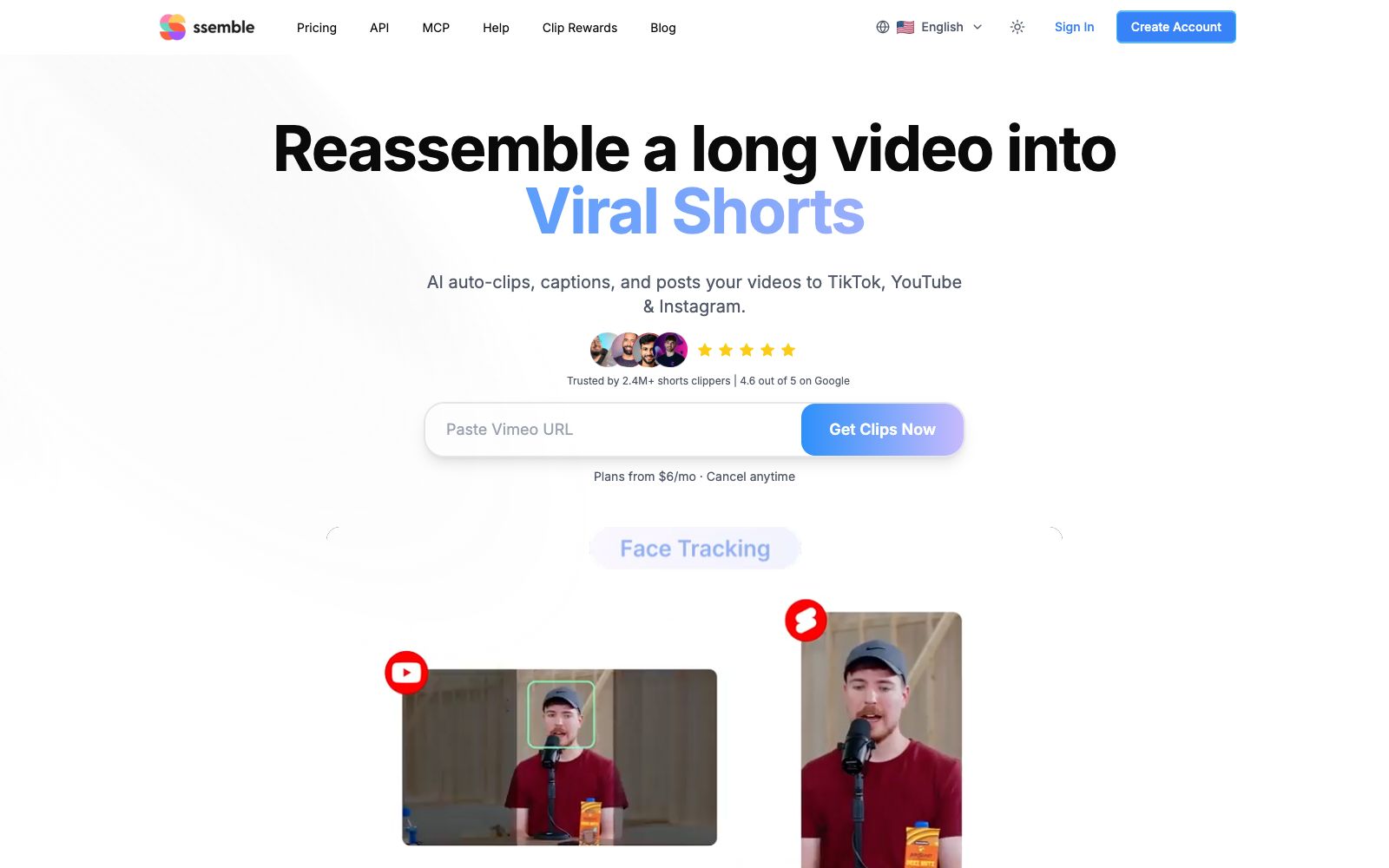
An AI tool that cuts long videos into viral short videos. Paste a YouTube link or upload a file, and it automatically picks out highlight clips, adds subtitles, and tracks faces with the rule of thirds composition, then schedules and publishes them across multiple platforms.
Updated: 2026-10-26
What is Ssemble?
Ssemble's official website calls itself an "AI Clip Maker". To put its workflow in one sentence: feed a long video into it, and it spits out several vertical short videos ready to be posted. Its difference from all-round editing tools is clear—it only does one thing: converting long videos to short ones. It supports links from YouTube, Vimeo, Kick, Twitch, as well as local file uploads. The official website states that it is used by more than 2.4 million short video creators, with subscriptions starting at $6 per month.
Who is it for?
- Podcast and talk show hosts who need to extract five to ten clips from each episode every day
- Game streamers and esports teams who want to turn hours of live stream recordings into highlight reels
- Creators of educational long-form videos who want to distribute content across multiple platforms simultaneously
- MCNs and operation agencies that need to batch-create clips for different clients
- Brand marketing departments that want to quickly split a live stream or press conference into multiple social media contents
Key features
6Three-step process
The official description is to paste the video link, have AI generate clips, and publish them on various platforms.
AI Clip Selection
The official website states that the AI identifies the most shareable clips and automatically adds subtitles, face tracking, and hooky openings.
Multi-source input
The official listing includes YouTube, Vimeo (including both public and private videos), Kick, Twitch, as well as MP4, MOV, and WEBM file uploads.
Scheduled Publishing
The official website states that you can one-click schedule and automatically publish to TikTok, YouTube Shorts, and Instagram Reels.
Team Collaboration & Scaling
The site navigation provides access to Pricing, API, MCP, and Clip Rewards, making it suitable for locking in the slicing workflow for long-term operation.
API and MCP
The site navigation provides access to API, MCP, Clip Rewards and other entry points, making it easy to integrate the workflow into your own system.
How to use Ssemble
- First, run a test with the longest episode to check if the clips it selects are truly engaging hooks before deciding to purchase in bulk.
- Automatic face tracking isn't foolproof.
- for footage with multiple people in the frame or frequent scene cuts, it's recommended to manually review the composition.
- The subtitle position for vertical screen clips is crucial.
- Check if subtitles are obscured by the platform's bottom UI and account names before publishing.
- Automatic submission involves account authorization.
- Before officially connecting the main account, it is recommended to run a test with a secondary account first to confirm that the release time and copy position meet expectations.
- the official states that annual payment can save up to 60%, with the specific amount subject to the current price on the official website.
Traffic & popularity
Data month Sep 2026
Ssemble receives about 1.7M visits per month and ranks #23,295 worldwide.
Monthly visits
12 monthsTraffic sources
- Search46.3%
- Direct36.1%
- Social10.2%
- Referrals4.1%
- Display ads1.4%
- Other1.9%
Top countries
- India12.5%
- United States11.7%
- Mexico9.3%
- Germany5.8%
- United Kingdom5.2%
Estimated from third-party traffic data.
Similar tools
 Nexus ClipsA tool that automatically selects clips from long videos to create vertical short videos. It can intelligently pick exciting clips and automatically add animated subtitles and stickers. The official website states that you don't need editing experience, and it can also help you publish directly.
 Spikes StudioAn AI long-video clipping tool that officially claims to automatically find highlights, add transitions, zooms, and subtitles. It supports multi-platform formats and scheduled publishing, has over 1 million users, works in more than 99 languages, and offers a free trial with a watermark.
 KattoThe official website of Katto positions it as an AI video editing tool: after pasting a long video link, it automatically finds the best moments, scores clips based on four dimensions, reconstructs them into vertical screens and adds multilingual subtitles. It also supports dubbing, scheduling and publishing to seven platforms.
 KlapAI short video clipping tool, the official said that by pasting a link or uploading a long video, it can automatically select highlight clips and reconstruct them into vertical screen short videos, automatically add subtitles and track composition, and can be scheduled and released to TikTok and YouTube.
 MinvoMinvo is a long video slicing tool that automatically selects publishable short videos from podcasts, live streams, sermons, and interviews, adds animated subtitles and removes catchphrases. It also supports dubbing into more than 50 languages and directly schedules releases across multiple platforms.
 quso.aiquso.ai is an AI tool for converting long-form content to short videos. It can extract highlight clips from long videos, live streams and podcasts, score them based on virality, automatically generate word-for-word subtitles, and distribute them across multiple social platforms. It is suitable for creators and content teams engaged in short video distribution.