


BgEraser
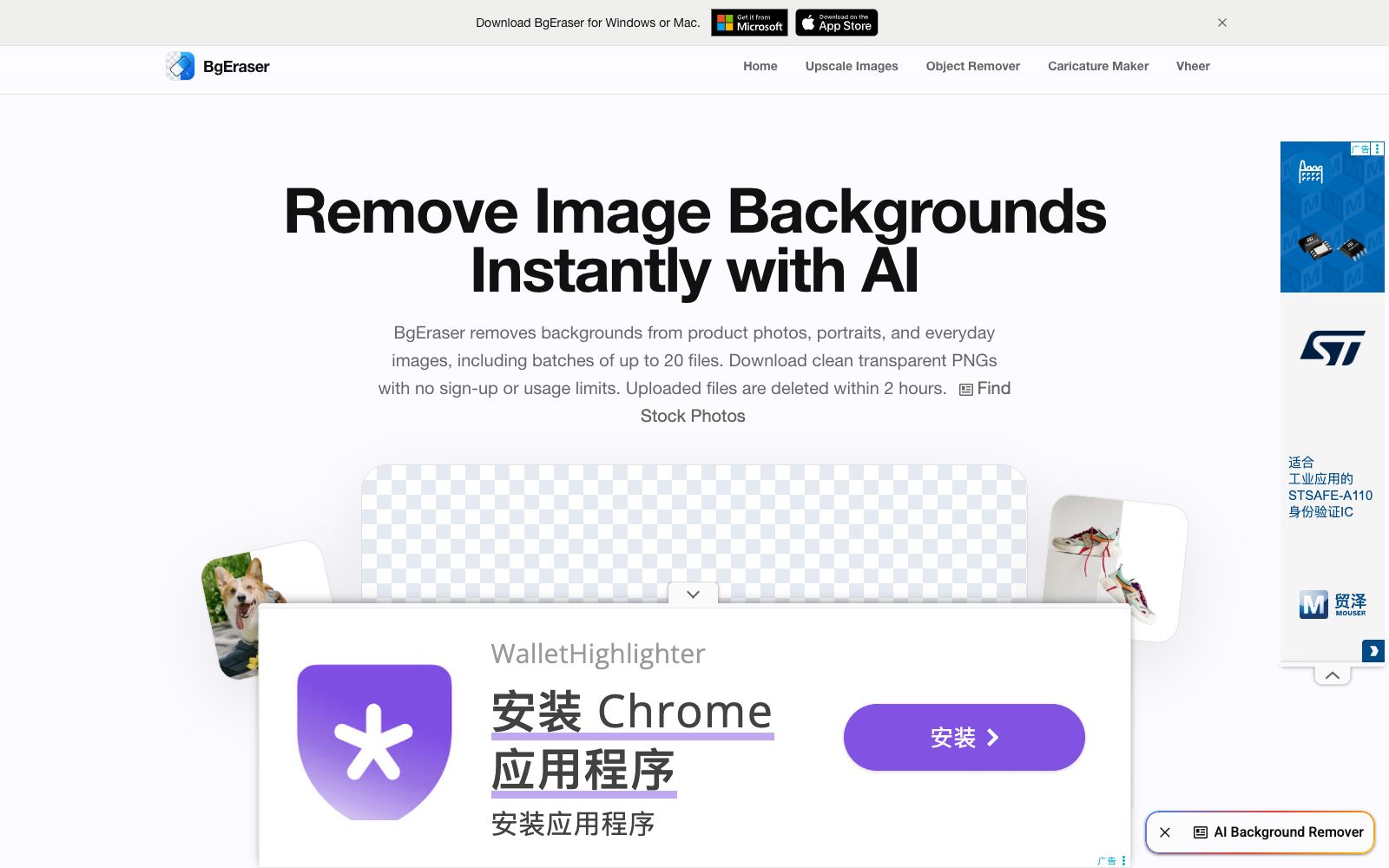
A registration-free online background removal tool. Its official website states that it can process up to 20 images at a time and download transparent PNGs. It also has the ability to replace background colors and remove backgrounds in batches. Uploaded files will be automatically deleted within two hours.
Updated: 2026-10-26
What is BgEraser?
BgEraser's official website has a very narrow positioning: it's all about "removing backgrounds", and it puts all this into a browser with no registration required. It supports both single and batch processing. The page clearly states that a maximum of 20 images can be processed at a time, it supports JPG, PNG and WebP formats, and uploaded files are automatically deleted within 2 hours.
Who is it for?
- E-commerce sellers who launch new products frequently and need to uniformly turn a batch of product images into transparent backgrounds
- Office workers who need to make PPTs, course covers, material collages, or temporarily remove the background from an image
- Novice users who process logos, pet photos, and clothing images for social media and design drafts
- People who care about the privacy of materials and do not want to store the original images on third-party servers for a long time
Key features
7AI Background Eraser
The official website describes it as background removal for product images, portraits and daily photos.
Batch Background Removal
Process up to 20 images at a time in the same workspace for bulk organization of catalog images and listing materials.
Transparent PNG Output
Directly download the result image with an alpha channel.
Replace Background Color
It is listed as a separate feature on the official website, allowing users to change the background to a solid color before downloading.
No Registration & No Retention
The official website emphasizes that no account is required, and uploaded images and their results are automatically deleted within 2 hours.
Desktop Version & Supporting Tools
The official website offers downloads for Windows and Mac versions at the top, and the navigation bar also lists adjacent tools such as Upscale Images, Object Remover, and Caricature Maker.
Multilingual Interface
The site offers multiple language versions including Simplified Chinese, Traditional Chinese, Japanese, and Korean.
How to use BgEraser
- The official website's FAQ clearly takes "auto-delete within two hours" as a privacy selling point, meaning the results will not be stored for a long time.
- Archive them immediately after downloading and don't expect to retrieve them later.
- Before batch processing, select one image first to verify the edge quality, especially the processing effect on hair, glass and translucent packaging.
- if necessary, use the adjacent Object Remover tool on the official website for secondary cleanup.
- The official website's FAQ states that the commercial use of the processed results is premised on "you having the right to edit and use the original image", so first check the copyright of the material before deciding whether it can be put on the shelves.
- The official website's FAQ gives a clear answer on whether the background color can be replaced: you can keep the transparent background, or add a solid-color background before downloading, and choose as needed when making listing images.
- The official website's format instructions apply to the three submitted types: JPG, PNG, and WebP.
- The single-batch limit of 20 images is the current policy.
- for large-volume tasks, it is recommended to submit them in batches and keep backups.
Traffic & popularity
Data month Sep 2026
BgEraser receives about 456.6K visits per month and ranks #117,790 worldwide.
Monthly visits
12 monthsTraffic sources
- Direct51.0%
- Search43.7%
- Referrals3.8%
- AI assistants1.1%
- Mail0.4%
Top countries
- India18.3%
- Indonesia12.7%
- United States10.5%
- Pakistan9.6%
- Iraq3.0%
Estimated from third-party traffic data.
Similar tools
 Erase.bgErase.bg is an online background removal tool under Pixelbin. The official claims that it can remove the backgrounds of people, animals and objects in a few seconds and output high-definition transparent images. It supports pictures and videos, and also provides batch processing and API solutions.
 PokecutPokecut is an online AI photo editor developed by Guangzhou Guangzhuiyuan. Its official website states that users can remove backgrounds, enhance image quality and generate pictures without registration. It is built with a variety of models and specialized retouching tools for portraits, figures, hairstyles and more.
 Pixian.AIPixian.AI is a registration-free image background removal tool. Just drag and drop an image to extract a transparent background. You can specify a white background or a solid color background, crop margins, and output size. Free usage has a limited quota, and unlocking high-resolution images requires a paid subscription.
 PicWishA domestic free online AI photo retouching toolset that offers features such as image quality enhancement, background removal, and blurriness to sharpness conversion. It covers product image and daily photo processing, and provides APIs for developers.
 Remove.bgThe most well-known one-click background removal tool. Upload an image to automatically remove the background in about 5 seconds. It offers batch editing, API and plugins. The official website announced that the background removal function will be integrated into Canva, and the standalone site will be discontinued starting from December 2026.
 EzRemoverFree online AI background removal tool: upload an image, and it will automatically remove the background and output a transparent PNG. You can change the background to white or a solid color, generate new scenes with AI, and it also offers batch processing and special modes for logos, text, anime, and more.