


Artbreeder
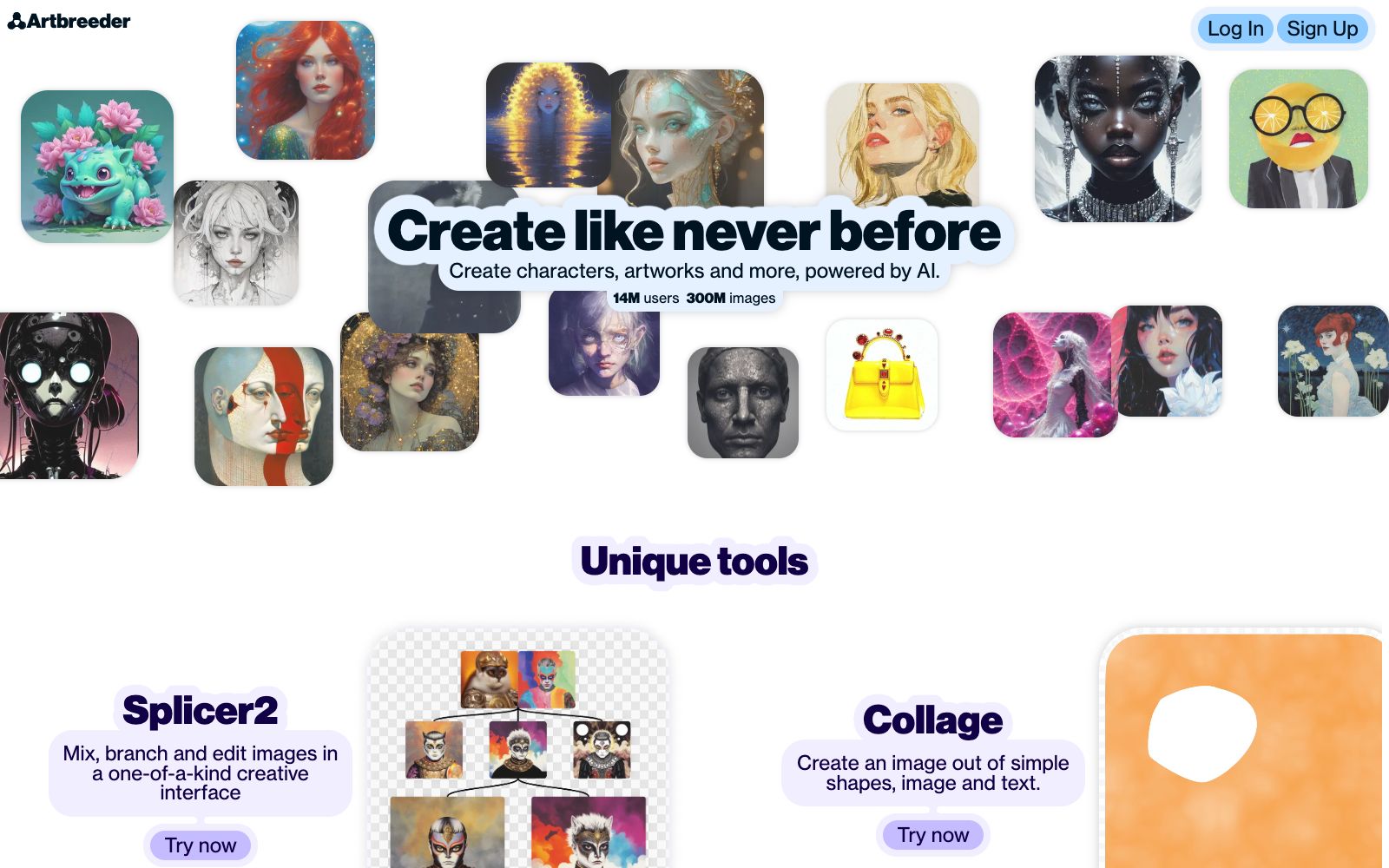
An online AI creative community centered on image mixing as the core gameplay. It provides multiple sets of editors to cross-mix existing images, generate images from text, and extend existing works. The finished products can be published to the community for others to browse and create secondary creations.
Updated: 2026-10-26
What is Artbreeder?
Artbreeder's official website describes itself as "A collaborative tool for creating images with AI", a product that emphasizes collaboration and recreation. It does not focus on prompt engineering but instead treats the image itself as mixable genes. On the Create page, users can access multiple sets of editors such as splicer2, mixer2, prompter, composer, collager, animator, and outpainter.
Who is it for?
- Illustrators and independent game developers who want to explore concept art, character illustrations and world view setting
- Visual design beginners who need to quickly generate variants in batches and use image albums as inspiration walls
- Creators who want to avoid complex English prompts and are used to selecting and dragging images to get a feel for the effect
- Educators and workshop instructors who need to visually demonstrate the concept of AI image blending
Key features
6splicer2
Described on the official website as mixing, branching and editing images in a unique interface, it is suitable for subjects such as portraits.
mixer2
Officially described as blending multiple images into complex prompts, it serves as the entry point for image-to-image exploration.
prompter
An editor that generates images from pure text prompts.
composer
Officially described as precisely blending images and text.
Collager
Assemble shapes, images and text on the same canvas, and there is also the Pro-exclusive Animator for creating graphic and text animations.
Outpainter & Worlds
The former extends the canvas of existing images, while the latter is an experimental entry for worldbuilding and storytelling as indicated on the official website.
How to use Artbreeder
- The official website labels animator as Pro Only.
- First check which editors you can use to avoid realizing you need to upgrade halfway through.
- The official website's pricing page divides the packages into three annual quota plans: Starter, Advanced, and Champion.
- The benefits include ad-free, privacy control, Google Drive synchronization, and unlimited generation within Composer.
- The specific prices are subject to the official website page.
- The output of hybrid tools is highly random.
- It is recommended to change only one dimension at a time and save the intermediate results for easy review.
- Community releases are public by default.
- Remember to use privacy controls when dealing with undisclosed projects or client materials.
- the scope of authorization is subject to the official website's terms, so double-check before commercial use.
Traffic & popularity
Data month Sep 2026
Artbreeder receives about 955.9K visits per month and ranks #17,985 worldwide.
Monthly visits
12 monthsTraffic sources
- Direct62.5%
- Search24.7%
- Social7.4%
- Referrals3.1%
- AI assistants1.1%
- Other1.2%
Top countries
- United States48.3%
- Thailand23.9%
- United Kingdom2.9%
- Russia2.0%
- Italy1.9%
Estimated from third-party traffic data.
Similar tools
 PrompterHubA Chinese AI prompt management platform, officially said to offer four sections: prompt creation, community sharing, template library and large model tutorials. It can turn ideas into text, image or code prompts, and provides a browser extension to access your personal prompt library at any time.
 GencraftAn online AI art creation platform known for community sharing, supporting text-to-image, image-to-image, and image variation. The official claims that users can try hundreds of models and perform secondary remix creation on others' works, and they get a daily quota upon registration.