


Alpha3D
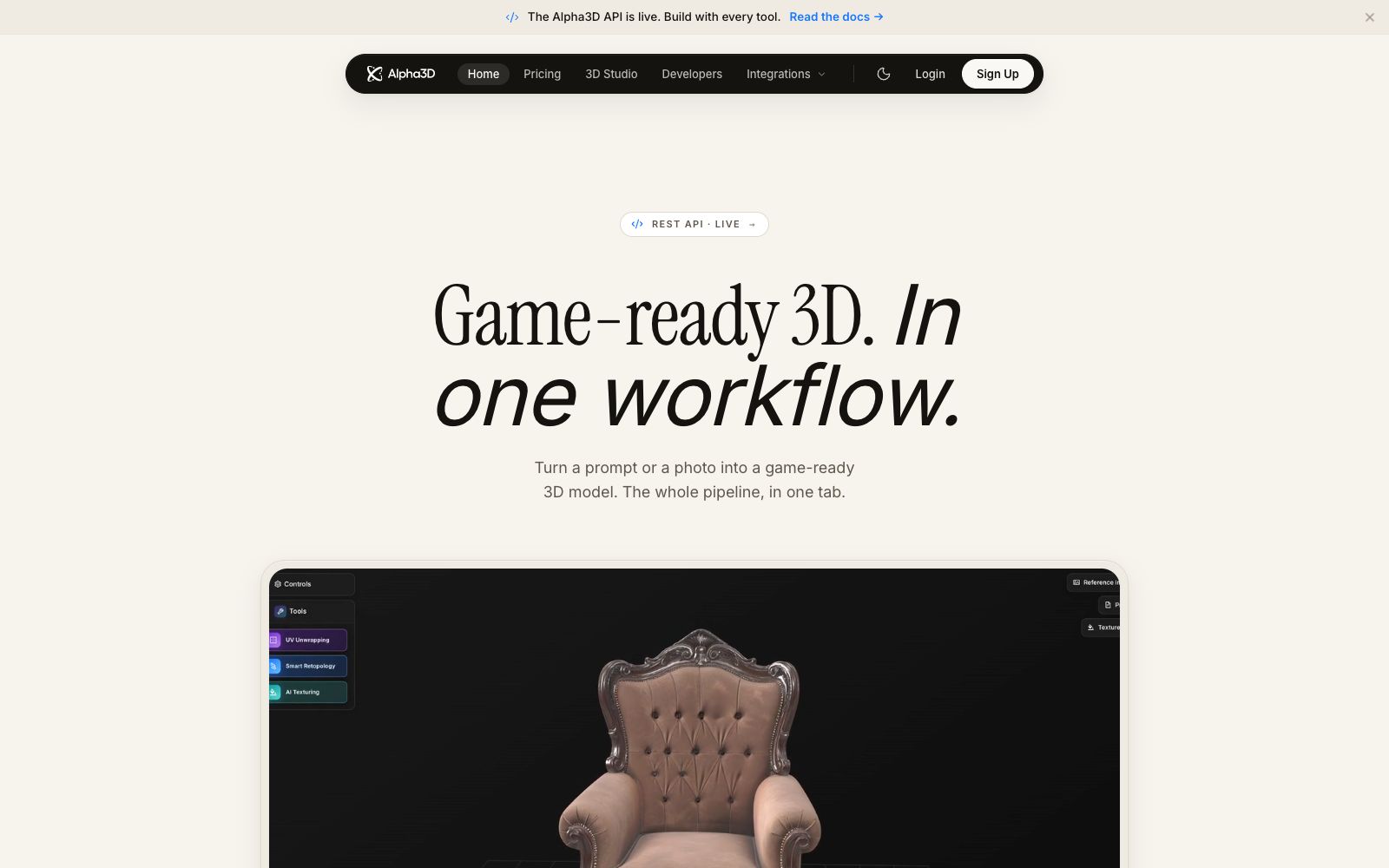
A 3D generation tool that turns prompts or photos into usable models. It completes retopology, UV unwrapping, texture mapping and automatic rigging in the same workspace, and can be directly exported to mainstream engine formats. It is suitable for independent developers, 3D printing and e-commerce modeling.
Updated: 2026-10-27
What is Alpha3D?
Alpha3D is a tool that builds a complete pipeline for AI 3D generation. Its official website states that the team members come from Meta, Google, Magic Leap, Canva and Bolt. Most AI 3D products only stop at "generating a mesh", while Alpha3D then completes retopology, UV unwrapping, texture mapping, rigging and export, finally delivering assets that can be imported into Unity, Unreal or slicing software. It is accessible via a web-based workbench, and also offers Blender plugins, REST API integration, or the ability to drive the entire pipeline through MCP in Claude and ChatGPT.
Who is it for?
- Independent game developers: They need a large number of props and environmental assets but do not have a full-time 3D artist.
- Studio artists: Use AI to create base models, then return to Blender for refinement according to project standards.
- 3D printing users: They want watertight STLs and can skip the step of remeshing.
- E-commerce and AR teams: Generate models that can be displayed on web pages or head-mounted displays using product photos.
- Prompt-driven creators: Not familiar with Blender and hope to go through the entire workflow through conversation.
Key features
6Three Generation Entry Points
One prompt, one photo, or 2 to 8 reference images from multiple angles. The official claims that meshes can appear on the screen within minutes.
Retopology and Polygon Count Control
Smart Topology outputs production-grade quad-dominant meshes, with the polygon count adjustable to meet the requirements of the target engine, rather than being limited to fixed specifications.
UV & PBR Texturing
Unwrap UV islands in one click to adapt to lightmap atlases, and AI Texturing supports redrawing PBR materials with prompt words or reference images.
Automatic Rigging and Segmentation
AI Rigging generates skeletons for T-pose humanoid meshes and exports them as FBX; AI Segmentation splits models into labeled semantic parts that can be exported individually.
Conversational Agent
Alphred drives all tools with natural language. For example, when you say "Retopologize to 8,000 polygons" or "Switch to chrome material", it selects the right tools, queues the tasks for execution, and returns the results.
Workflow Canvas
Connects generation, retopology, UV mapping, texturing, rigging, and conversion into a node graph. It can be saved as a template for reuse, and also allows a source model to branch into high-poly and low-poly models for parallel processing.
How to use Alpha3D
- 1First, try generating with a photo that has a clean background and a complete subject; it’s easier to judge the quality than by piling up long prompts.
- 2Generation is just the first step. Set the parameters for retopology and UVs according to the target engine, then hand the workflow over for batch processing.
- 3The official stated that you own the assets under the paid plan with a private commercial license; the usage of outputs from the free quota is to be confirmed separately.
- 4Format conversion is a separately billed step, officially priced at 12 credits. Think carefully about which format you need before exporting.
- 5When collaborating in a team, save your commonly used parameters as a workflow template and apply it directly to new assets, which is faster than reconfiguring them every time.
Traffic & popularity
Data month Sep 2026
Alpha3D receives about 41.3K visits per month and ranks #995,344 worldwide.
Monthly visits
12 monthsTraffic sources
- Search71.3%
- Direct19.8%
- Referrals7.8%
- Social1.0%
- AI assistants0.2%
Top countries
- United States8.6%
- India7.0%
- Germany5.1%
- United Kingdom4.1%
- Russia3.4%
Estimated from third-party traffic data.
Similar tools
 3D AI StudioAn online workbench that converts text or images into 3D models, aggregating multiple engines such as Meshy and Tripo. It supports AI texture mapping and automatic retopology, making it suitable for game and product design.
 ImgTo3D.aiA 2D-to-3D tool in the browser that can generate textured 3D models by uploading a JPG or PNG image. The official says the free tier can produce results in less than 50 seconds, and it supports exporting OBJ, GLB and STL files.
 RodinAI 3D model generator that supports generating UV-enabled models from text or images, provides three spatial controls and local editing (bounding box, voxel, and point cloud), and can be exported to mainstream modeling software for further processing.
 ArtCraftOpen-source AI image and video creation desktop application, available on Mac, Windows and web, focusing on controllable generation: image-to-scene, 3D composition, image-to-3D mesh, character posing and one-click background removal.
 Photo AIPhoto AI is a person-centric AI photography studio. You can upload a dozen selfies to train a custom model, and then batch generate photos, outfit try-on images and product videos for any scene. It is suitable for creators and e-commerce sellers who need a large amount of personal image materials.
 Pixlio AIPixlio AI is an image creation and retouching workspace in the browser. It aggregates models such as GPT Image and Seedream, enabling text-to-image generation, background replacement, deletion and modification of text in images, and application of style presets. It is suitable for e-commerce product images and social media materials.