


AI Room Planner
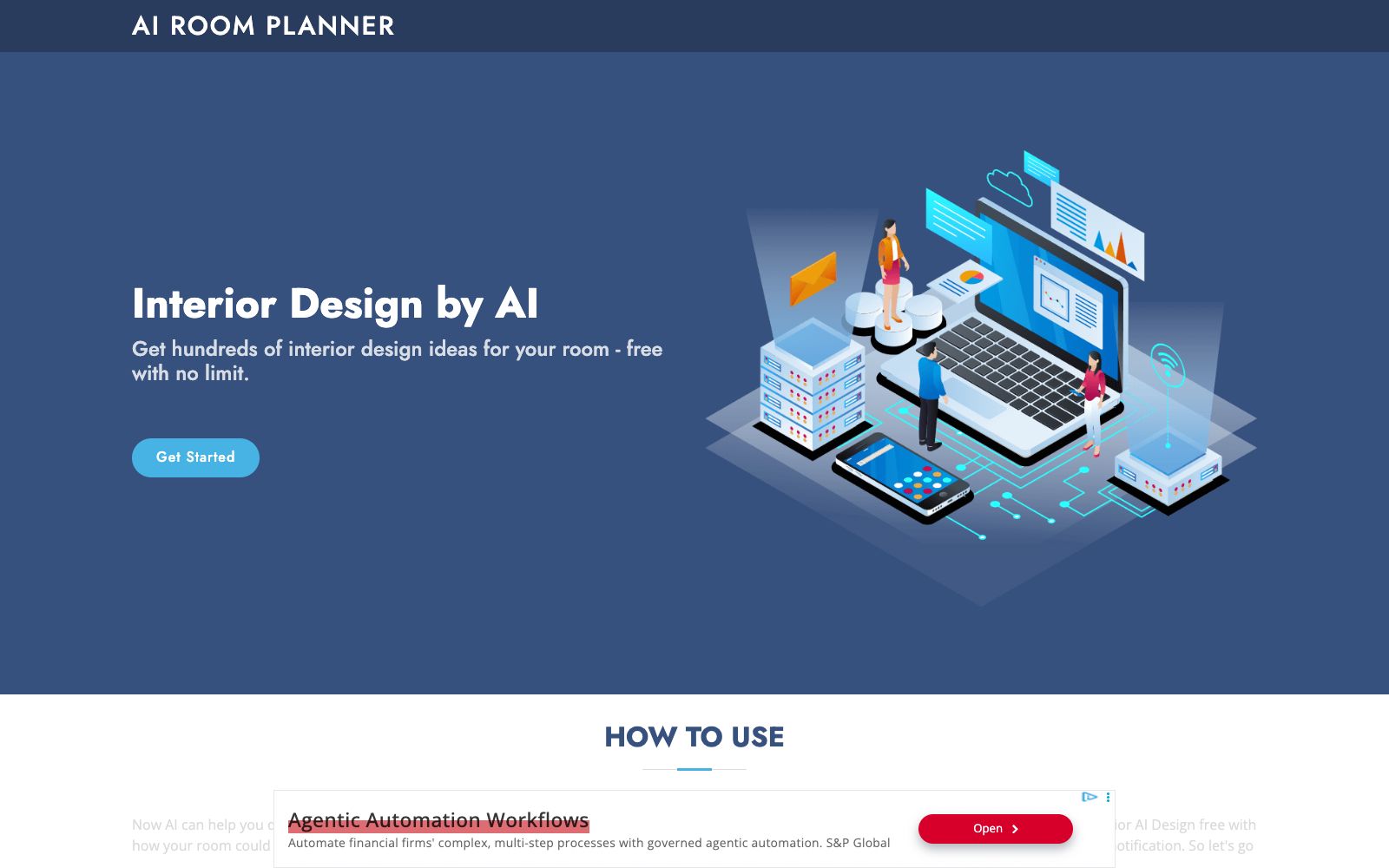
AI Room Planner is a free interior design inspiration tool. Upload photos of your room and generate design concepts in various styles with AI. It is currently in the free Beta phase with no usage limits.
Updated: 2026-10-26
What is AI Room Planner?
AI Room Planner is a free interior design inspiration tool that focuses on using AI to generate a large number of design concepts in different styles for your room. It uses email login (you enter your email and then access it via a link in the email). Currently in its beta testing phase, the official statement says you can use the Interior AI Design editor for free and without any usage limits during the official period, but this may change without prior notice in the future.
Who is it for?
- Regular homeowners who are figuring out how to renovate their own rooms and want to see various styles first.
- New designers and students who need to quickly gather a batch of visual references and conduct direction demonstrations for clients.
- Users who want to test AI interior design at zero cost and have no clear budget.
- Real estate or rental property operators who want to make vacant houses or old photos more attractive with low-cost visuals.
Key features
5Generate Concepts from Photos
After uploading the original room photo, the AI generates the transformation effects of the space in various design styles, helping you intuitively see the possible appearance, lighting and atmosphere of the space without having to master any design software in advance.
Multi-style Coverage
The examples displayed on the site cover spaces such as living rooms, kitchens, and bedrooms, and provide rendering comparisons for different styles such as Japanese-style living rooms and zen-style bedrooms, making it easy to make horizontal comparisons under the same original image.
Inspiration Library Browsing
The homepage features recent rendering cases (original images and renderings side by side), allowing you to directly view the actual renovation results of different styles for reference and find the style you like before starting the design.
Free and Unlimited in Beta
The official statement clearly indicates that the product is in the Beta testing phase. Interior AI Design can be used for free with no limit on the number of uses, which is the only explicitly stated pricing information. However, it is reminded that the terms may be adjusted without prior notice in the future.
No-registration Trial
During the current Beta phase, no payment is required. Just enter your email and click the login link in the email to access the editor, lowering the experience threshold and making it easy to try out casually.
How to use AI Room Planner
- Just follow the process of "Enter the Editor → Enter your email → Click the login link in the email → Upload the room image to generate" the design.
- There is no limit on the number of uses during the Beta period, so you can try different styles to find your preferred direction.
- Since the product is still in Beta and the rules may change at any time, do not rely solely on it for important projects.
- It is recommended to treat the generated results as inspiration rather than final construction drawings or quotation basis.
- The rendering quality is related to the light and angle of your original image.
- Try to take clear, head-on photos with minimal distortion to get more usable design concepts.
- Before commercial use or external release, pay attention to the official instructions regarding the copyright and licensing of the generated content (the site does not specify this, so you need to confirm it yourself).
- This tool is more of an "idea generator".
- If you need precise floor plans, editable models, virtual furnishings, or team collaboration features, you can use it alongside more professional design tools.
Traffic & popularity
Data month Sep 2026
AI Room Planner receives about 19.4K visits per month and ranks #1,708,682 worldwide.
Monthly visits
12 monthsTraffic sources
- Search60.0%
- Direct30.9%
- Referrals8.0%
- Display ads0.7%
- AI assistants0.4%
Top countries
- Russia14.5%
- India13.9%
- United States10.8%
- France9.3%
- United Kingdom6.9%
Estimated from third-party traffic data.
Similar tools
 mnml.aiAn AI rendering tool for architects and interior designers. Sketches, photos, or views from SketchUp, Revit, and Rhino can all be converted into renderings. New users get free credits upon registration.
 RoomGPTRoomGPT is an AI interior designer for individuals. Upload a photo of a room, redesign it in various styles, generate renovation inspiration images. It offers free trial credits and pay-per-use credit packs, suitable for users who want to quickly preview the effect of renovation.
 S-EngineThe AI interior design and spatial intelligence platform built by Shenzhen Habitat Technology is officially said to be able to generate personalized 3D spaces based on room outlines and needs, adapt to different activity scenarios in real time, and is targeted at home decoration design and space planning scenarios.
 DecoratlyDecoratly is an AI interior design app. Upload a photo of a room, and you can generate realistic renovation effects in about 30 seconds. It offers over 75 styles, editing tools and furniture shopping matching, and you can try it for free without logging in.
 HauseyHausey is an AI interior design and virtual staging tool. Officially, it claims that by uploading a photo of a room, it can generate up to 10 style directions within 60 seconds. It supports refinement via text, client voting and export. Targeting renovation contractors, designers and real estate agents, it offers MLS-compatible structural verification and disclosure text.
 Planner 5D2D/3D home design tool that can draw or recognize floor plans, arrange layouts with 8000+ furniture materials, output 4K renderings, and support AI design and multi-person collaboration.