


Wisecut
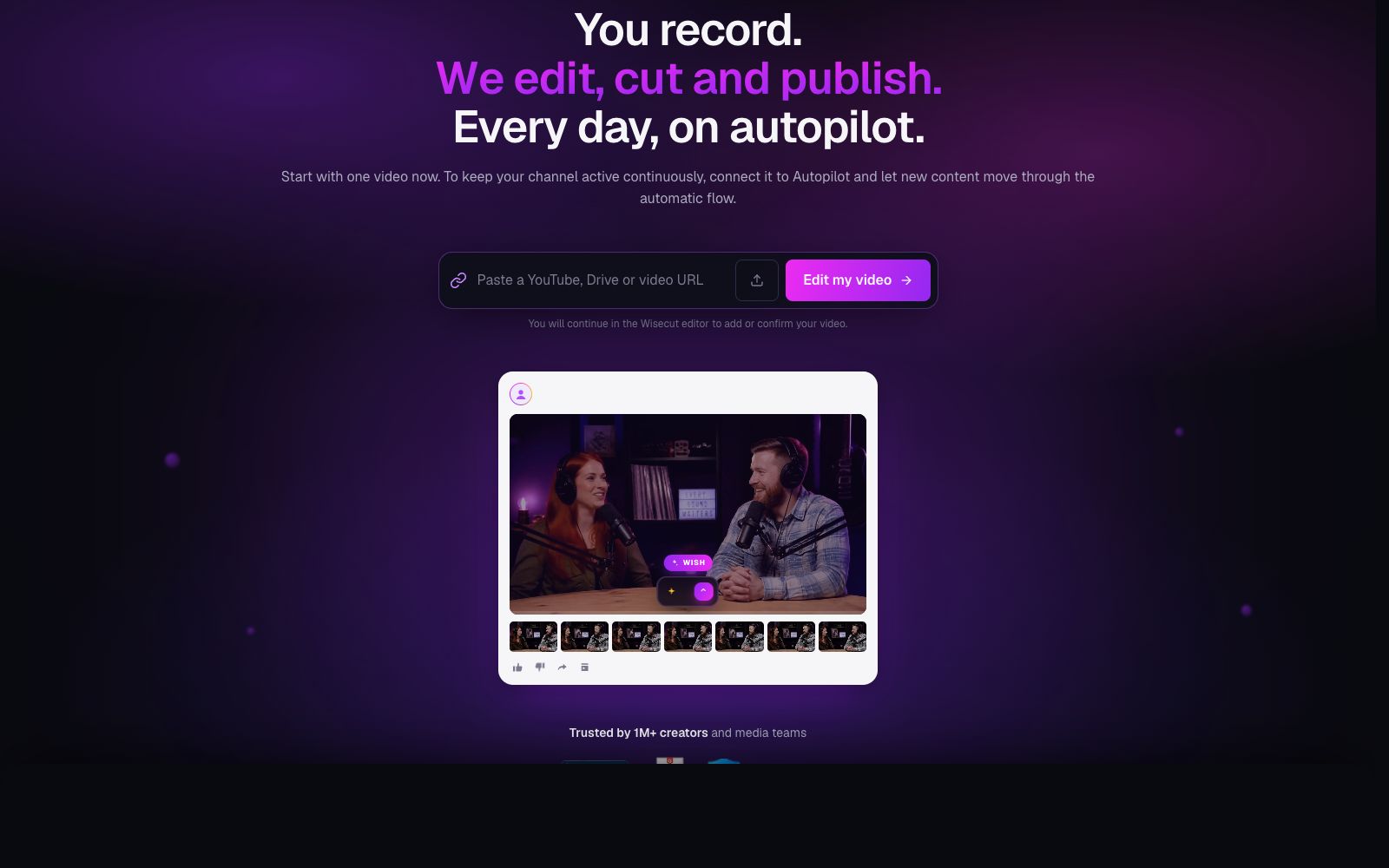
Wisecut is an AI editing tool for podcasts, YouTube and webinars. It automatically slices videos, adds subtitles, reframes content and adds background music. The official statement says that more than 1 million creators have used it.
Updated: 2026-10-26
What is Wisecut?
Wisecut is an AI clipping tool for podcasts, YouTube videos and webinars. Officially, it can automatically slice, add subtitles, reframe and add background music. Its core is to make "you just record, and leave the rest of the editing and publishing to AI" run automatically every day: after connecting the channel, new videos are automatically turned into short clips and released as scheduled. At the same time, it provides a prompt-based editing assistant Wish and a multi-platform publishing center Social Hub. Officially, it says that more than 1 million creators and media teams are using it, and it can be connected to intelligent agents such as ChatGPT and Claude.
Who is it for?
- Podcast hosts who need to clip long episodes into shareable short videos.
- YouTube creators who want to keep their channels updated consistently without having to edit videos every day.
- Enterprise marketing and training teams that need to convert webinars into social media clips.
- Media teams that need to batch-create vertical-screen content for multiple platforms.
- Media editors who need to quickly turn interviews into shareable clips.
Key features
8Autopilot Auto Flow
Automatically clips new videos into short clips and schedules their release after connecting the channel.
Wish Smart Editing
Describe your desired outcome in text, and the AI will plan the editing, reformatting, and background music.
Auto Subtitles
Generate and burn in subtitles to cater to silent viewing scenarios and platform preferences.
Clean Editing & Silence Removal
Eliminates pauses and filler words to maintain a smooth rhythm.
Auto-frame Recomposition
Converts landscape to portrait and centers the subject, optimized for short videos.
Hook Titles & Studio Voice
Automatically generate catchy openings and dubbing styles to boost clicks.
Social Hub Publishing
Schedule posts to YouTube, Instagram, and TikTok in a single calendar.
Multi-Account Management
Manage the publishing of multiple social accounts in a single calendar.
How to use Wisecut
- First manually run through one video to confirm the style, then enable Autopilot for long-term automation.
- When describing requirements with Wish, specify the platform and target audience for more relevant results.
- Auto-frame works best for solo speeches.
- for multi-person scenes, remember to check the video composition.
- Check the authorization and frequency limits of each platform account before scheduling and publishing to avoid violations.
- The pricing of packages and seats shall be subject to the official pricing.
- confirm the costs and benefits before scaling up.
- Automatic publishing relies on platform API authorization.
- switch to manual export if authorization expires.
- When you start, it is recommended to first use the free quota to run through the core workflow once, confirm that the output quality meets your expectations, and then evaluate whether it is worth upgrading to a paid plan.
Traffic & popularity
Data month Sep 2026
Wisecut receives about 36.6K visits per month and ranks #785,646 worldwide.
Monthly visits
12 monthsTraffic sources
- Search52.4%
- Direct30.2%
- Referrals5.0%
- Display ads4.3%
- AI assistants3.7%
- Other4.4%
Top countries
- Brazil26.8%
- United States19.2%
- India5.8%
- United Kingdom2.6%
- Spain2.5%
Estimated from third-party traffic data.
Similar tools
 OverlapOverlap is an AI agent platform for automatic clipping of long videos. After connecting to your own channel, it continuously detects and updates content, automatically clips and adds subtitles, and publishes in accordance with brand guidelines. The official states that it only charges based on the actual playback volume generated, and no fee is charged for unpublished content.
 GlingAn AI editing tool built for YouTube talking-head creators, officially claimed to automatically remove silence, filler words, and wasted takes. It offers transcription, AI-generated captions, automatic zoom, plus title and chapter suggestions, and can export directly to Final Cut, DaVinci, or Premiere.
 Nexus ClipsA tool that automatically selects clips from long videos to create vertical short videos. It can intelligently pick exciting clips and automatically add animated subtitles and stickers. The official website states that you don't need editing experience, and it can also help you publish directly.
 ChoppityChoppity is an AI video editor that automatically cuts podcasts and long videos into more than 30 short videos with subtitles and automatic framing, and supports one-click publishing to various social media platforms.
 AutoPodAutoPod is an automatic editing plugin suite for Adobe Premiere Pro that can automatically handle multi-camera video podcasts, batch generate vertical short videos for social media, and perform automatic jump cuts based on silence.
 SsembleAn AI tool that cuts long videos into viral short videos. Paste a YouTube link or upload a file, and it automatically picks out highlight clips, adds subtitles, and tracks faces with the rule of thirds composition, then schedules and publishes them across multiple platforms.