


VideoPlus.ai
It is a leading online image-to-video tool that requires no registration and leaves no watermark. It also provides text-to-video, reference image-to-video and animation generators. The terms of service on its official website state that it is governed by the laws of Hong Kong and charges based on consumption quota.
Updated: 2026-10-26
What is VideoPlus.ai?
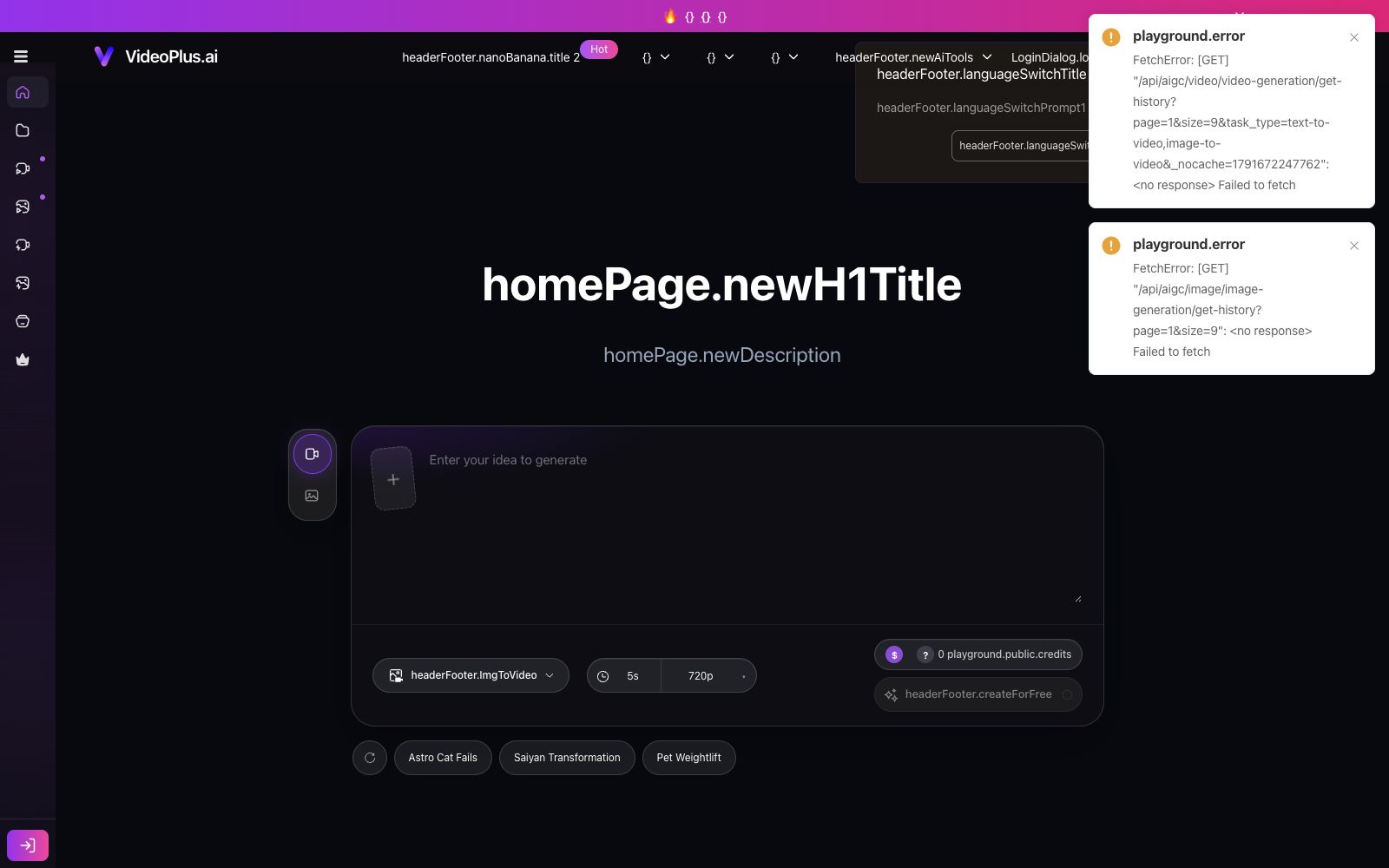
VideoPlus.ai has a very clear positioning: you can turn an image into a video as soon as you enter the platform, no registration required, and no watermarks added. The official website describes it as an AI-powered tool that can instantly convert images into videos without requiring any editing knowledge. In addition to its core feature of image-to-video generation, it also offers three auxiliary features: image processing, special effects, and tools, which cover various daily lightweight creative gameplay scenarios.
Who is it for?
- Individual users who want to test the effects for free first and are unwilling to register and pay right away.
- Operators who create social media covers: Turn static product images into dynamic image-level materials of a few seconds.
- Regular users who need to quickly turn old photos into dynamic memory videos.
- People who want to experience the differences in effects of various video generation models for selection research.
Key features
5Image To Video
Upload an image to generate a video. The default model on the official website's homepage offers a duration of 5 seconds and a resolution of 720p or 1080p.
Text To Video / Reference To Video / Video To Video
Generate new content from text, reference images, or existing videos.
Animation Generator
Turns static materials into animated form.
AI Image Tools
The official website lists AI image generators, merging two images, converting images to prompts, and more.
Fun Special Effects and Restoration Tools
The official website lists a range of special effects, as well as tools such as image enhancement, old photo animation, video enhancement, and lip sync.
How to use VideoPlus.ai
- The official website homepage displays the remaining free uses for the day.
- You need to purchase credits once the free quota is used up, so calculate the cost before creating a large number of materials.
- The official website emphasizes free usage, no registration required, and no watermarks, but the actual rules may be adjusted.
- Please refer to the official website's instructions at the time before official commercial use.
- There is a character limit for prompt input, and the description should be compressed into a structure of "subject + action + environment".
- First, use a 5-second sample to confirm the movement direction and amplitude, then decide whether to increase the duration and resolution.
- Ensure that the images uploaded to the platform are your own or authorized materials, and exercise particular caution when they involve personal portraits.
- For fun effect templates related to relationships, body shape, etc., do not use unauthorised real-person photos, and obtain the consent of the individuals concerned before dissemination.
- The official website offers more than ten interface languages.
- switching to a familiar one will help you avoid detours.
- Its positioning is a lightweight entry point, so complex shot logic and multi-segment narrative are not suitable for being completed here.
- Be mindful of credit consumption when you need long durations or higher resolutions.
- short clips for trial and error offer the best value for money.
- The official website supports payment by purchasing credits, and if multiple people in a team use it, the ownership of the credits should be agreed in advance.
Traffic & popularity
Data month Sep 2026
VideoPlus.ai receives about 387.2K visits per month and ranks #118,426 worldwide.
Monthly visits
12 monthsTraffic sources
- Search62.1%
- Direct29.9%
- Referrals5.4%
- AI assistants2.3%
- Mail0.3%
Top countries
- United States8.5%
- Germany7.4%
- Russia5.0%
- France4.0%
- India3.5%
Estimated from third-party traffic data.
Similar tools
 GoEnhance AIA one-stop AI video generation and enhancement platform that supports text-to-video, image-to-video, video-to-animation style conversion, consistent character creation, and lip-sync synchronization. The official website states that it is used by more than 3 million creators.
 VheerVheer is an all-in-one AI creation tool platform for browsers. Its official website states that it allows free, unlimited generation of images and videos without registration, exports without watermarks, and also offers a set of lightweight image processing tools.
 ImageMover AIImageMover is an online image-to-video tool. Upload a single photo to generate a short video with motion and sound effects. You can choose from multiple mainstream video models, customize the start and end frames and ensure consistency between characters and scenes, and export watermark-free videos.
 Hailuo AIThe AI assistant and video generation platform under MiniMax provides text-to-video and image-to-video capabilities based on its self-developed video model. It stands out for its smooth motion and strong subject consistency, and also integrates general AI functions such as intelligent Q&A and voice.
 Vidful.aiA free online AI video generation platform that integrates models such as Kuaishou's Keling and Luma's Dream Machine for reprinting. It supports generating videos from text or images, and the official claims that videos can be produced, previewed and downloaded in about one minute.
 SparkVidAn online creation platform integrating multiple mainstream text-to-video models. Its official website states that it can call engines such as Seedance, Kling, and Veo on the same interface to generate videos from text or images, and supports reference video to motion conversion, camera control, and natural language video editing.