

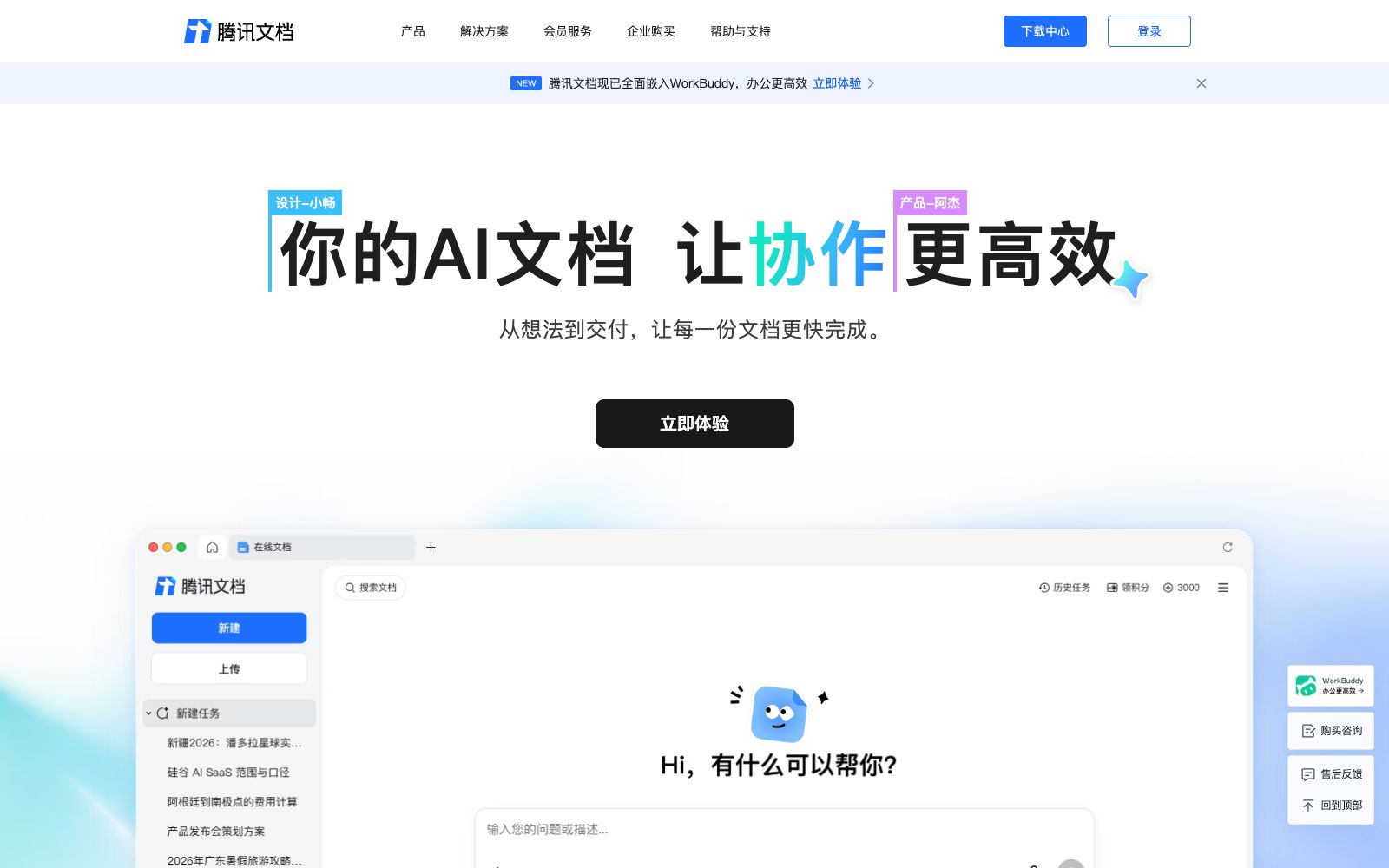

Tencent Docs
Tencent Docs is a multi-user online collaborative document produced by Tencent, which allows simultaneous editing of Word/Excel/PPT and real-time cloud saving; it has built-in document AI, AI Workbench and smart tables. It supports multi-device synchronization and enterprise-level permission control.
Updated: 2026-10-26
What is Tencent Docs?
Tencent Docs is a multi-person online collaborative document launched by Tencent. Officially, it allows multiple people to edit Word, Excel and PPT documents simultaneously with real-time cloud saving. It builds on traditional documents by adding Document AI and an AI Workbench, enabling AI to integrate into the documents themselves and complete work alongside users, rather than requiring a separate chat window. Compared with other collaboration tools, Tencent Docs has advantages in the permission system of the WeChat/QQ ecosystem and a rich Office application matrix (documents, spreadsheets, slides, PDFs, collection forms, smart tables, whiteboards, mind maps, and flowcharts), making it more accessible for domestic teams, teachers and students to use.
Who is it for?
- Domestic teams that collaborate via WeChat/QQ and wish to share viewing and editing permissions directly with friends and colleagues
- Small and medium-sized enterprises and education and training institutions that need to collect information (via form builders), create data tables and flowcharts
- Organizations that want to consolidate meeting minutes and knowledge bases into smart documents and knowledge repositories
- Enterprise administrators who are concerned about data asset security and require handover upon employee departure and permission revocation
- Users who already use WorkBuddy and want to integrate their documents with AI assistants
Key features
6Real-time Multi-person Collaboration
Supports multiple people editing the same document simultaneously with real-time information synchronization, and allows setting view and edit permissions for QQ and WeChat contacts.
Document AI and Human-AI Co-writing
The official version states that Document AI runs through every step of work, enabling continuous creation by integrating multiple materials in the AI Workbench, and supports joint writing by humans and AI.
AI Workbench and Integration
The AI Workbench can handle complex tasks and invoke existing workflows. Officially, it has been integrated with WorkBuddy, allowing users to create content directly within the document.
Rich Office applications
It offers various forms such as documents, spreadsheets, slides, PDFs, collection forms, smart documents, smart tables, smart whiteboards, mind maps, and flowcharts.
Cloud Storage & Multi-Device Synchronization
The official version offers free storage space, permanent document saving, automatic data synchronization across multiple devices, and seamless creation when switching devices.
Enterprise Edition Security Control
The Enterprise Edition supports collaboration based on organizational structure, document handover for departing members, early warning of sensitive behaviors and operation logs, and administrators can restore documents in the recycle bin.
How to use Tencent Docs
- First, use the collection sheet and smart sheet to complete the "collection - sorting" closed loop, then move the final draft into the smart document.
- The AI Workbench is most suitable for handling complex tasks spanning multiple documents.
- When collaborating with multiple people, set view/edit permissions in advance to avoid accidental modification of documents.
- for enterprise scenarios, use organizational structure collaboration, which can save the trouble of adding friends one by one.
- Administrators of the enterprise version should enable off - handover and recycle bin functions to prevent documents from being taken away due to personnel changes.
- Tencent Docs has been integrated with WorkBuddy, and if you are already using the latter, you can directly experience the linkage.
- Functions, quotas and pricing are subject to the current instructions on the official website.
- It is recommended to verify the permissions and security details of the enterprise version before commercial use or enterprise deployment.
Traffic & popularity
Data month Sep 2026
Tencent Docs receives about 25.1M visits per month.
Monthly visits
12 monthsTraffic sources
- Direct89.6%
- Referrals4.1%
- Search4.0%
- Social2.1%
- Display ads0.2%
Top countries
- China91.5%
- United States2.9%
- Hong Kong, China1.7%
- Taiwan, China1.3%
- Singapore0.6%
Estimated from third-party traffic data.
In these collections
Similar tools
 ShimoShimo Docs is a domestic cloud-based Office collaboration platform in China. It offers nine major suites including documents, spreadsheets, slides, and mind maps, supports real-time multi-person collaboration, knowledge accumulation, and private deployment, and serves over 850,000 enterprises.
 WorkBuddyAn AI office intelligent agent workbench developed by Tencent, it can independently plan and call tools to deliver multimodal task results, support parallel operation of multiple Agents, connect the ecosystems such as Tencent Docs, WeChat and WeChat Work, and cover research, document, design and development scenarios.
 360 WenkuAn online document and AI creation platform under 360, officially claiming to offer 800 million document contents, covering K12 and university education, economic management, qualification examinations and other types, and providing AI writing, AI PPT and AI Q&A.
 AirtableAirtable is a no-code platform that unifies data and collaboration with smart spreadsheets, builds enterprise-level AI workflows, applications and agents, and has built-in Omni. The official website states that it is used by more than 500,000 teams, supports mainstream models, and customer data is not used for training.
 TreeMindTreeMind is a domestic AI mind mapping tool. It supports generating editable mind maps from a single sentence, image or document, provides more than 30 structures and over 200 themes, and supports multi-device synchronization and multi-person collaboration.
 DocuopiaAn AI writing tool for product and documentation teams, officially said to produce requirement documents, help centers and wikis in minutes, supporting real-time collaboration, version management and AI-generated charts.