

Craft
A cross-device note-taking and document productivity app that integrates documents, tasks, calendars, and whiteboards. The official version states that the basic version is available for free and supports MCP and API connections, making it suitable for individuals and teams to record ideas.
Updated: 2026-10-26
What is Craft?
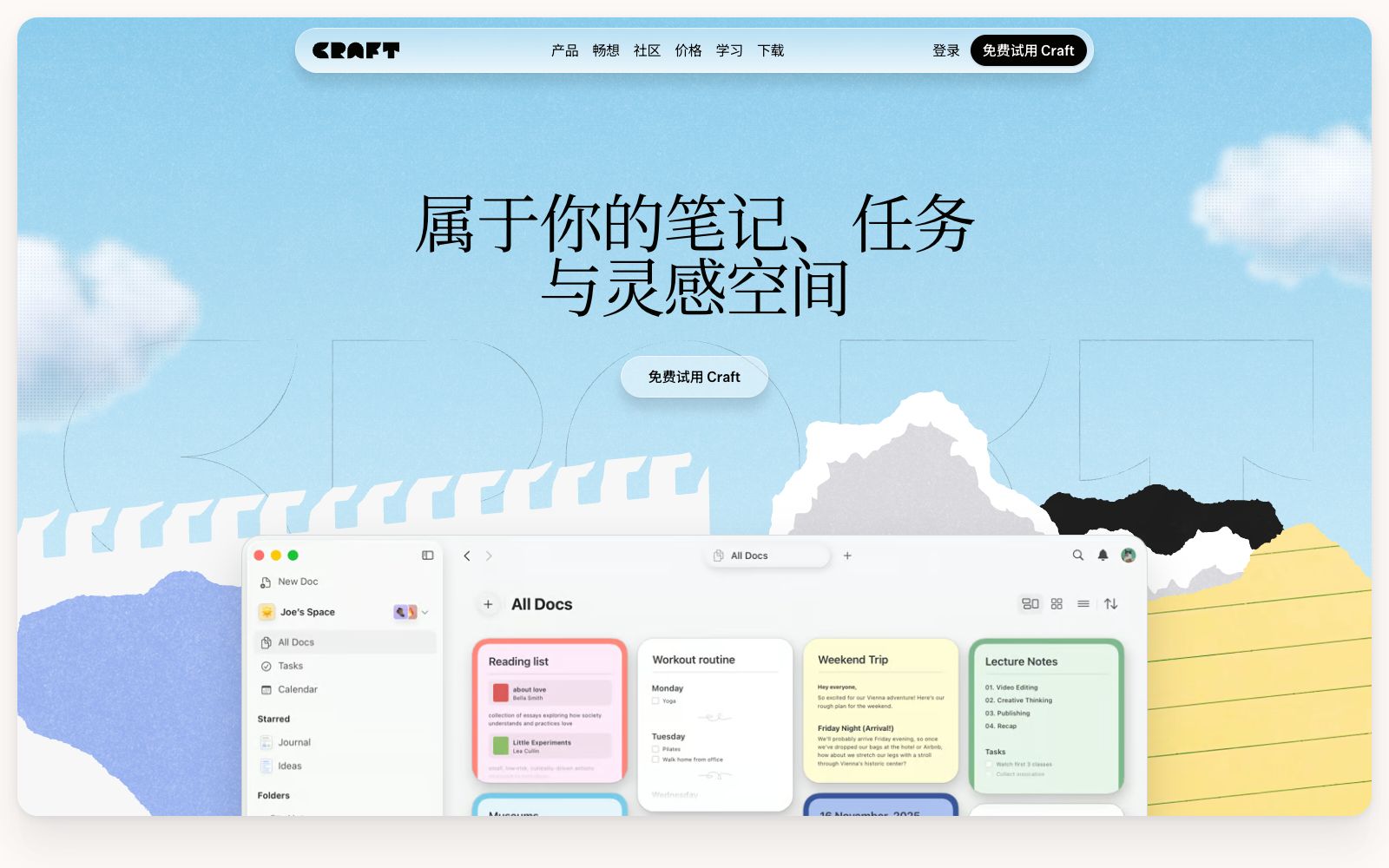
Craft is a cross-device productivity app focused on notes, tasks and documents. Its official website states that it "follows you across all devices", bringing documents, tasks, calendars, whiteboards and daily notes into one space. Basic features are free, with an upgraded paid Premium version. It serves both individuals and teams, emphasizing that it is "built for all your things".
Who is it for?
- Knowledge workers who use more than one device and want their notes and to-dos to sync in real time. The cross-device experience is a core selling point, and making quick notes on your phone is also convenient.
- Content creators who make podcasts and Newsletters use it to organize meeting minutes, topic selections and release plans, and sort out scattered information.
- Individuals in fields like product design and photography who need to centrally manage shooting plans, scripts, and timelines—whiteboards are ideal for building frameworks and storyboards.
- For students who want to lightly manage personal goals and track progress with a free quota, start developing a recording habit with Daily Notes.
- Small teams that want to combine a personal wiki with project dashboards, reducing the need to switch between multiple apps.
Key features
6Documents & Notes
Create structured documents and notes with real-time cross-device synchronization, pick up editing where you left off anytime, anywhere, and never lose your inspiration.
Tasks & Calendar
Built-in Tasks, Calendar, and Daily Notes integrate to-do lists and schedules into a single workflow, reducing tool switching and oversights.
Whiteboard
Provides Whiteboards for visualizing and organizing ideas, ideal for brainstorming and structural sketching to draw out abstract thoughts.
MCP and API
The official version states that it supports MCP Connections and API Integrations, making it convenient to integrate Craft into external tools and automated workflows.
Personalization & Collaboration
Offers style customization, sharing, and community templates, allowing teams to get started quickly with ready-made structures and unify the look and feel of documents.
Diverse Entry Points
The official website showcases various forms such as Docs, Tasks, Calendar, Whiteboards, and Daily Notes, covering everything from note-taking to planning.
How to use Craft
- 1First use the free version to verify if cross-device synchronization and core editing meet your needs, then consider upgrading to Premium to avoid paying too early.
- 2Putting tasks, calendars, and documents in the same space reduces switching, but be careful not to store all sensitive information in one library and create separate sections.
- 3Before connecting to MCP or API, check the official website documentation and permission scope, and pay special attention to compliance requirements and access audits for enterprise data.
- 4The plan and benefits may be adjusted. Check the official current instructions again before subscribing to avoid making purchases or renewal decisions based on old rules.
Traffic & popularity
Data month Sep 2026
Craft receives about 202.7K visits per month.
Monthly visits
12 monthsTraffic sources
- Direct57.9%
- Search24.8%
- Referrals7.6%
- Social4.8%
- AI assistants2.9%
- Other2.0%
Top countries
- United States25.1%
- South Korea6.3%
- Japan6.3%
- Germany5.2%
- China4.8%
Estimated from third-party traffic data.
Similar tools
 ClickUpClickUp is an office platform billed as "one app to replace multiple software". It integrates tasks, documents, goals and chat, and is built with Brain series AI, AI agents, meeting minutes, writing and Q&A functions. The free version is available permanently without a credit card.
 TwosA lightweight note and to-do capture tool, the official says it can record notes, to-dos and reminders in seconds and retrieve them quickly when needed. It focuses on lightness and instant search, and is suitable for casually recording inspirations and fragmented information.
 GitBookA team-oriented knowledge document platform that connects documents, products and users. It is officially claimed to proactively detect expired content, answer user questions with AI, identify knowledge gaps, and balance retrieval for humans and Agents.
 Saner.AIA personal AI assistant for people with attention deficit disorders, it centralizes emails, notes, and to-do lists, retrieves information, schedules, and creates tasks through conversational methods, and can sync external tools such as calendars and email inboxes.
 TheneoTheneo is a developer portal for API documentation. Officially, it can automatically generate reference documents, guides and change logs from interface specifications, and supports real-time collaborative editing, MCP, llms.txt and private customer portals.MotionMotion is an AI-powered tool that automatically schedules your entire day's calendar and tasks. It real-time schedules and automatically rearranges based on priority, helping individuals and teams fit to-dos into suitable time blocks and reduce manual planning.